HOST offers the option to share user registration URL to make the process publicly available. Here's how you can use it.
Make sure you customize the registration checkout form fields to collect the necessary attendee information for your event.
1: Go to Registration > Registration Settings. Your public registration link is shown at the top of the page — click “Page Settings” to review or change the registration policy.
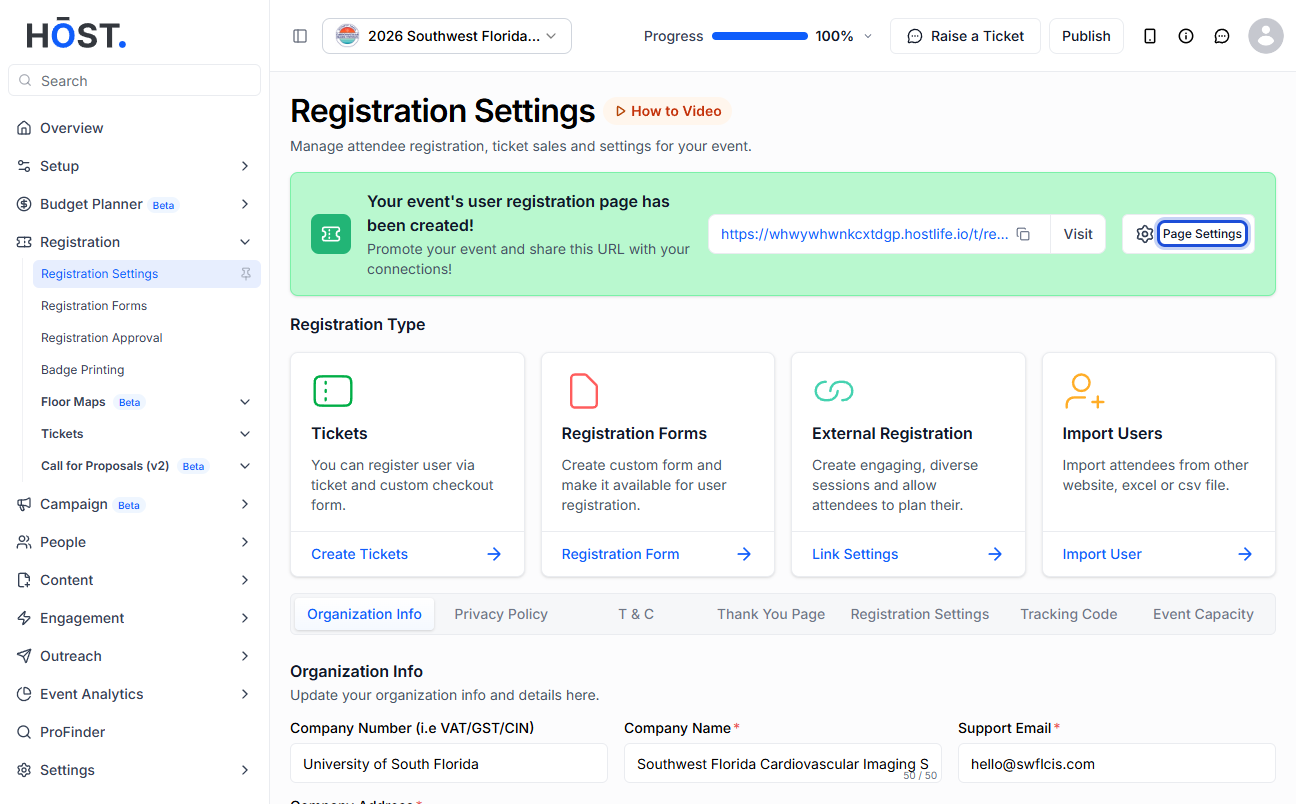
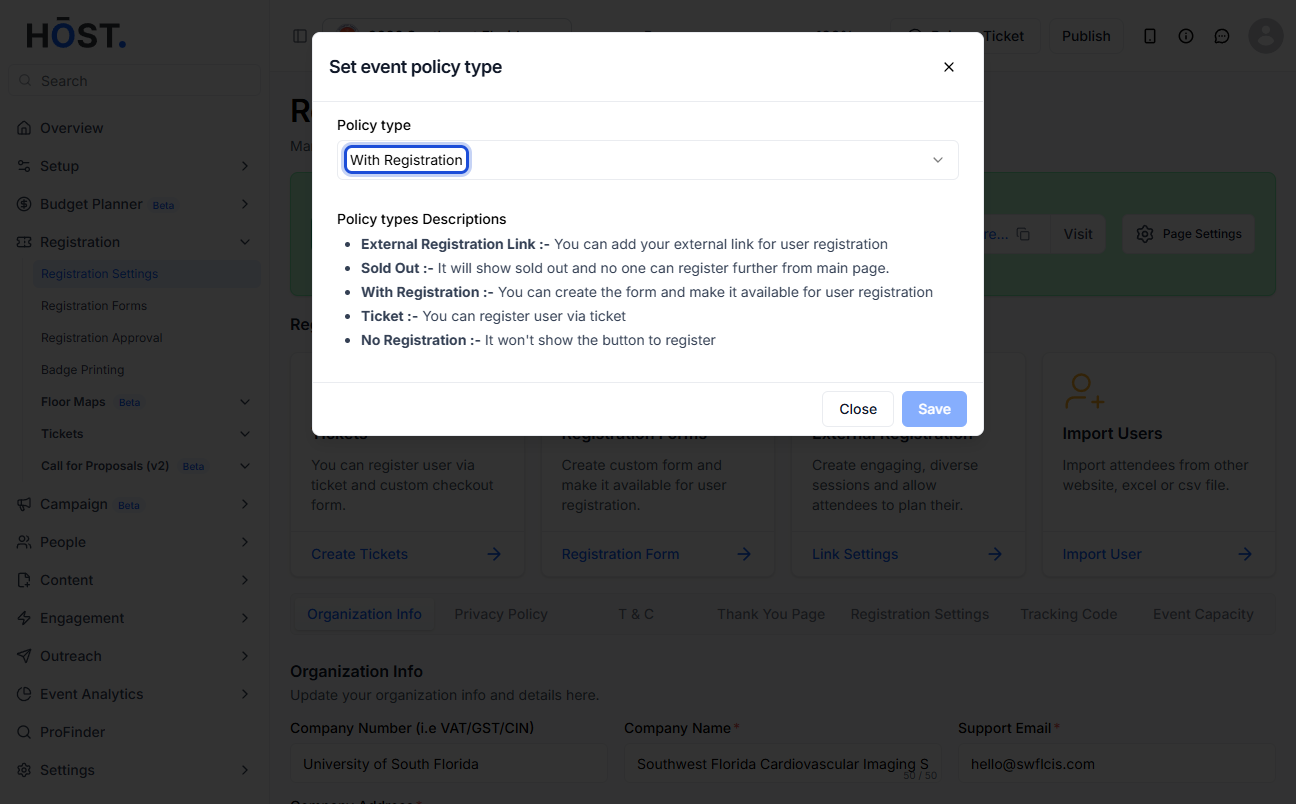
2: Set the Policy type to “With Registration” so HOST hosts the form and generates a public link automatically (instead of “External Registration Link”), then click “Save”.
3: Share the generated registration link with attendees (use “Visit” to preview it), or open the “Link Settings” tab to embed the form on your own website using the iFrame option.

