Add news items to keep your attendees informed with the latest updates, announcements, or highlights during the event. Follow the steps below to add news items to your event.
1: Access the HOST Admin Panel and go to Content> News
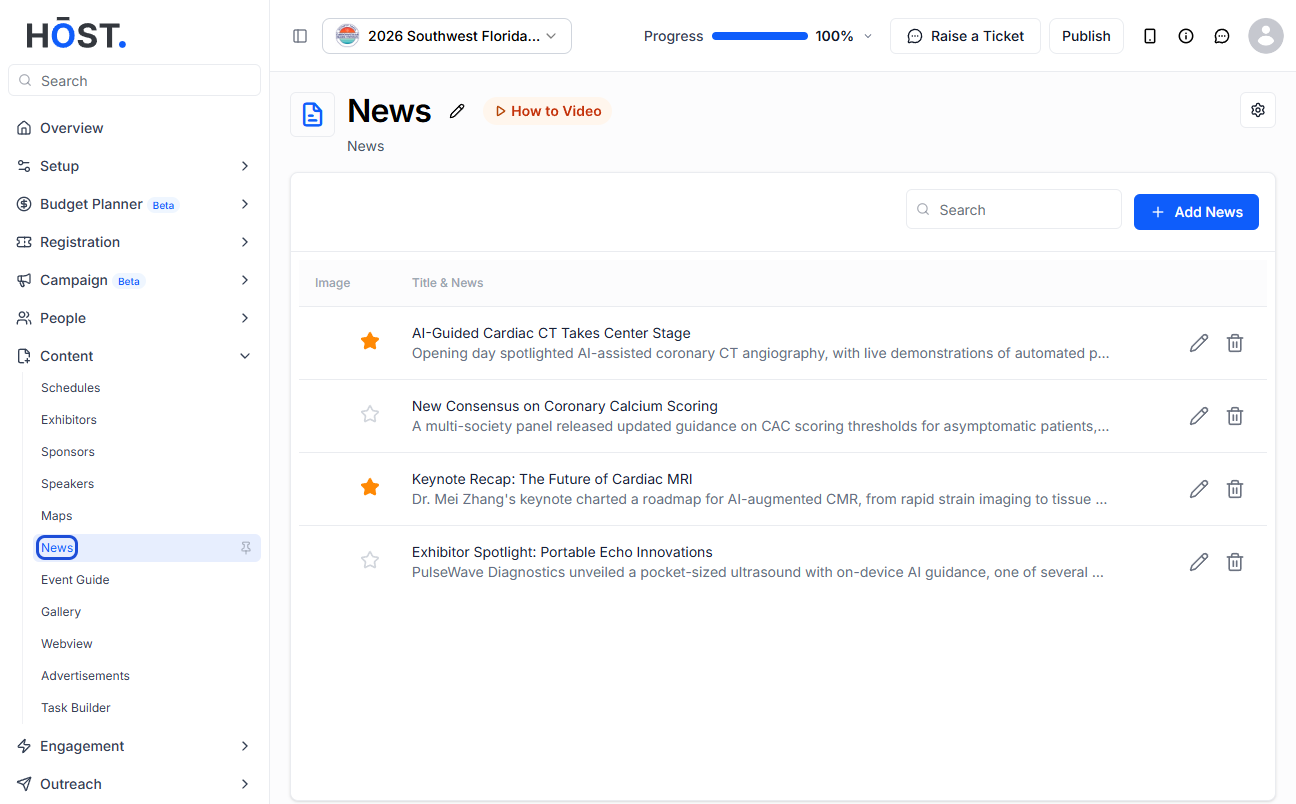
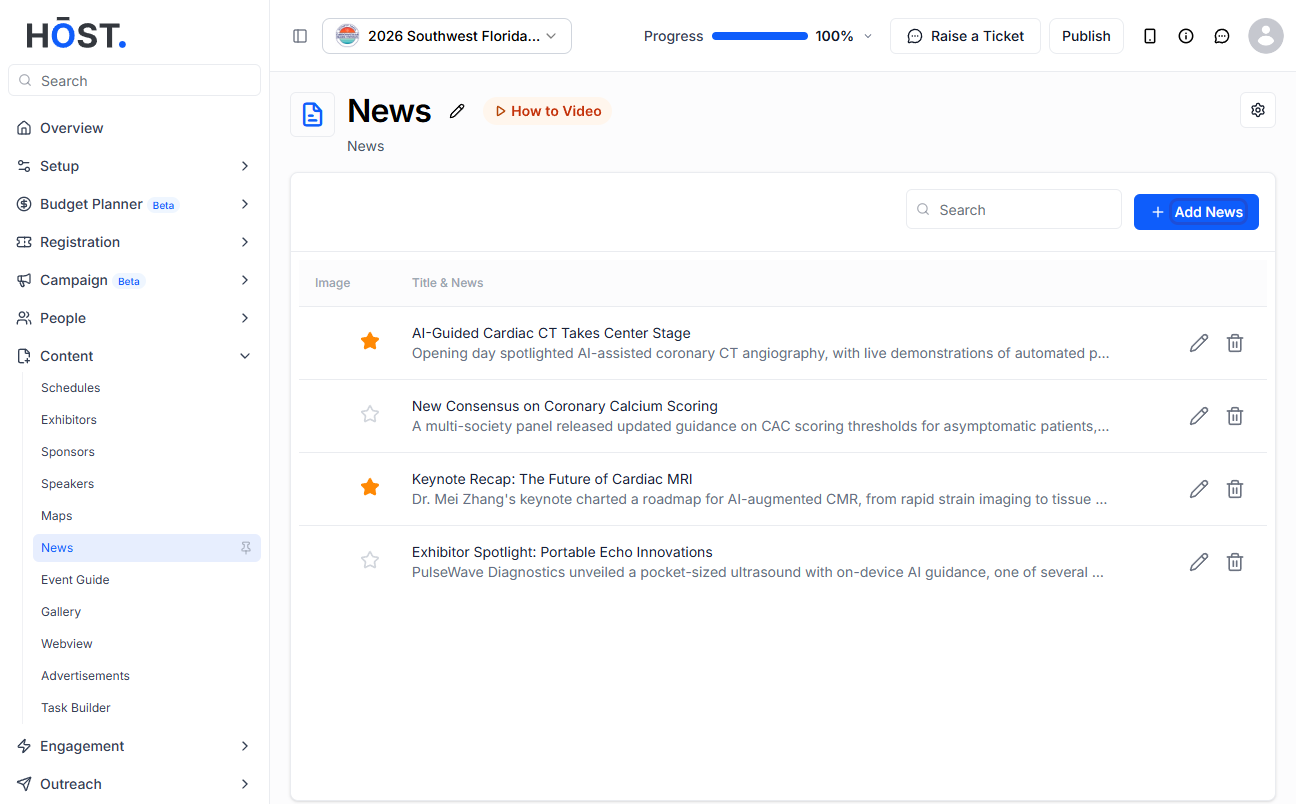
2: Click the “Add News” button to add a news
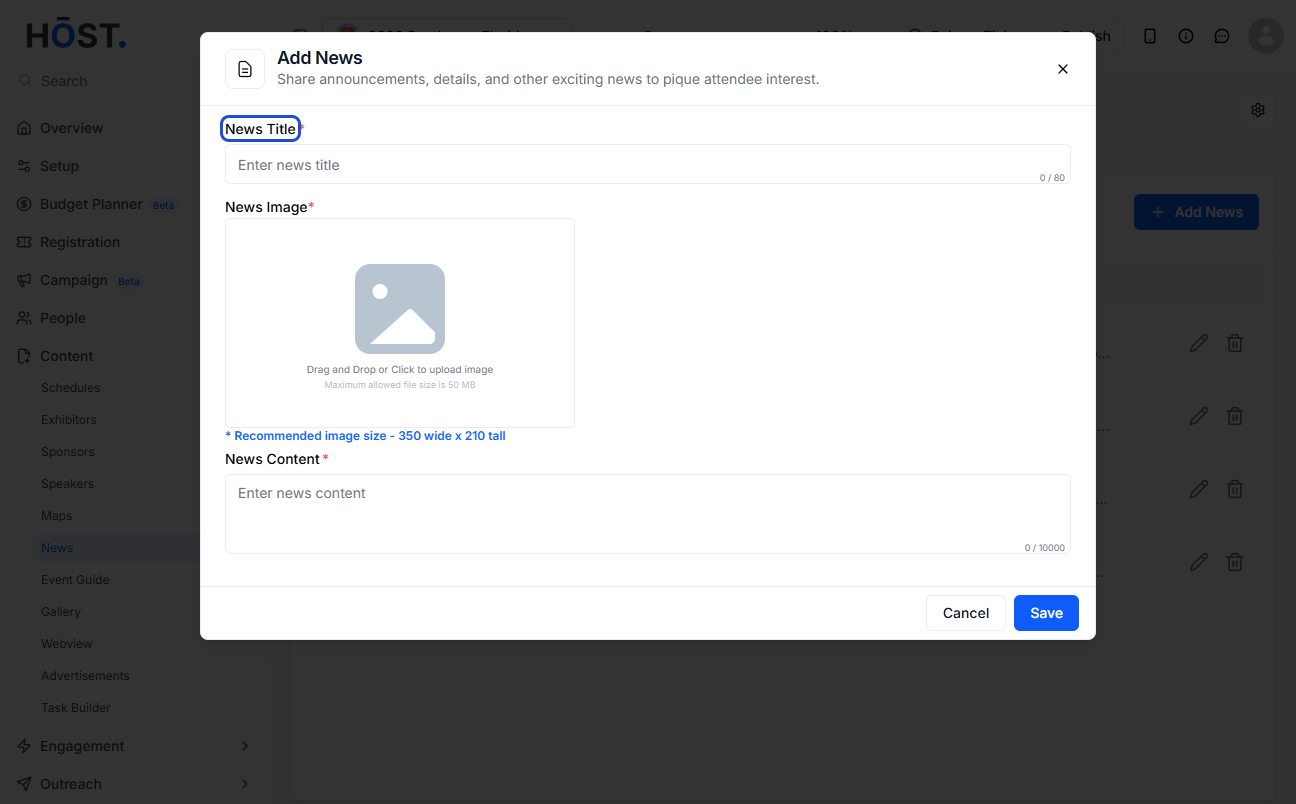
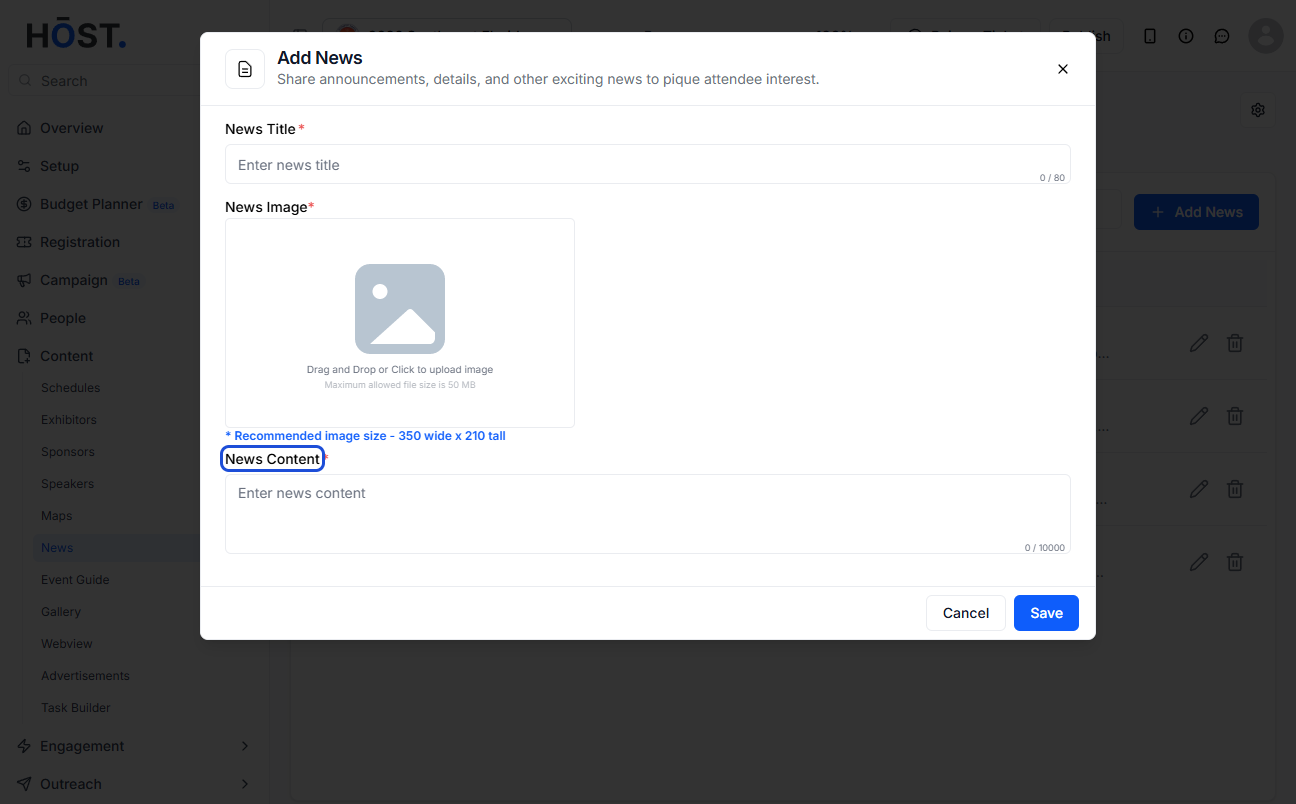
3: Add a news title
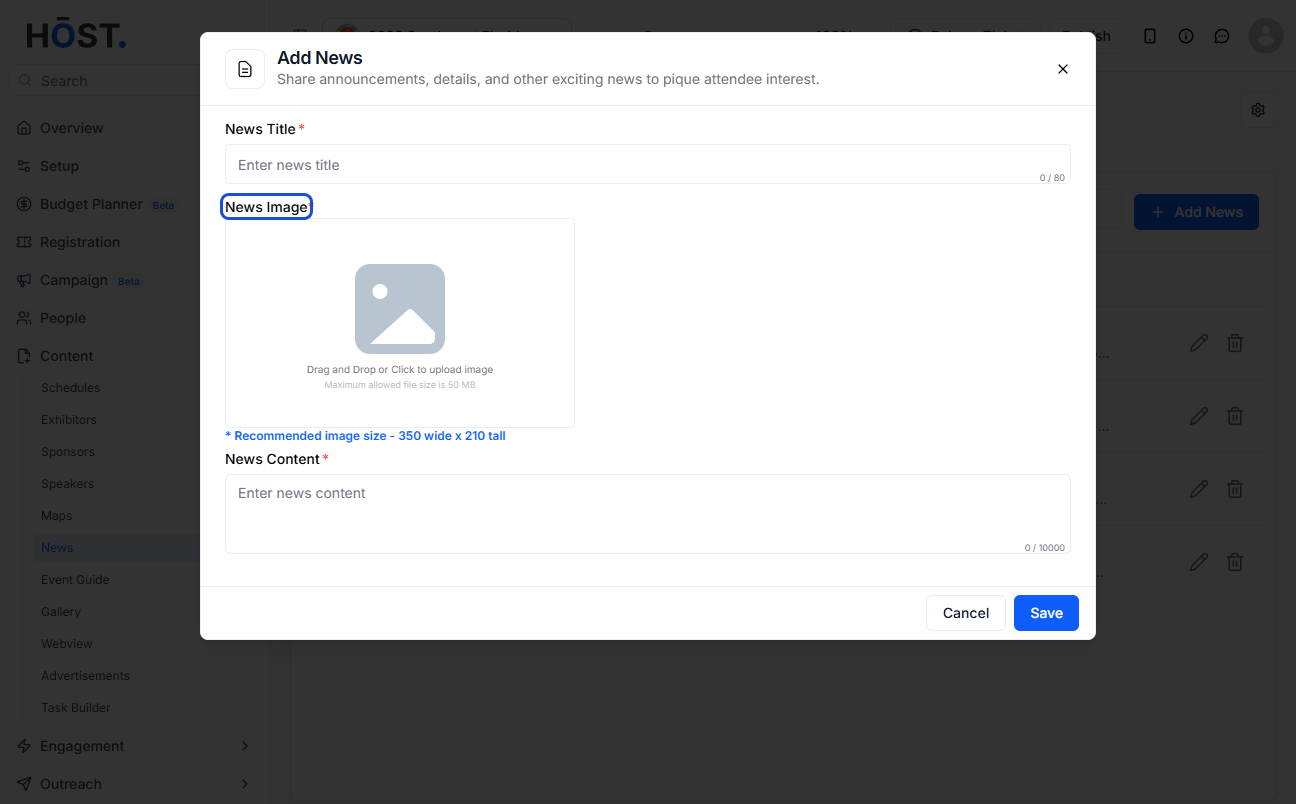
4: Upload a news image
5: Add the news content here
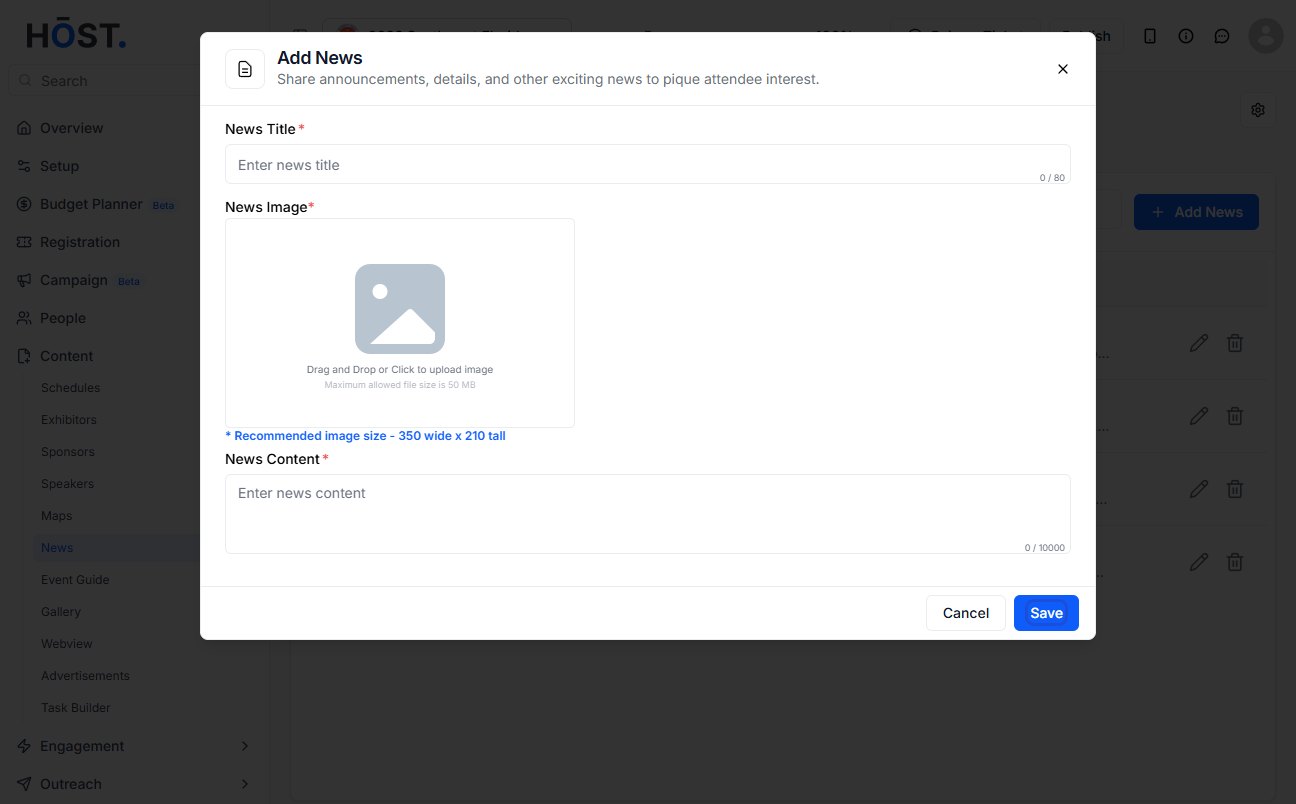
6: Click the “Save” button to add the news
7: The new items will be listed here

