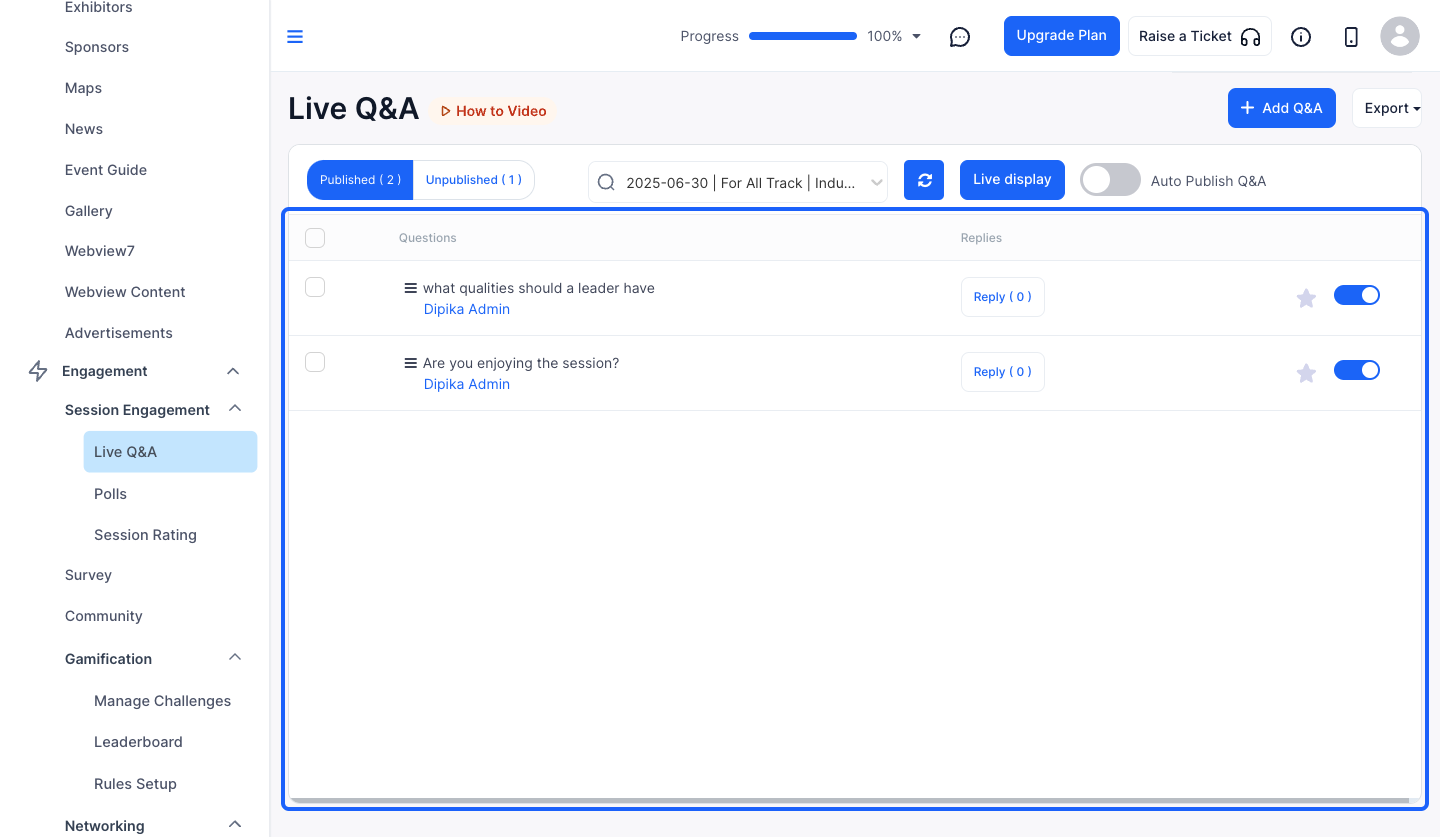
Enabling Q&A allows attendees to submit questions during a session for interactive participation. Follow the steps below to enable the Q&A feature for a session.
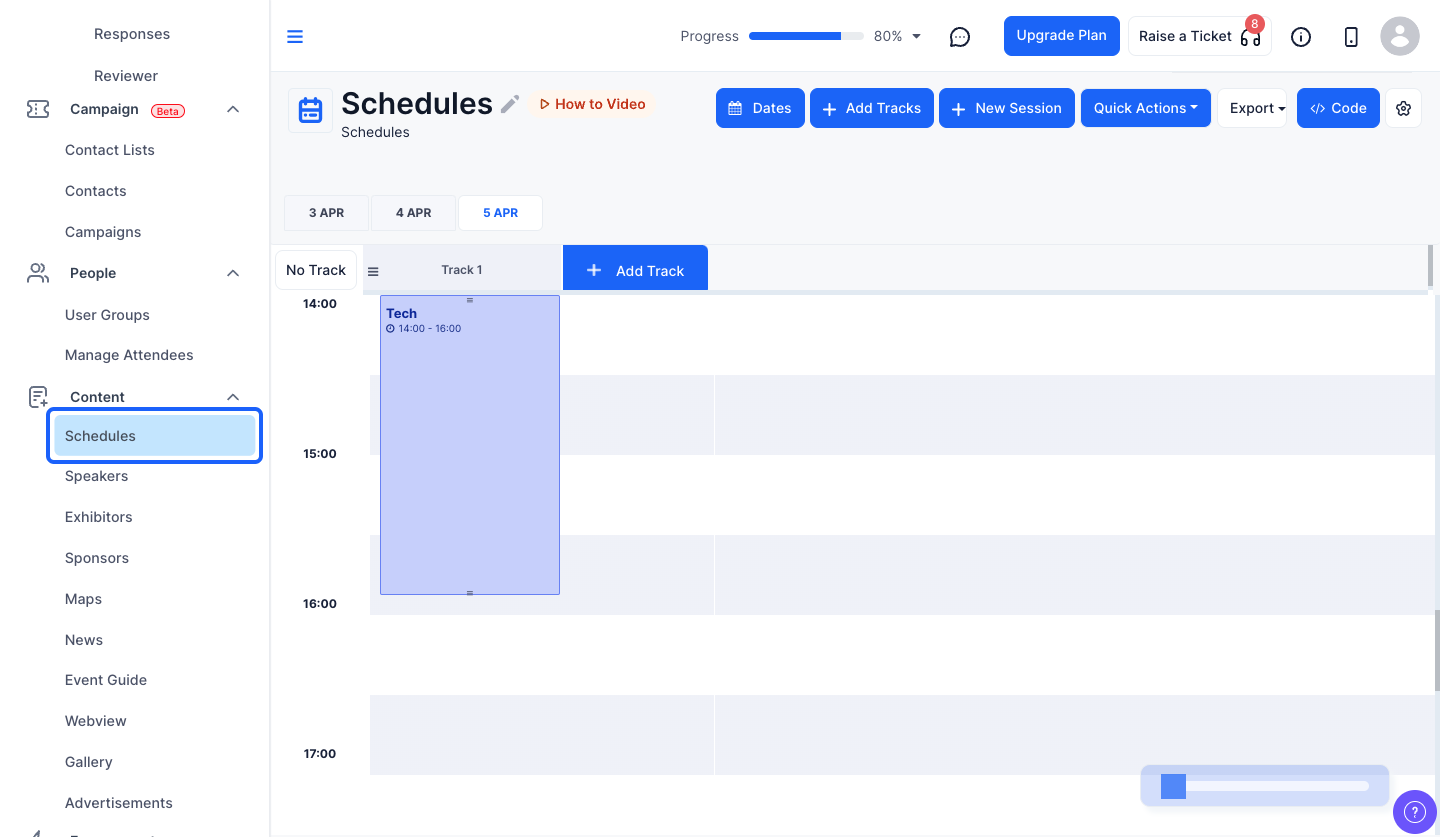
1: Access to HOST Admin Panel and go to Content> Schedules
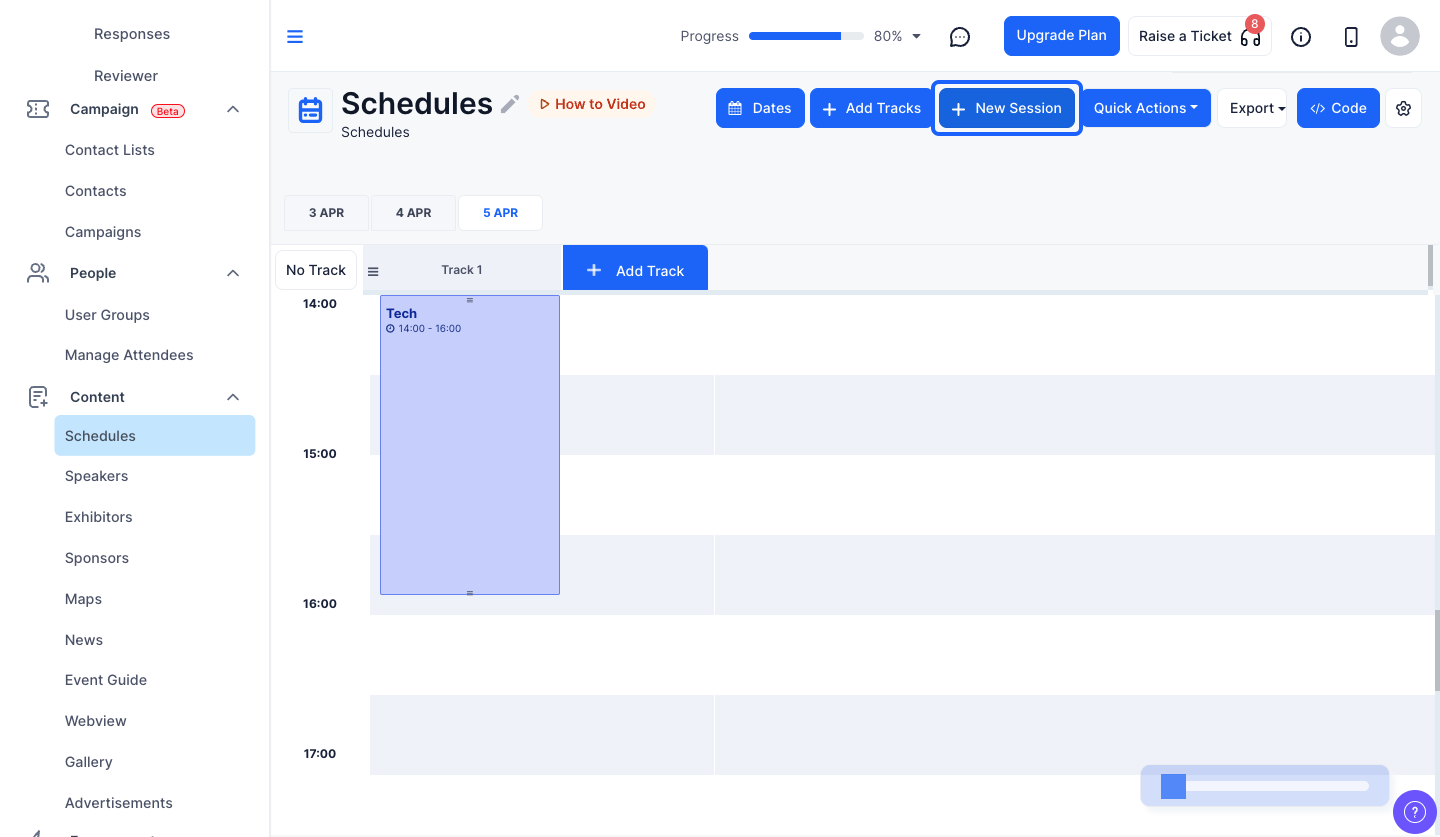
2: Click the “New Session” button to create a new session
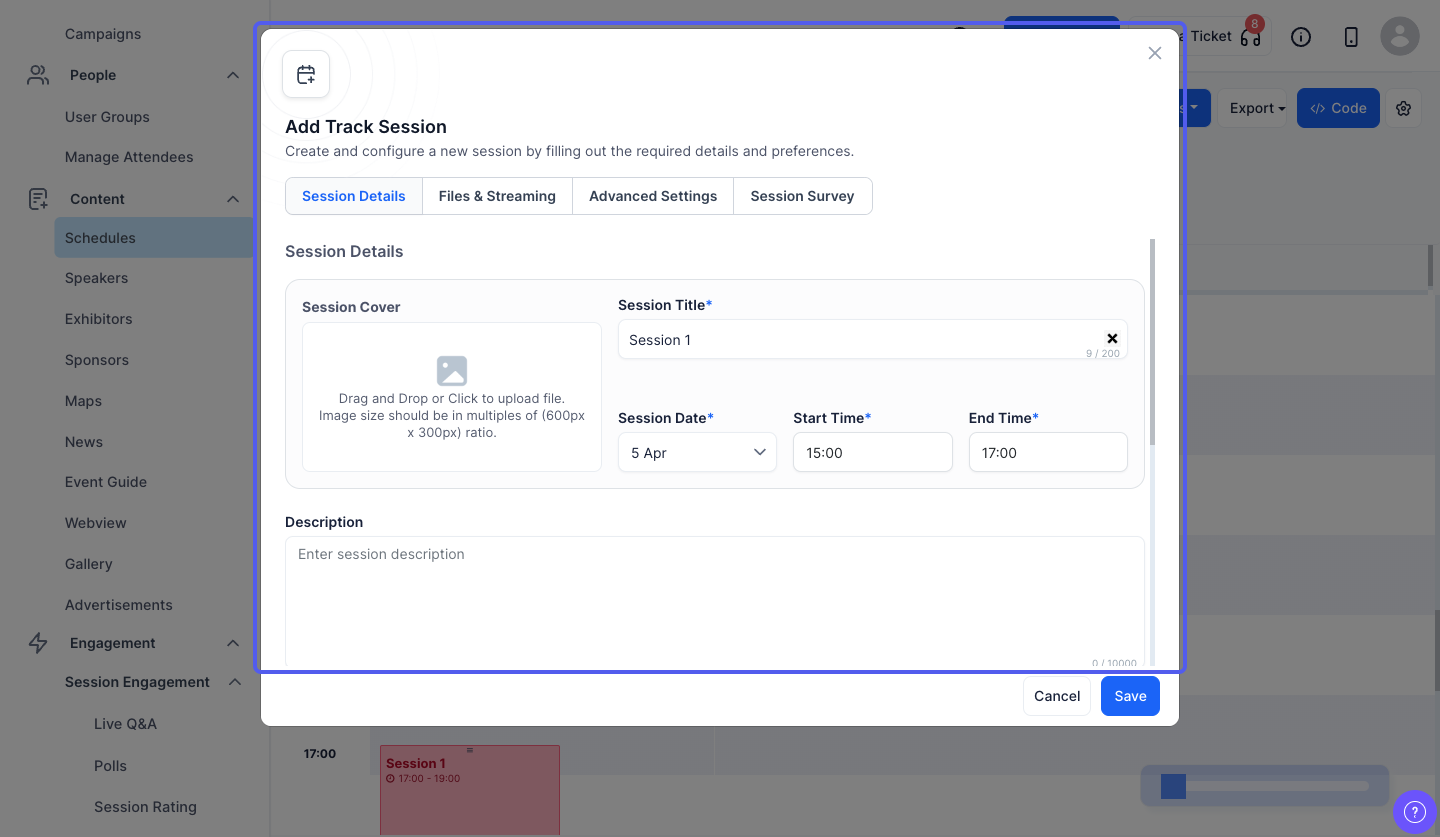
3: Enter all the required details
4: Now go to "Advanced Settings"
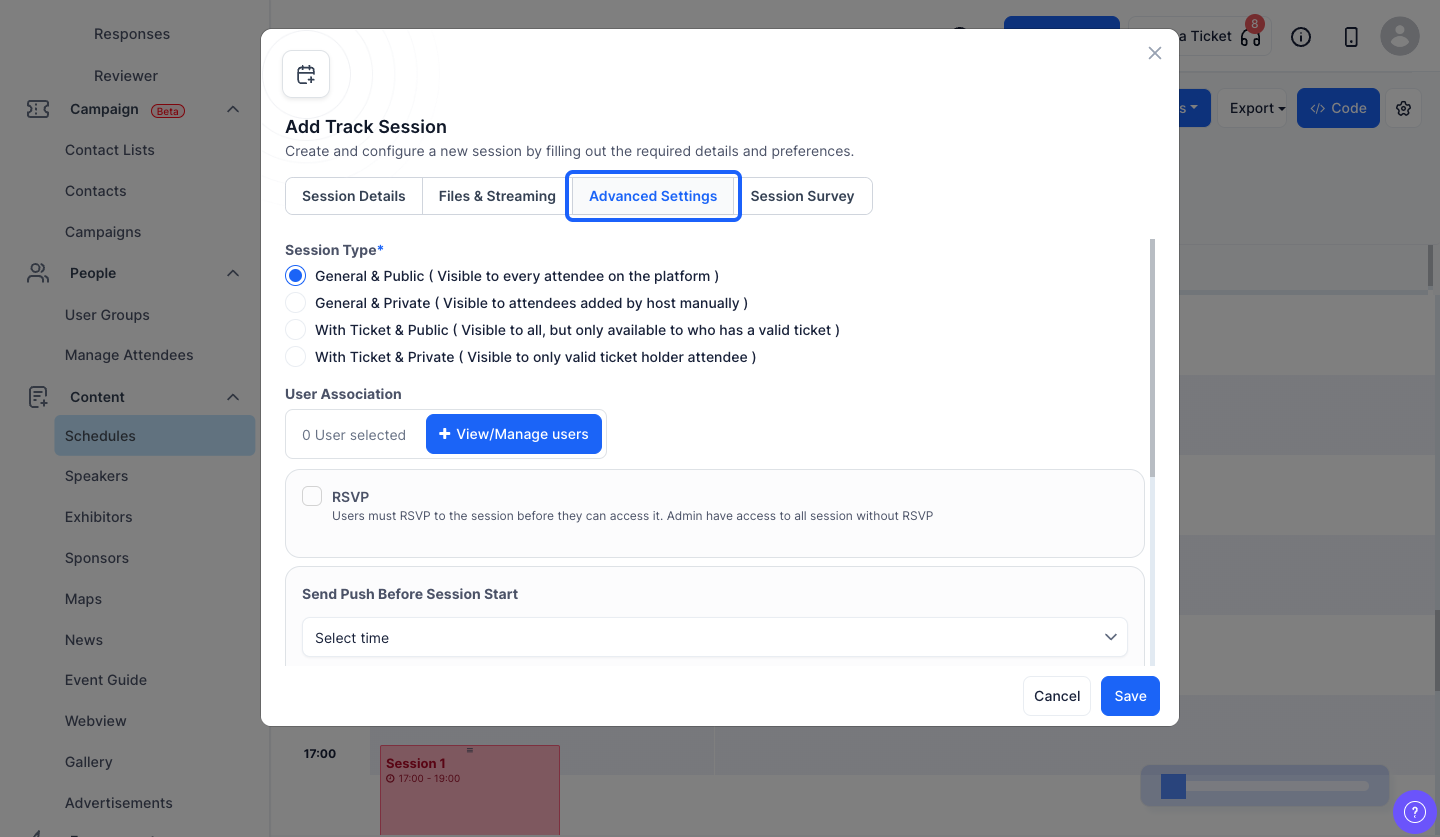
5: Scroll Down to "Allow Access for session" section
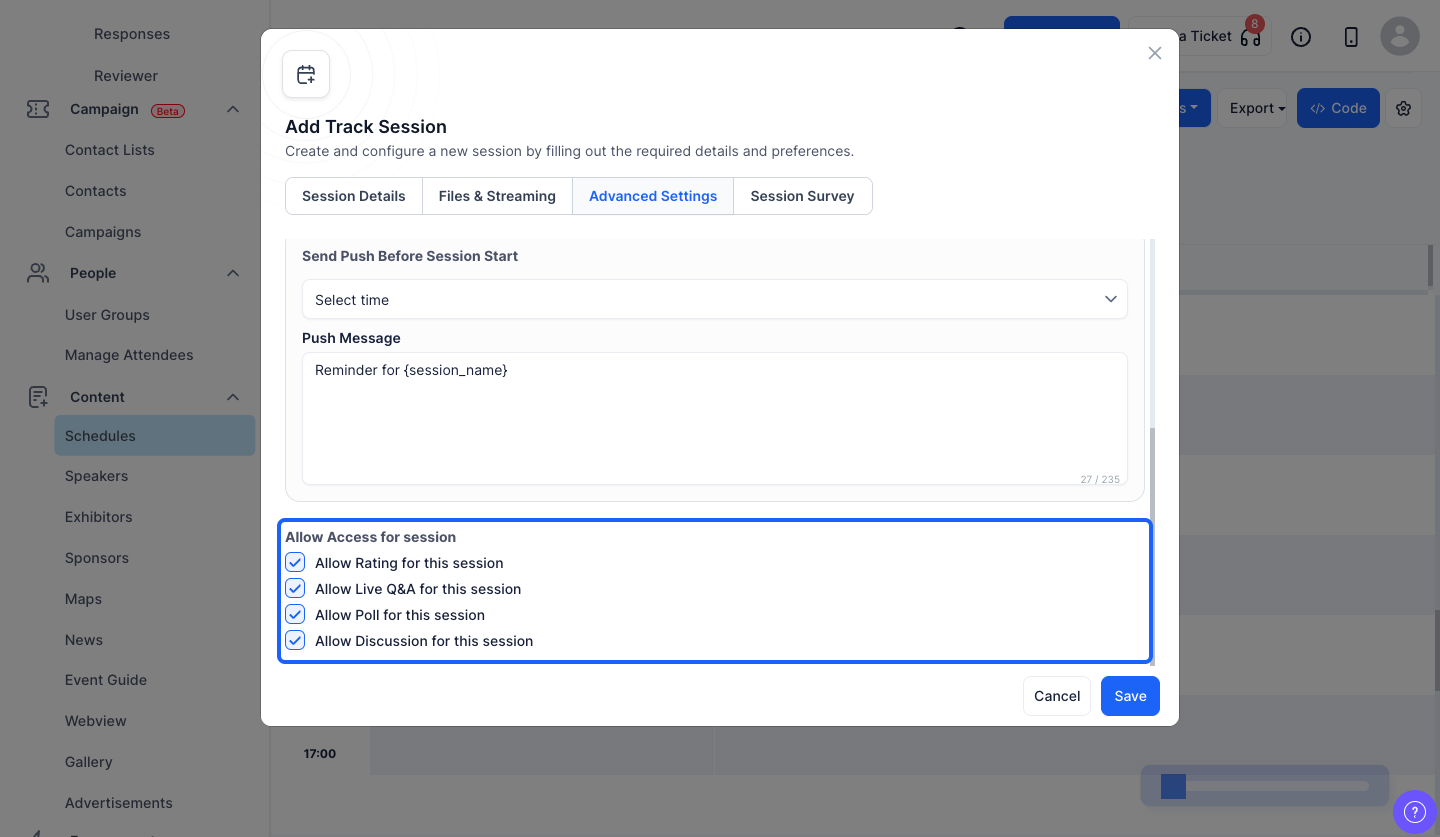
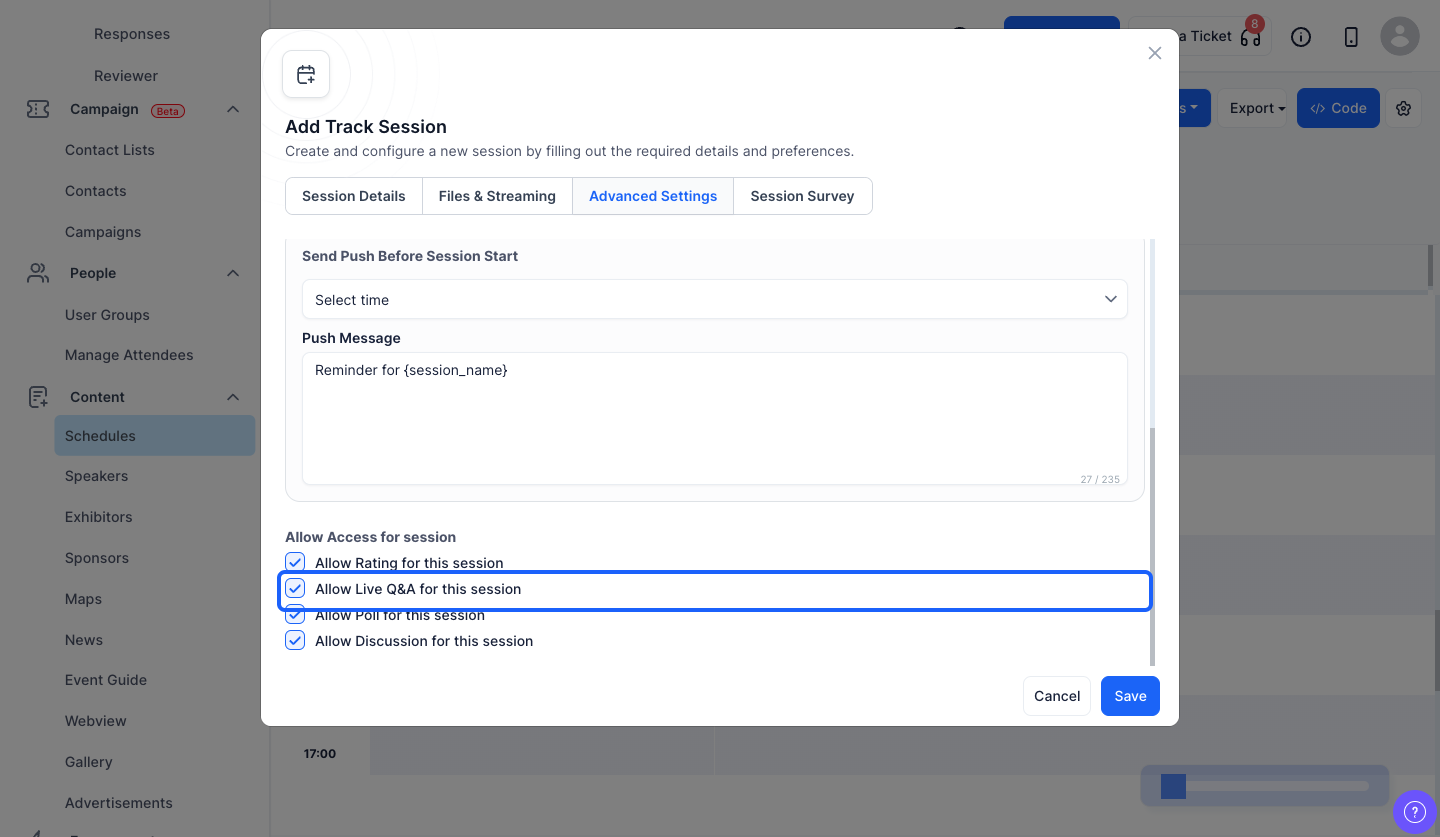
6: Enable "Allow Live Q&A for this session" option to enable Q&A for the session
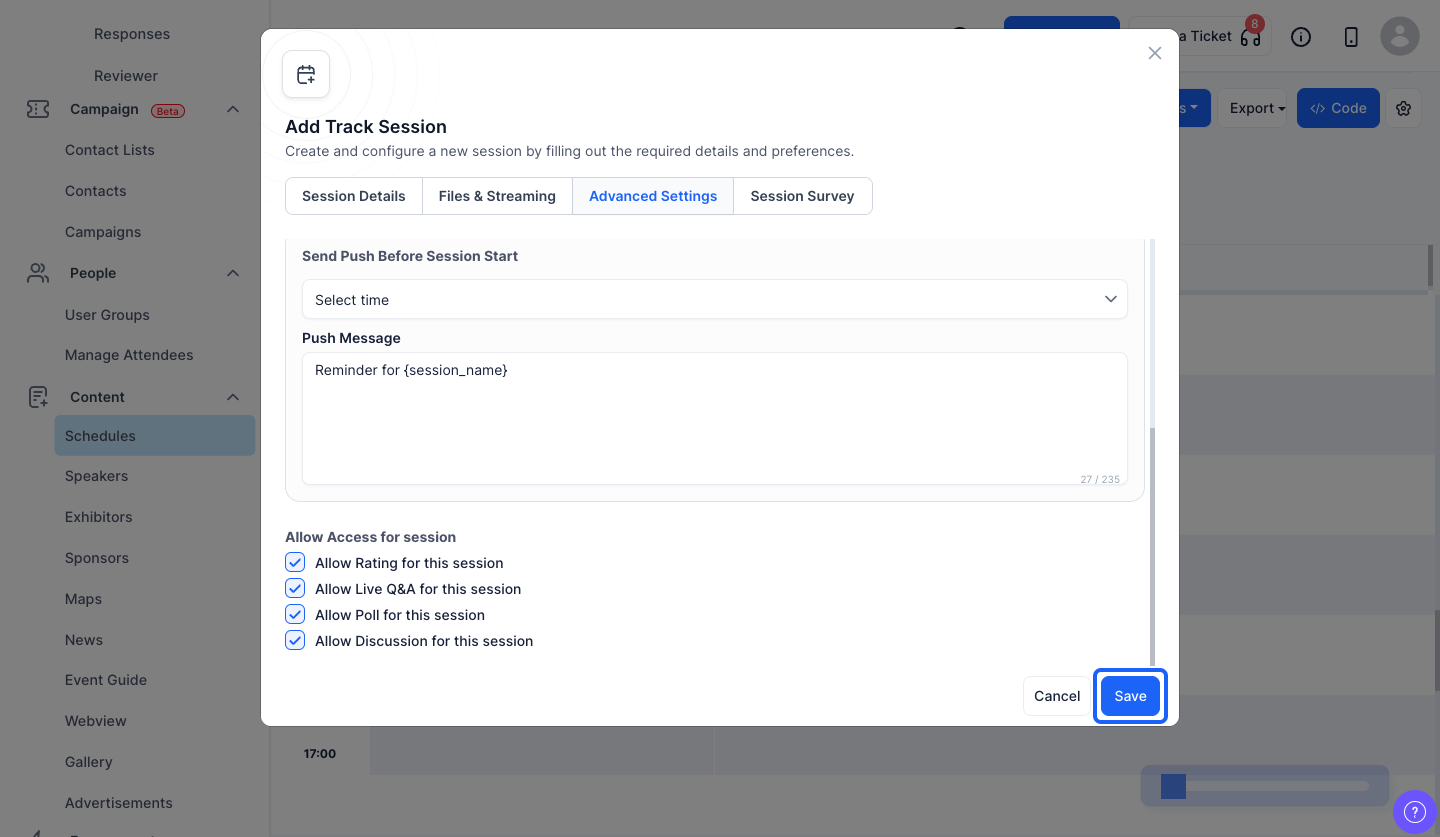
7: Click the “Save” button to add the session
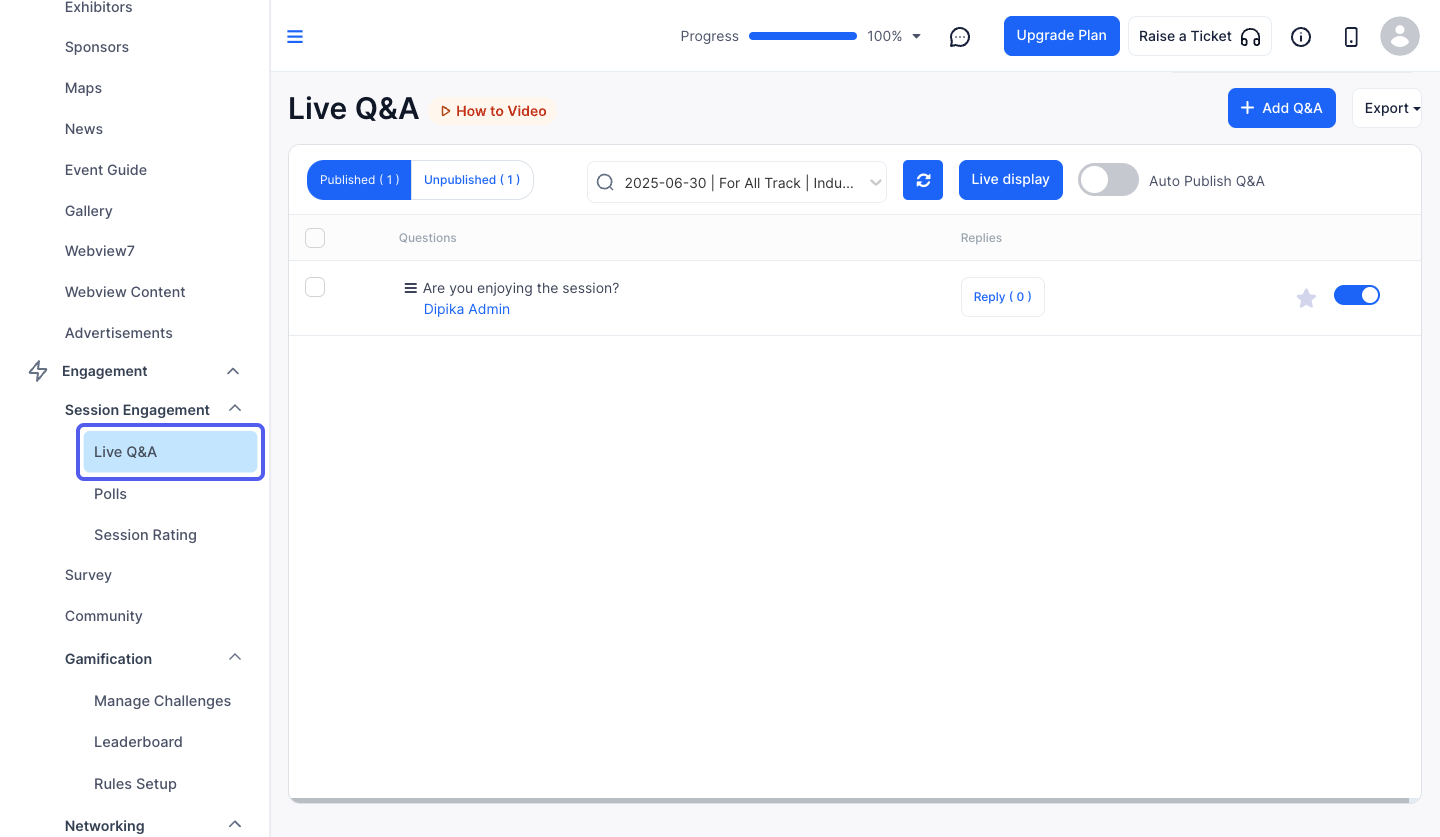
8: Now go to Engagement> Session Engagement> Live Q&A
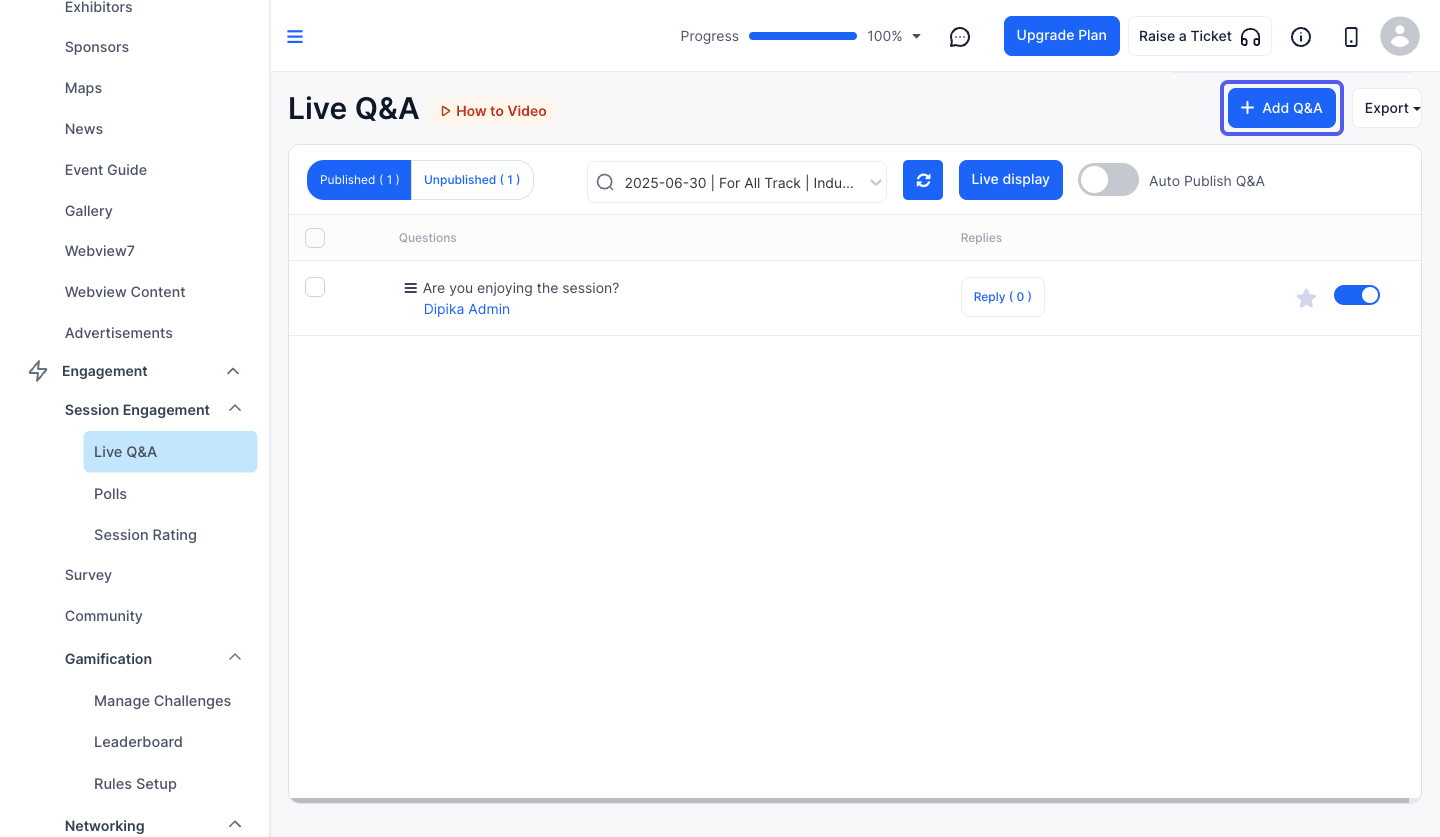
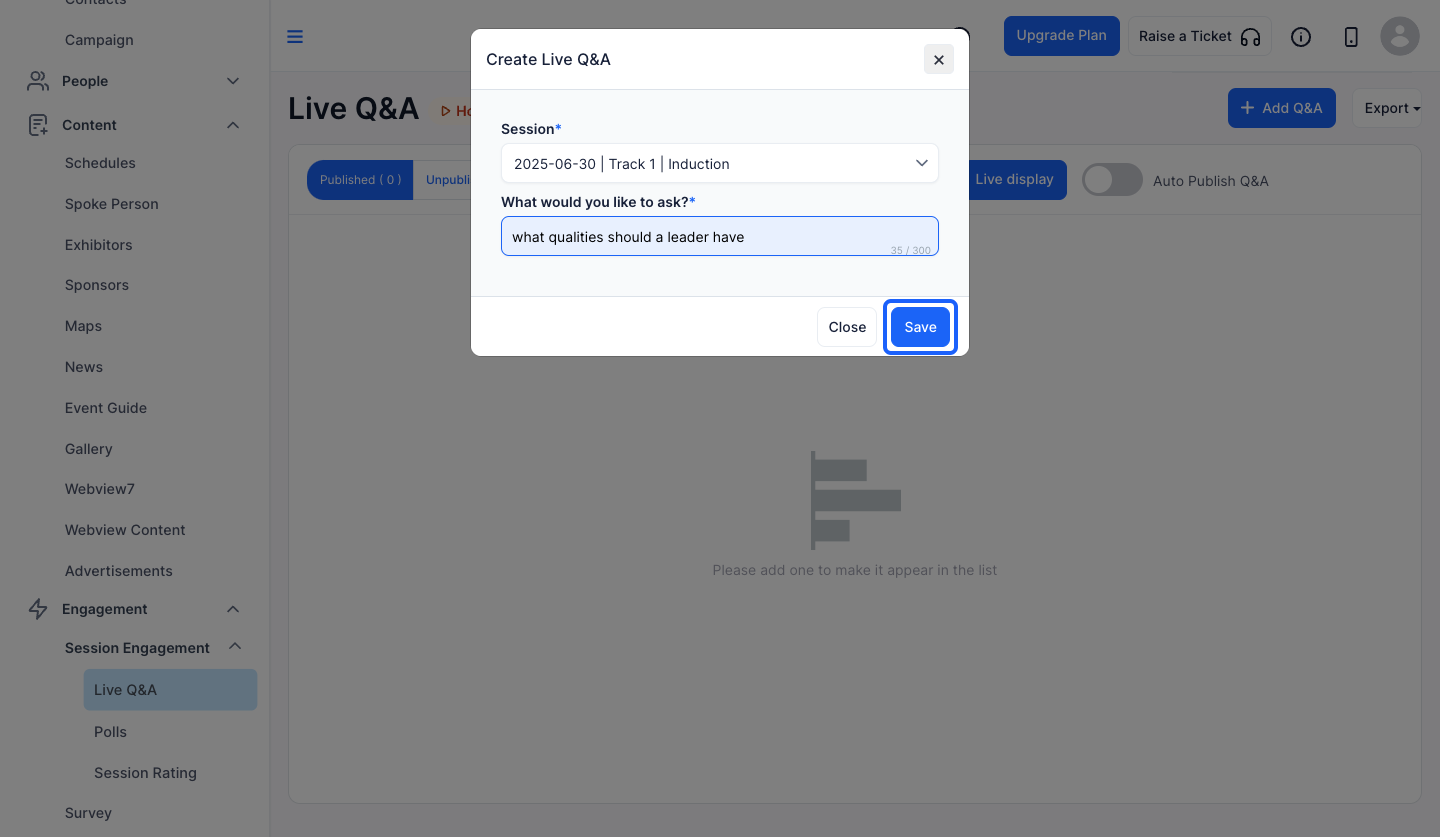
9: Click the “Add Q&A” button to add a new Q&A
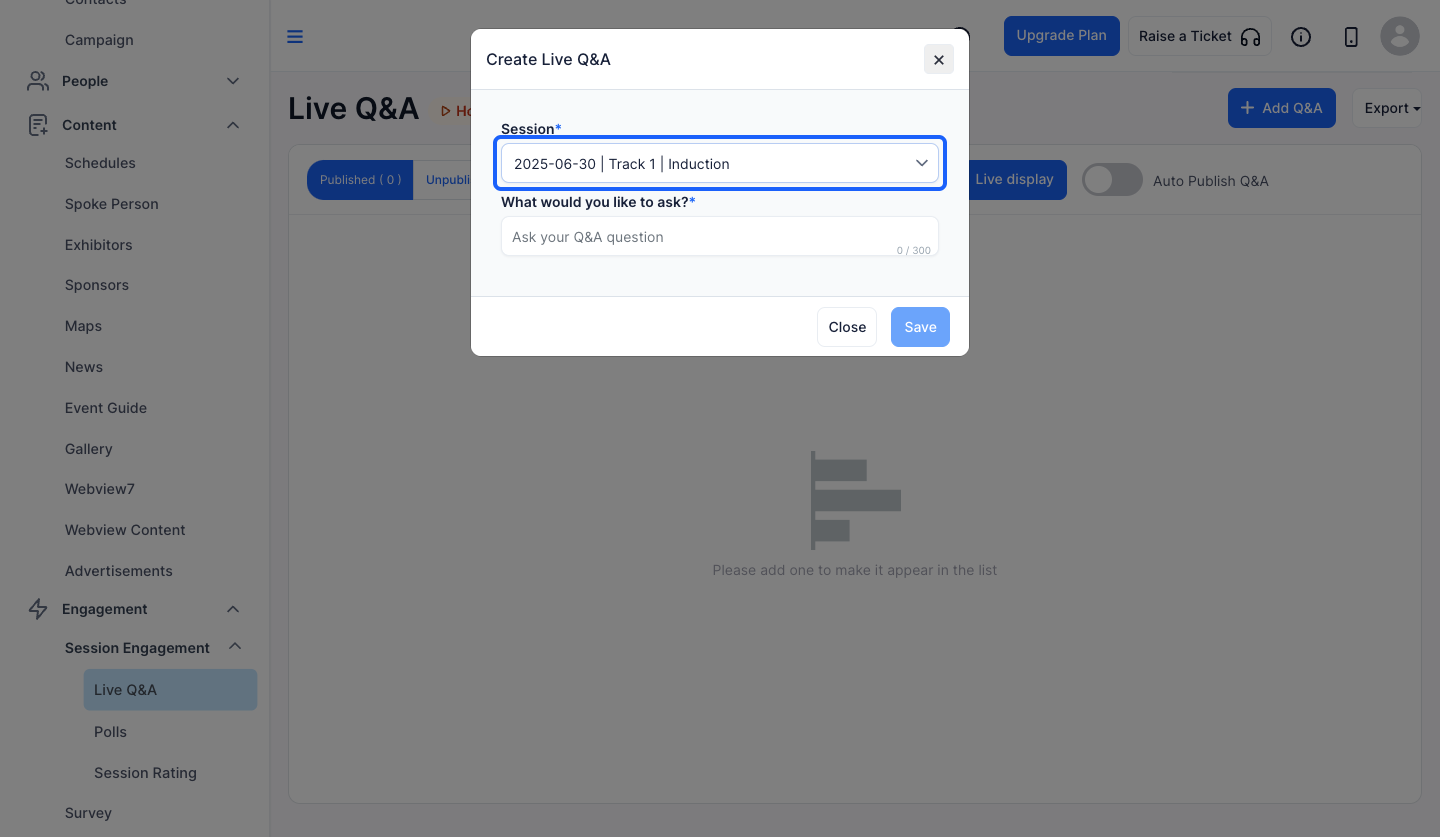
10: Select a live session from the dropdown
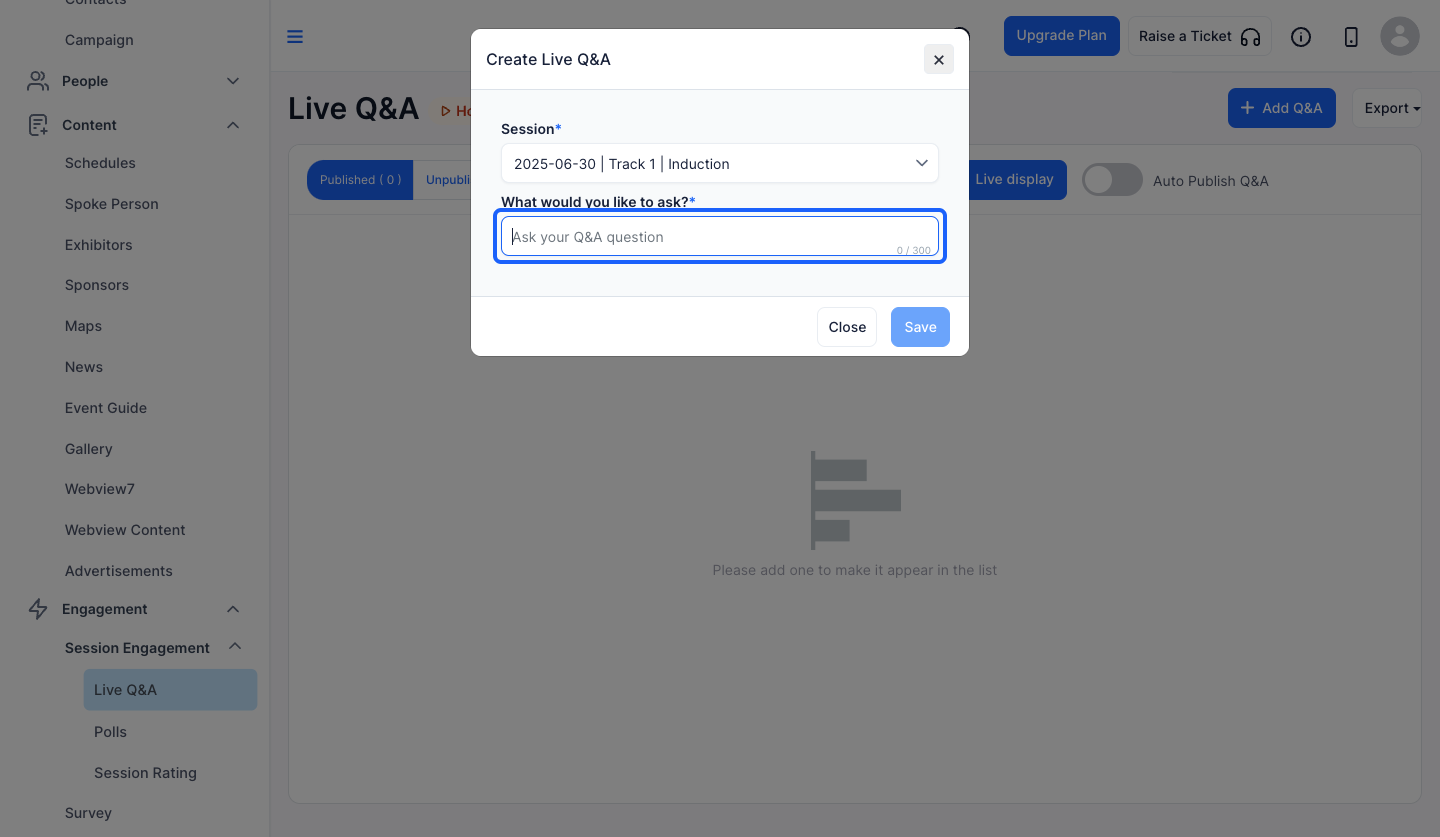
11: Type the question you would like to ask
12: Click the “Save” button to save the Live Q&A
13: Your Live Q&A will be displayed here