
You can export gamification data to analyze performance, create reports, or share results with stakeholders. HOST offers two export options depending on the leaderboard view you're on 👇
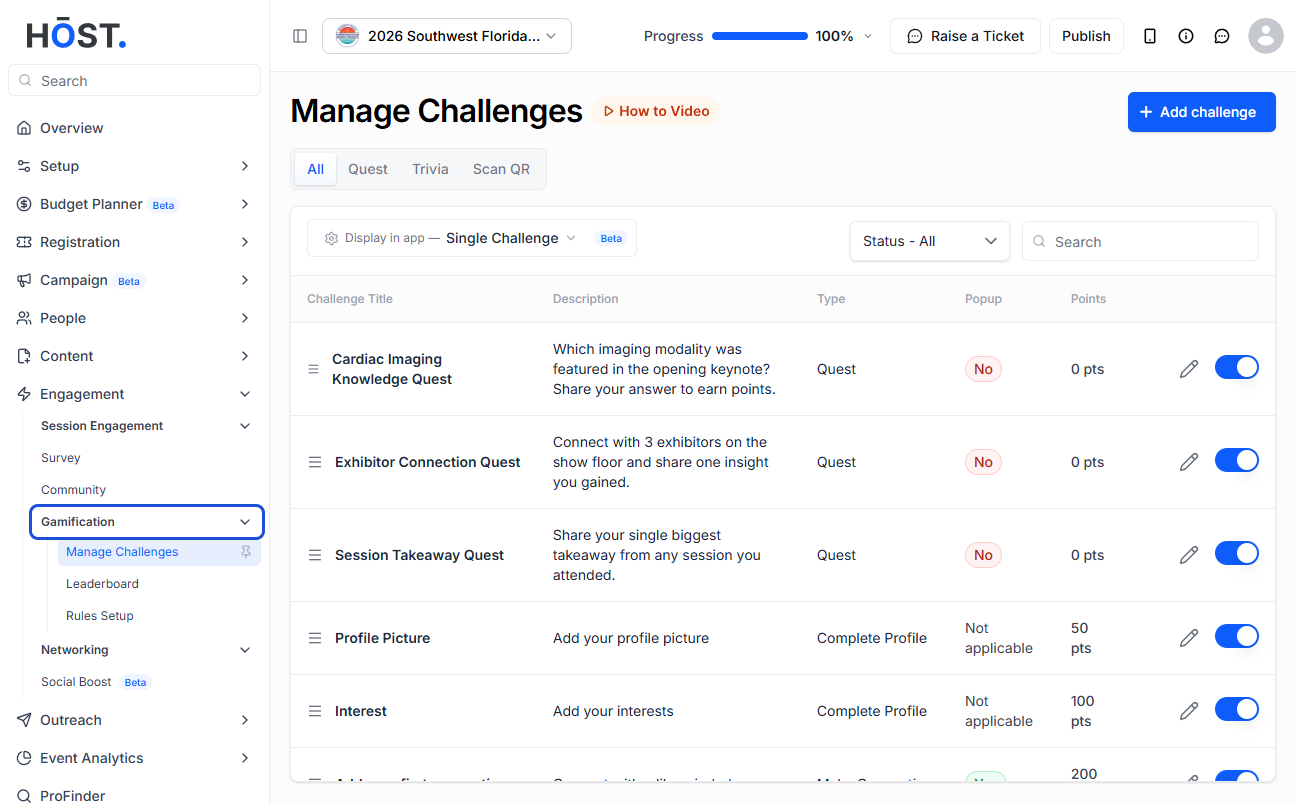
From the admin panel sidebar, navigate to Engagement > Gamification and select Leaderboard.
On the User List or Challenges tab, click the "Export" button in the top-right header. This downloads an Excel file (.xlsx) with two sheets:
The file is named leaderlog.xlsx.
To export quest-specific data, go to the Quests tab, click "Leaderboard" on a quest, then click the "CSV Export" dropdown button.
The exported file includes:
The file is named Gamification_Quest_Leaderboard.xlsx.
⚠️ Important
The export button only appears when there is data to export. If the leaderboard is empty or no points have been logged yet, the export button won't be visible.
