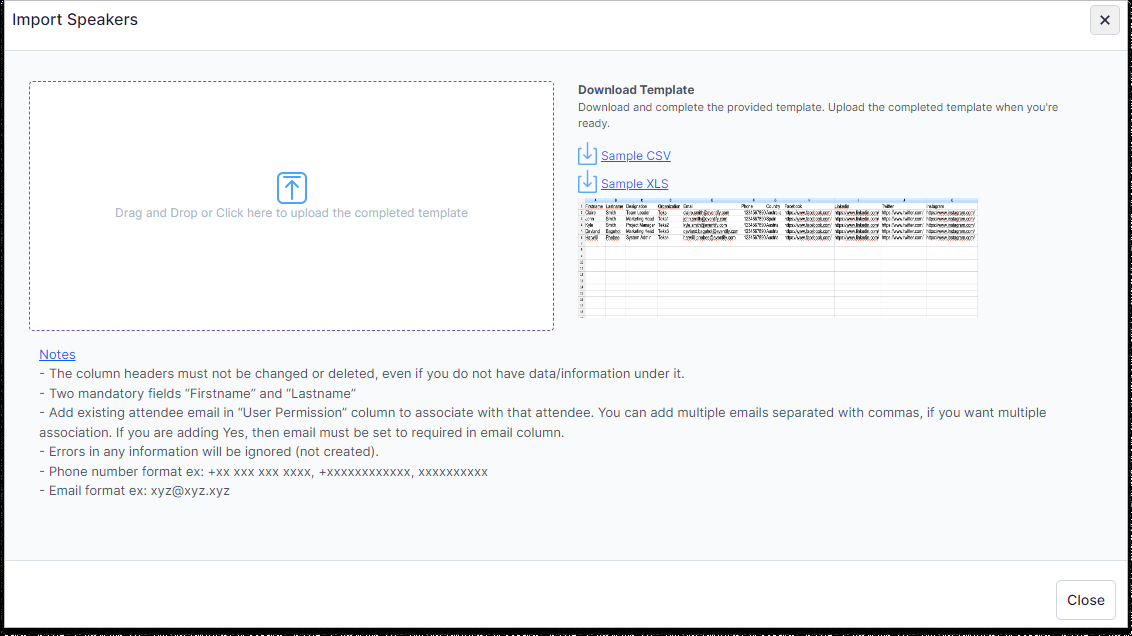
Click on the “Import” tab to open the “Import Speakers" page.
Download the sample import file in either CSV or XLS format, then populate all the data in the file using the identical format without altering any columns.
After completing the task, download the file in either CSV or XLS format. Then, proceed to import it on the import section page.