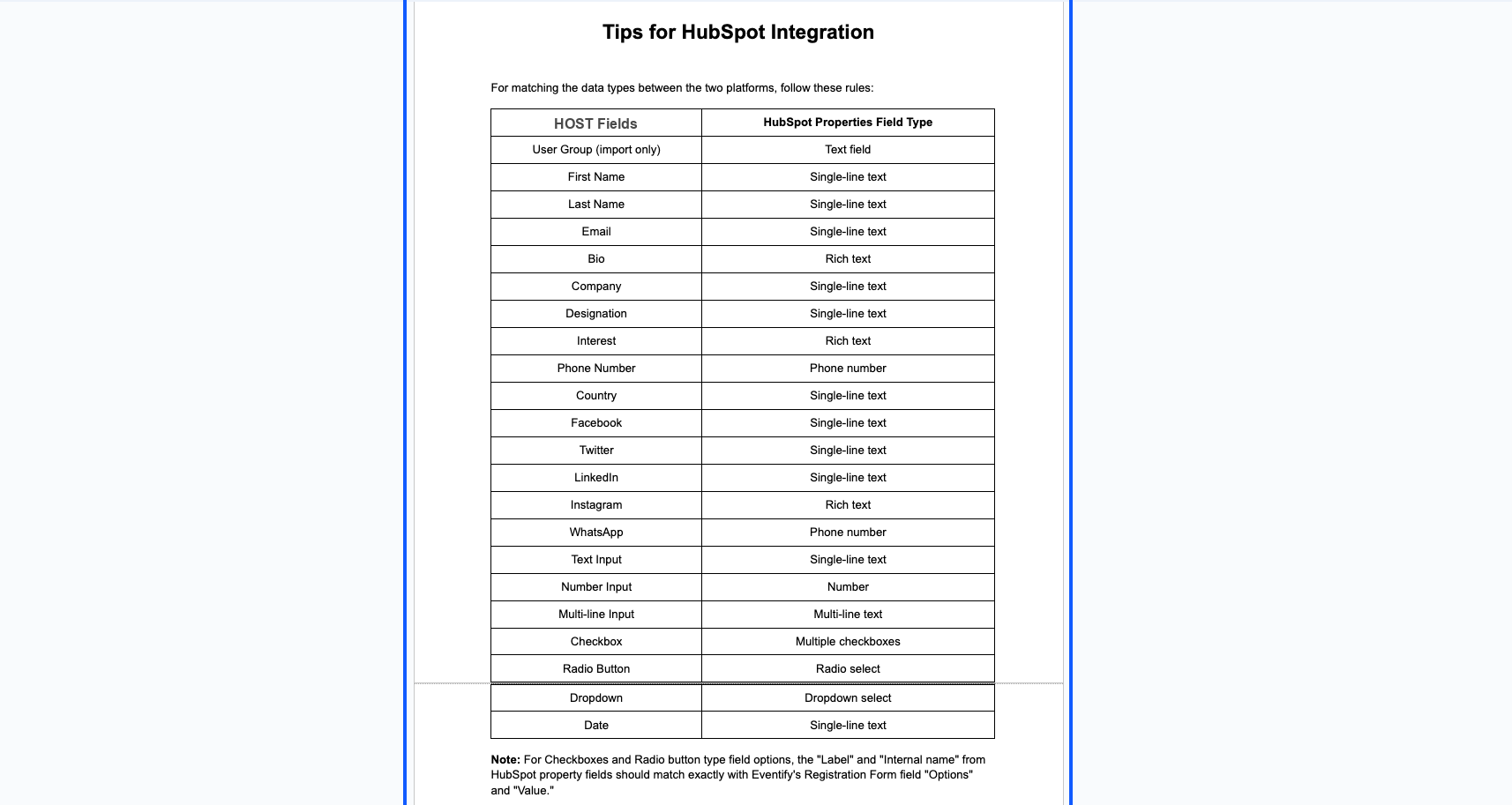
Integrating HubSpot can be particularly useful if you want to import or export attendee data to and ad from HOST. Here is how you can integrate.
1: Access the HOST Admin Panel and navigate to Registration
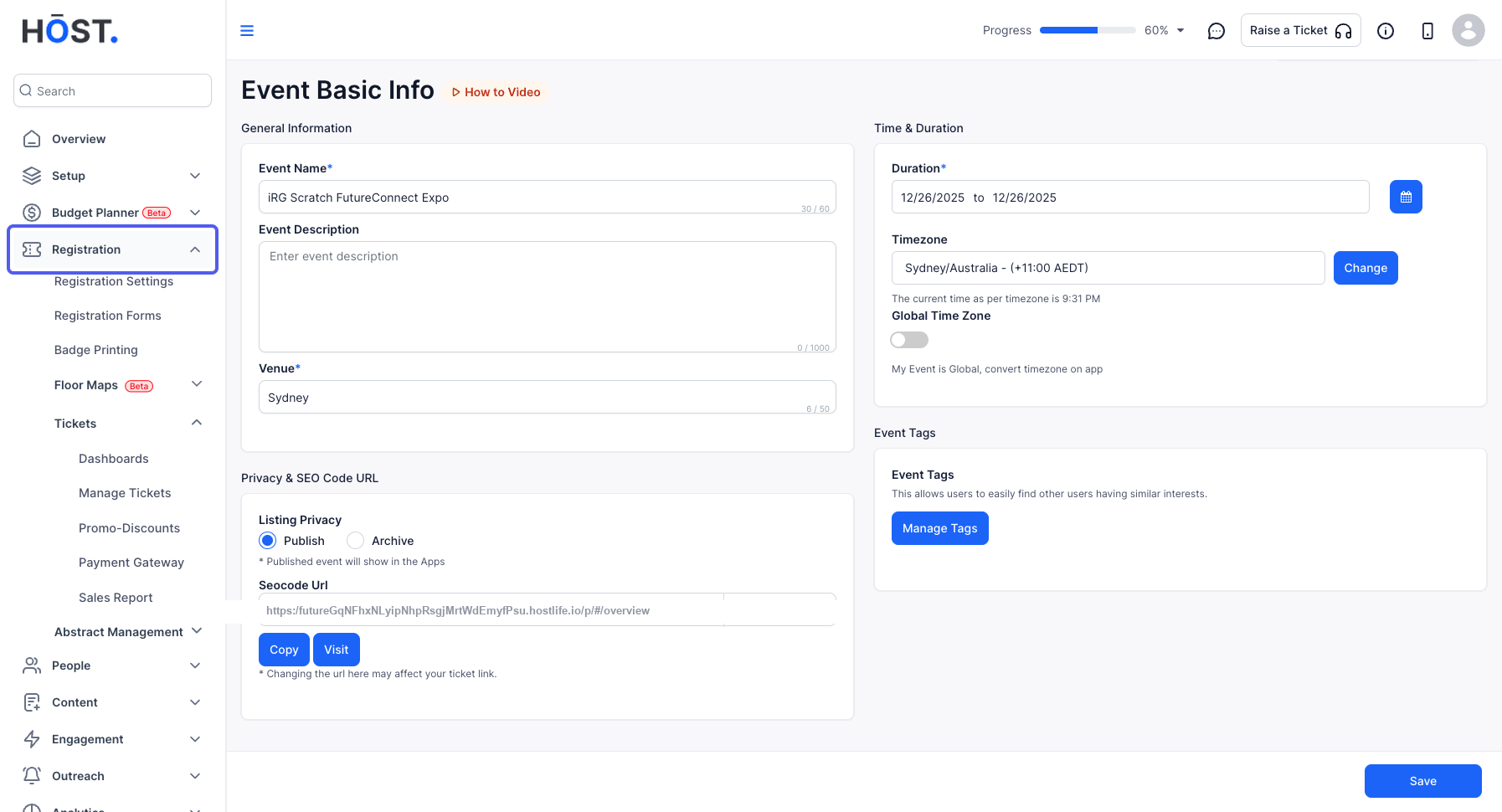
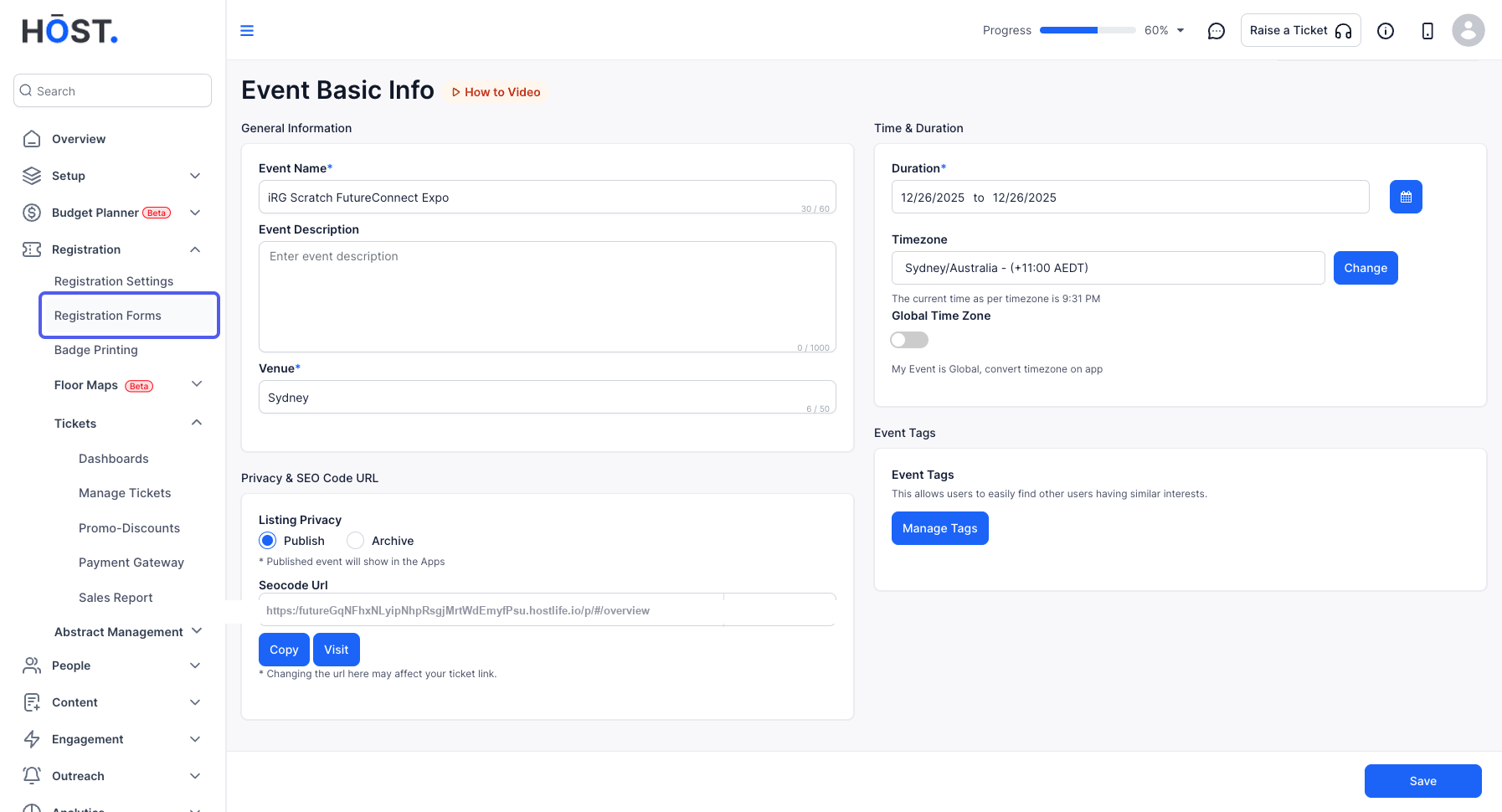
2: Click on Registration Forms
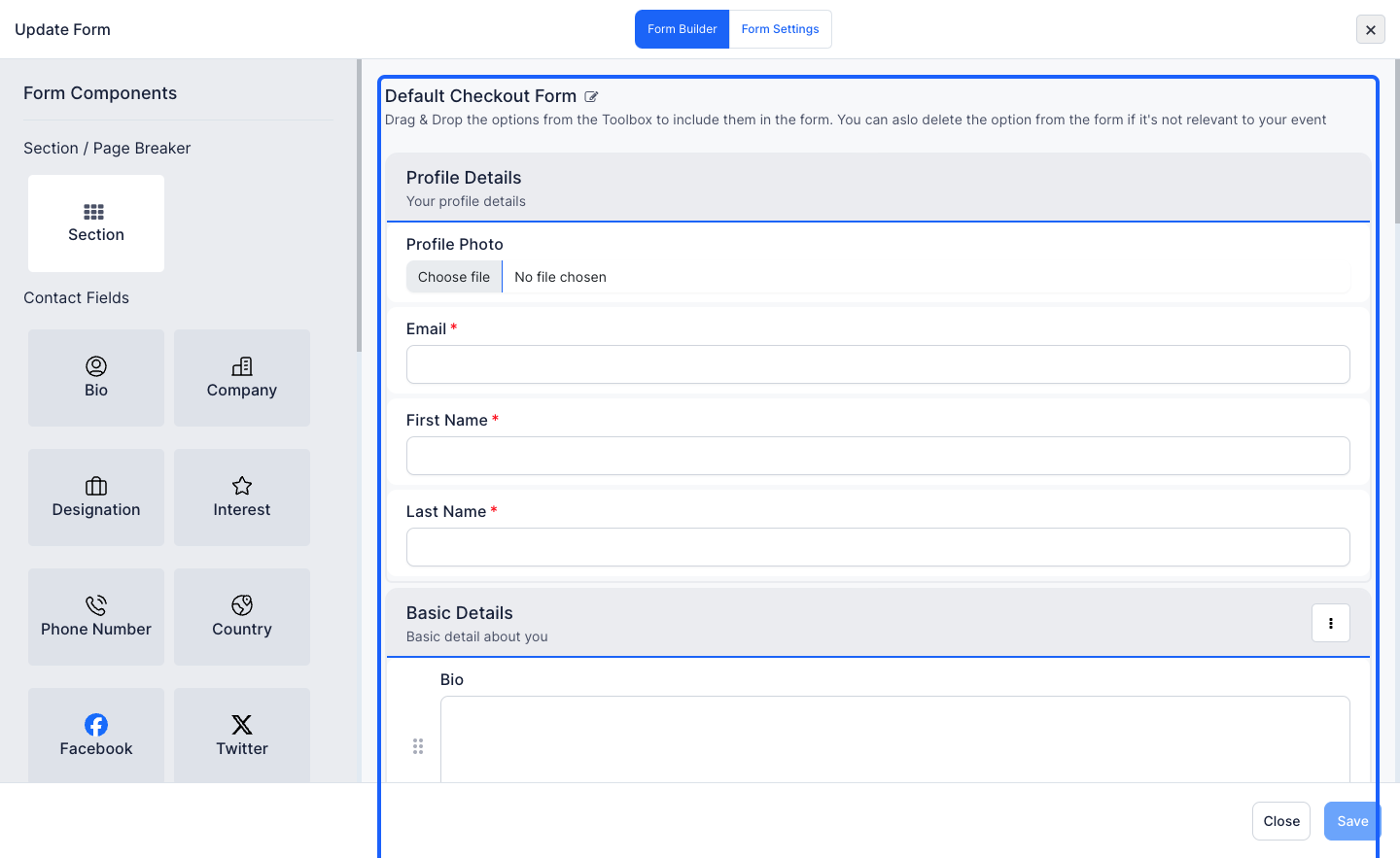
3: Click the Edit icon
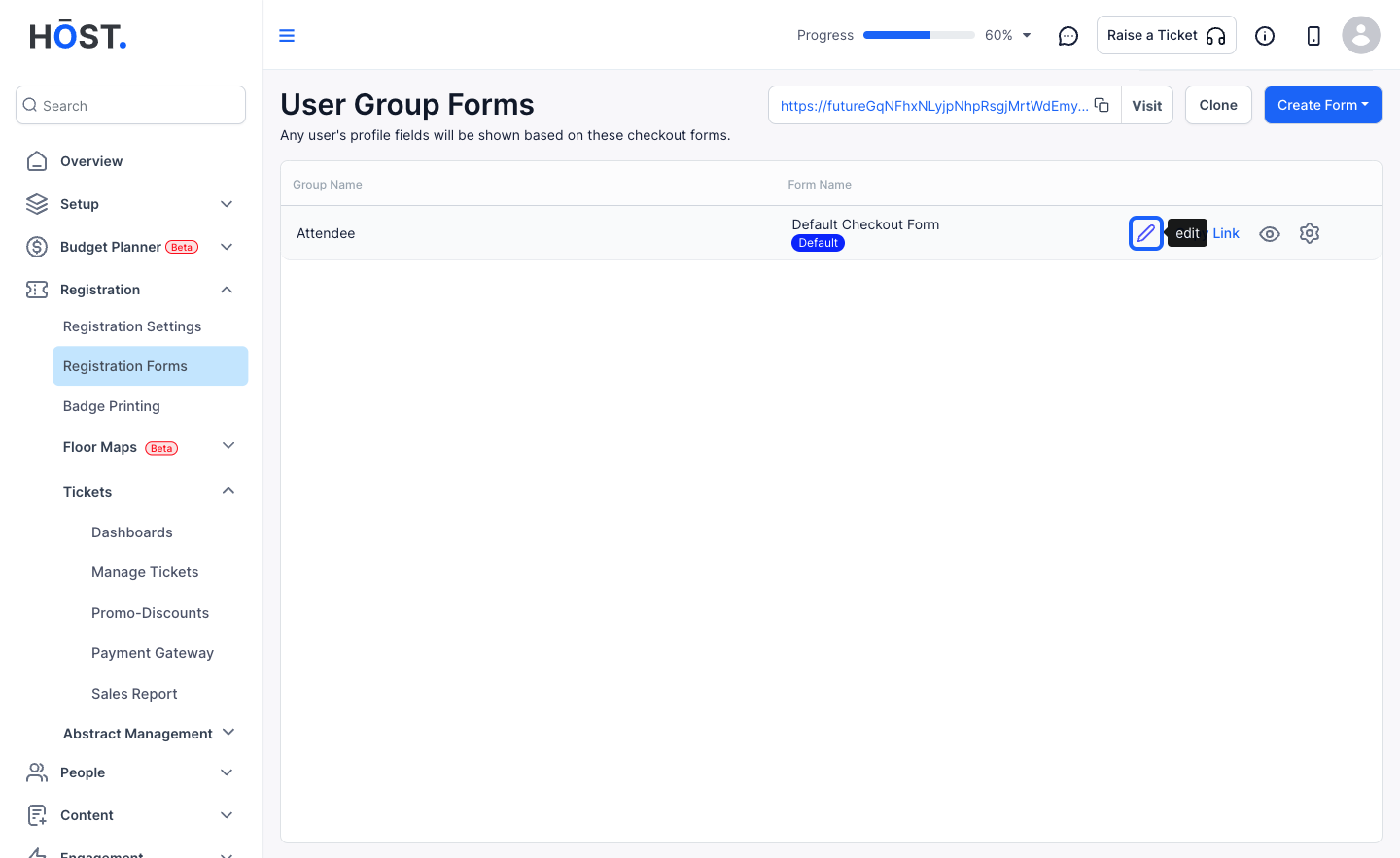
4: Check the form fields. These fields will be synced
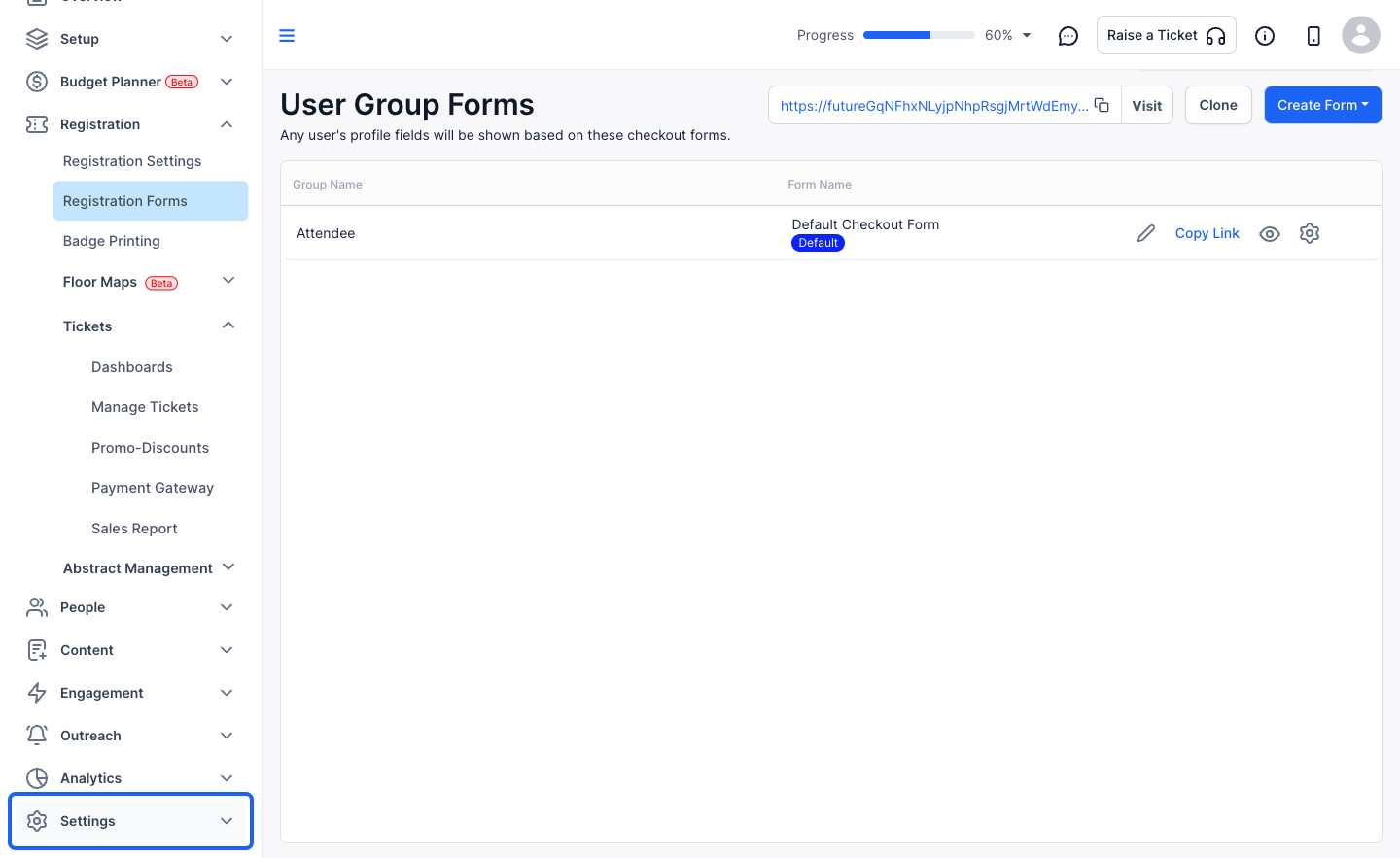
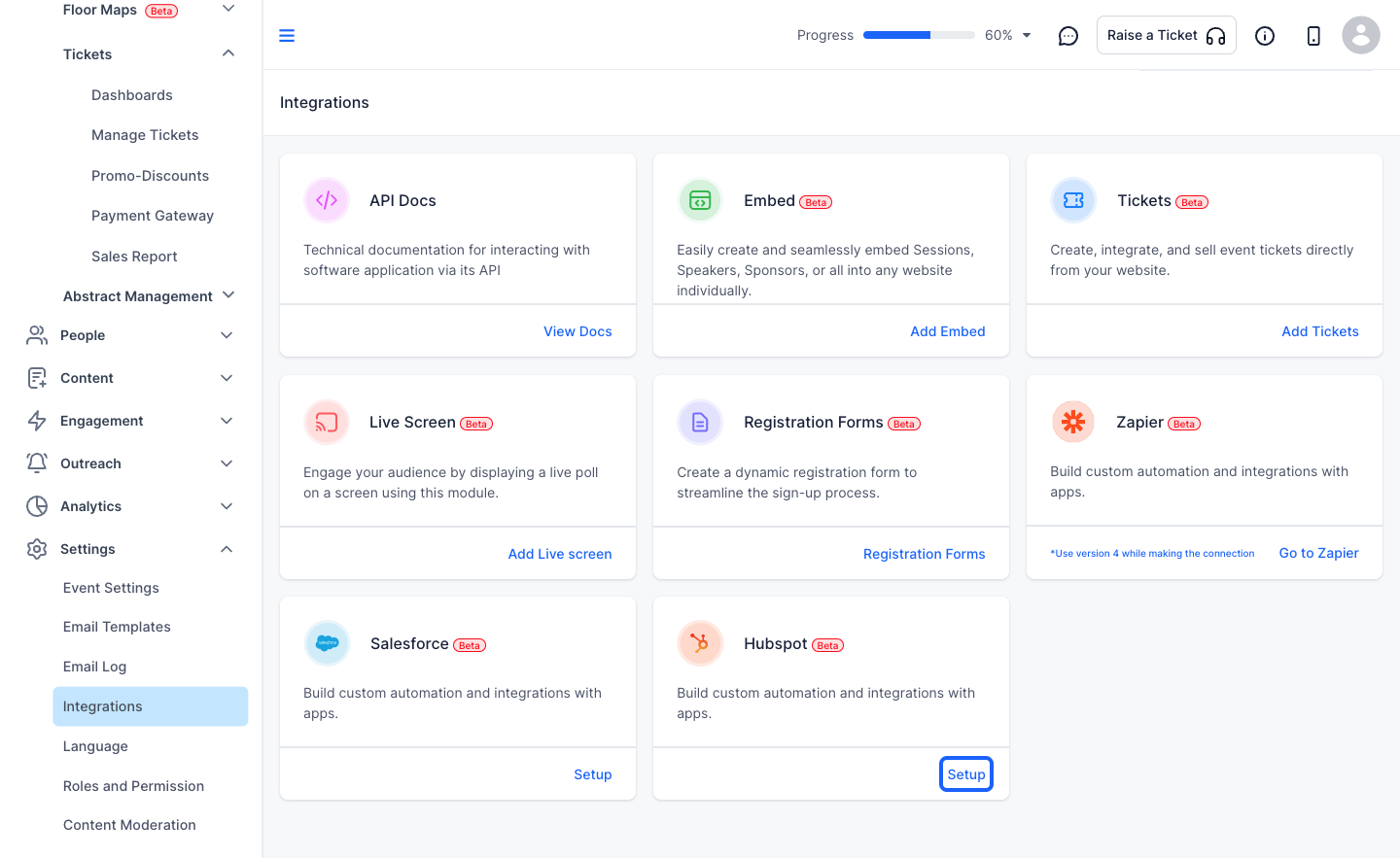
5: Go to Settings
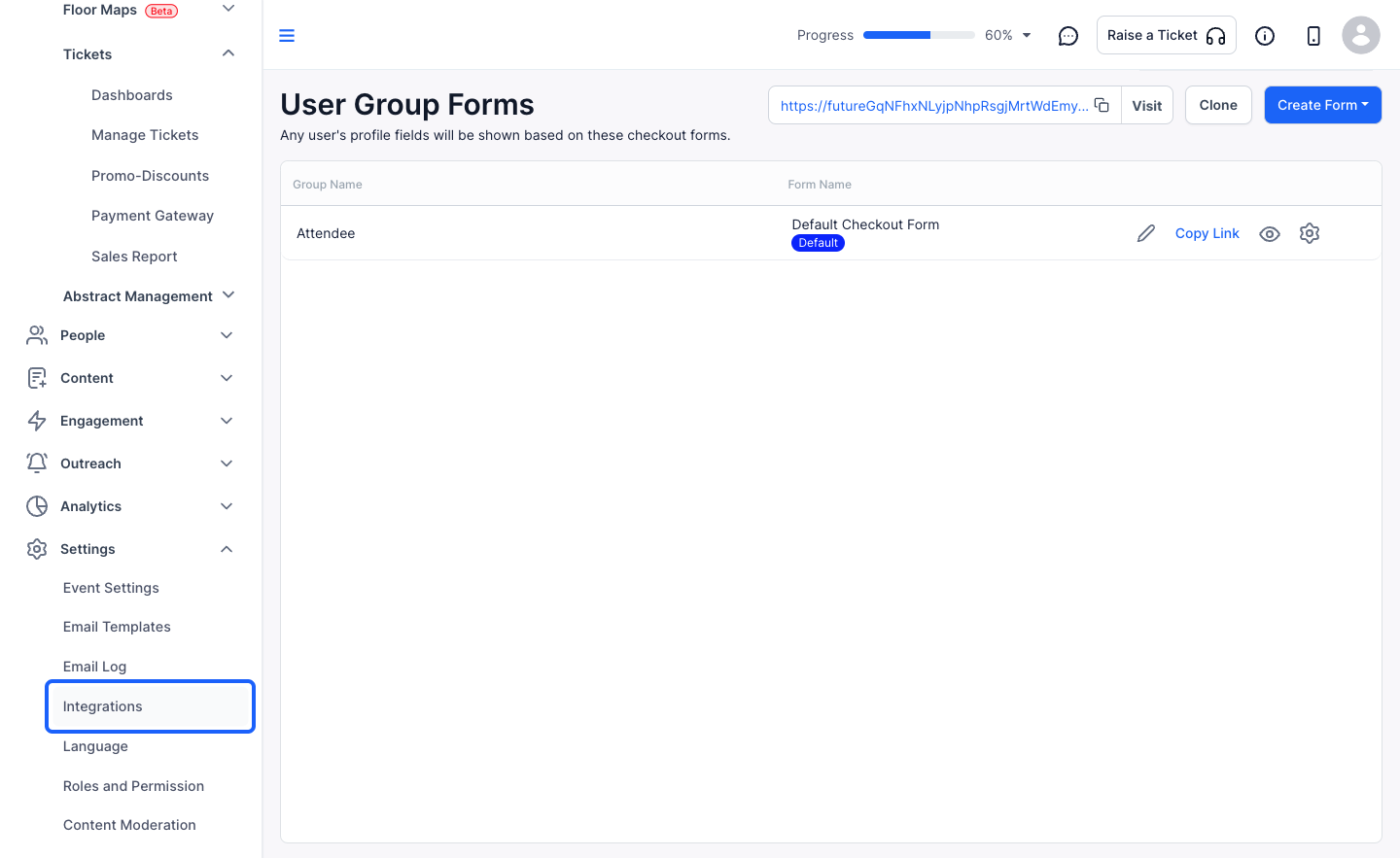
6: Click on integrations
7: Go to Hubspot
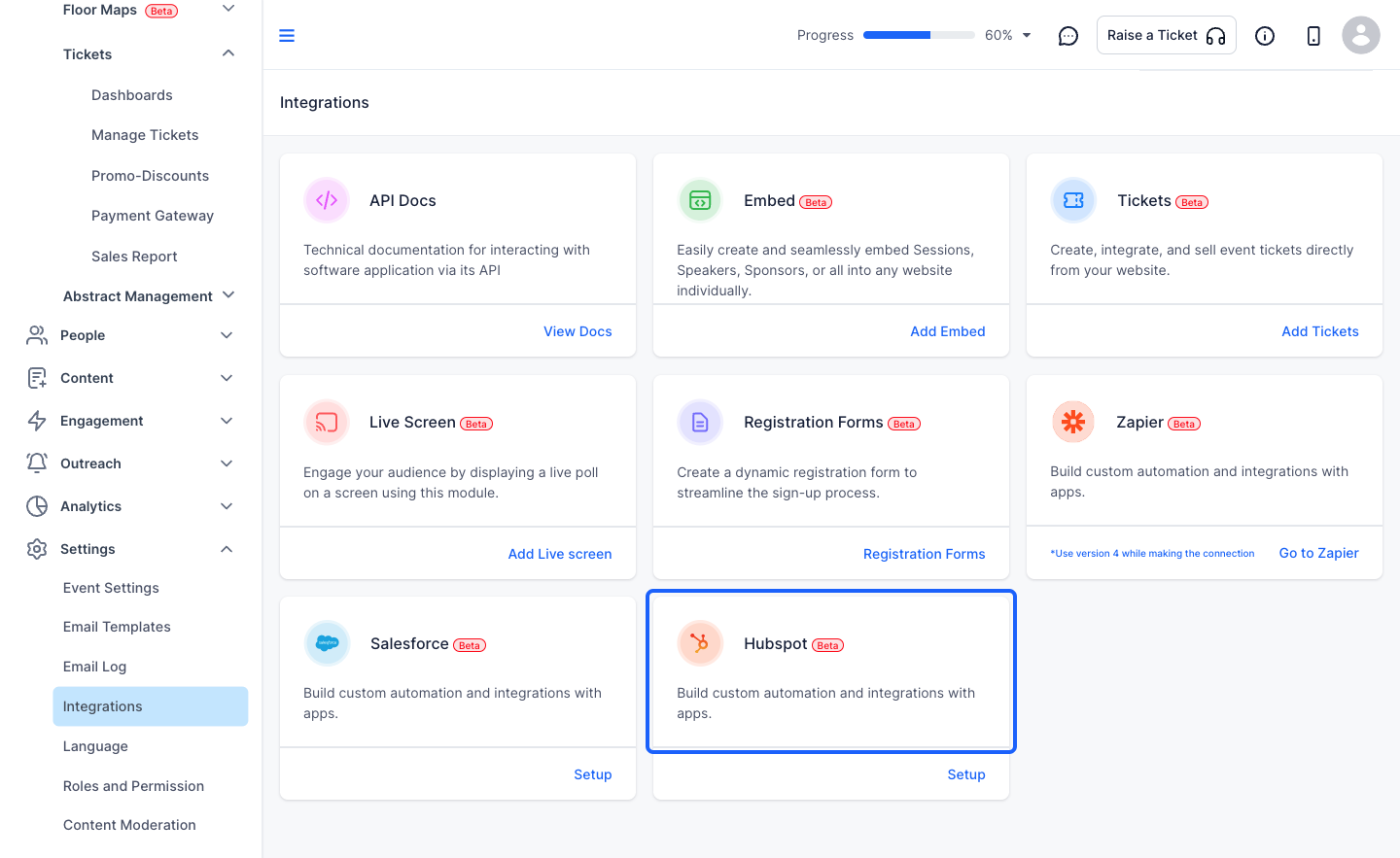
8: Click on Setup
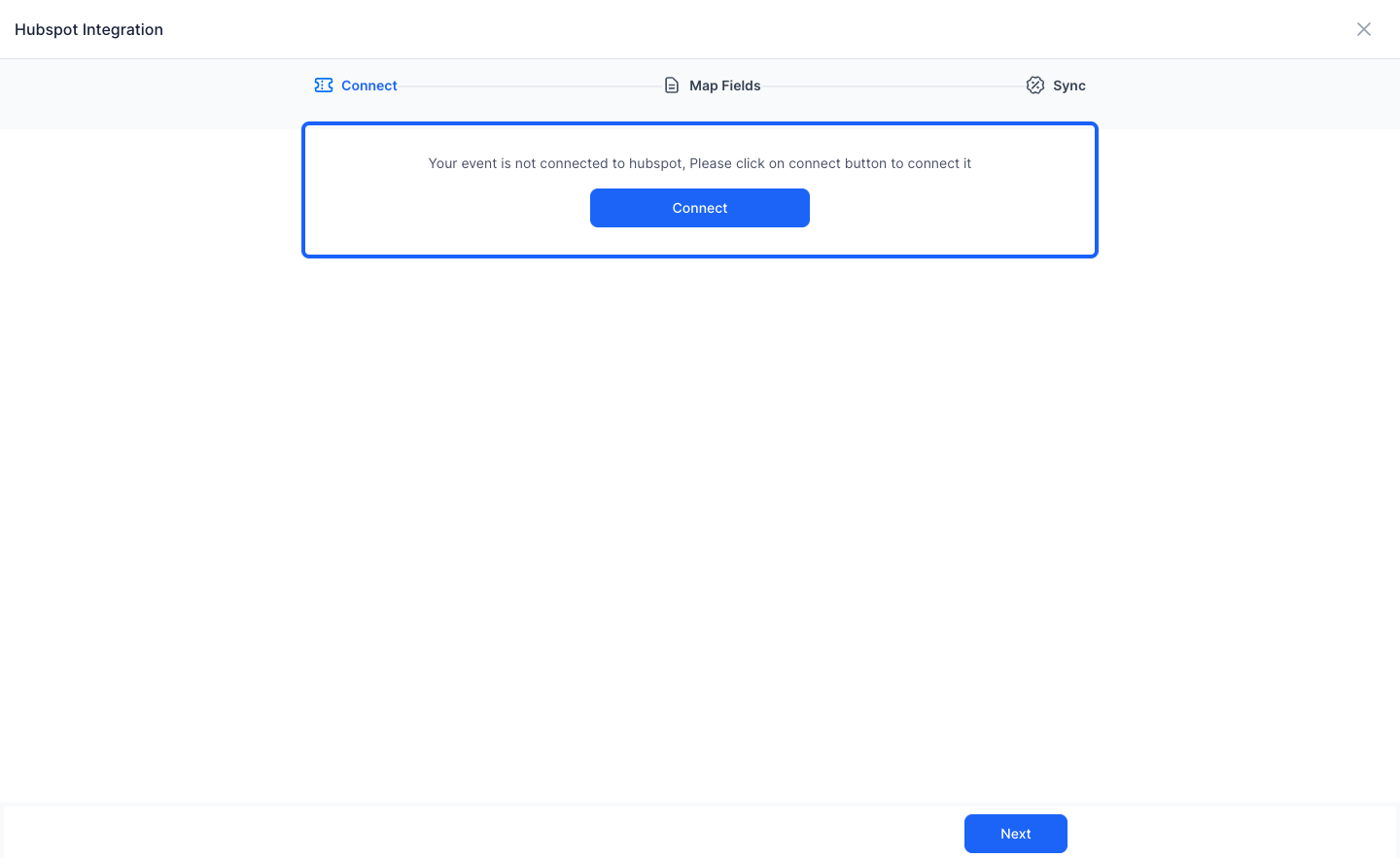
9: Click on Connect
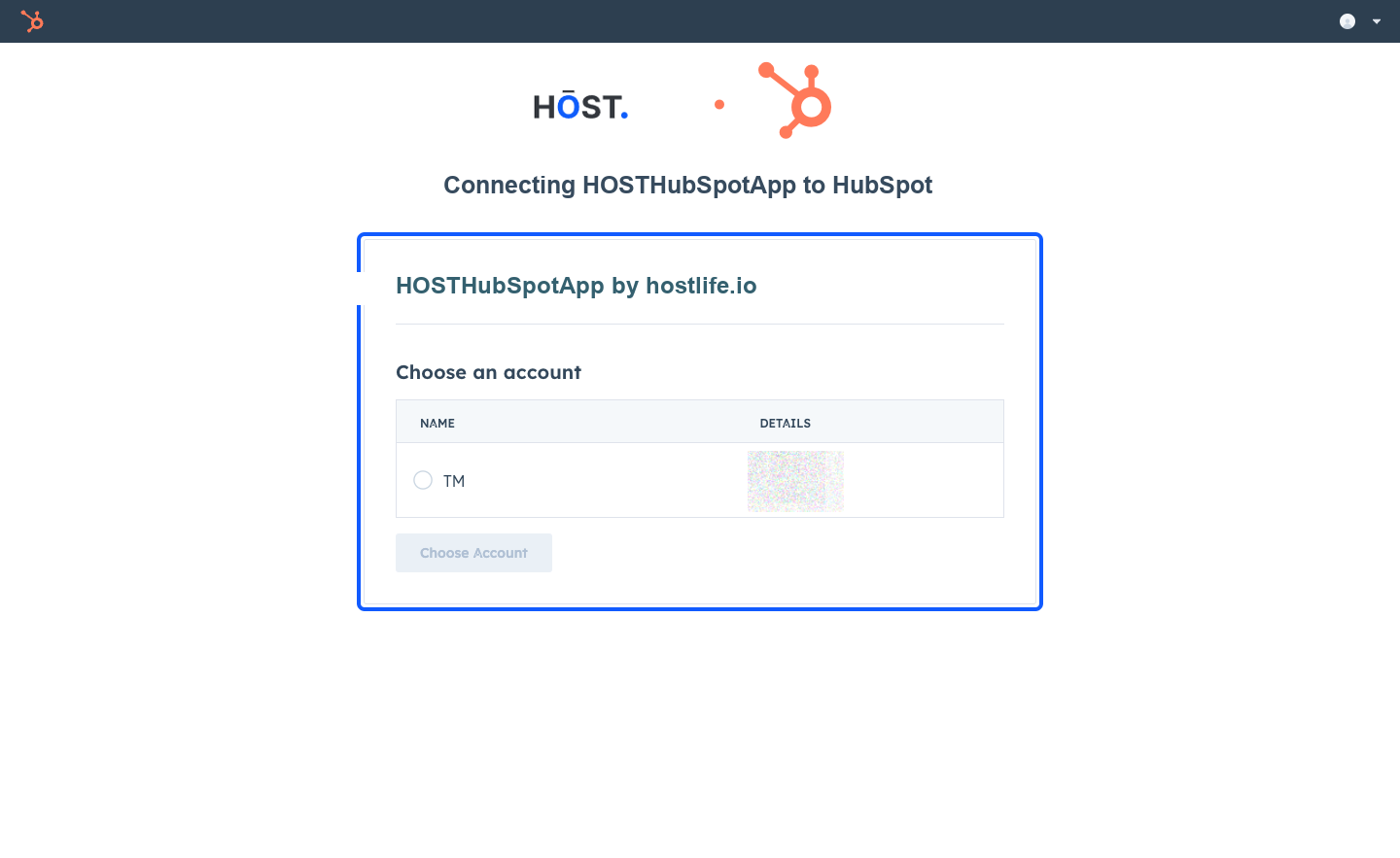
10: Connect with your Hubspot account
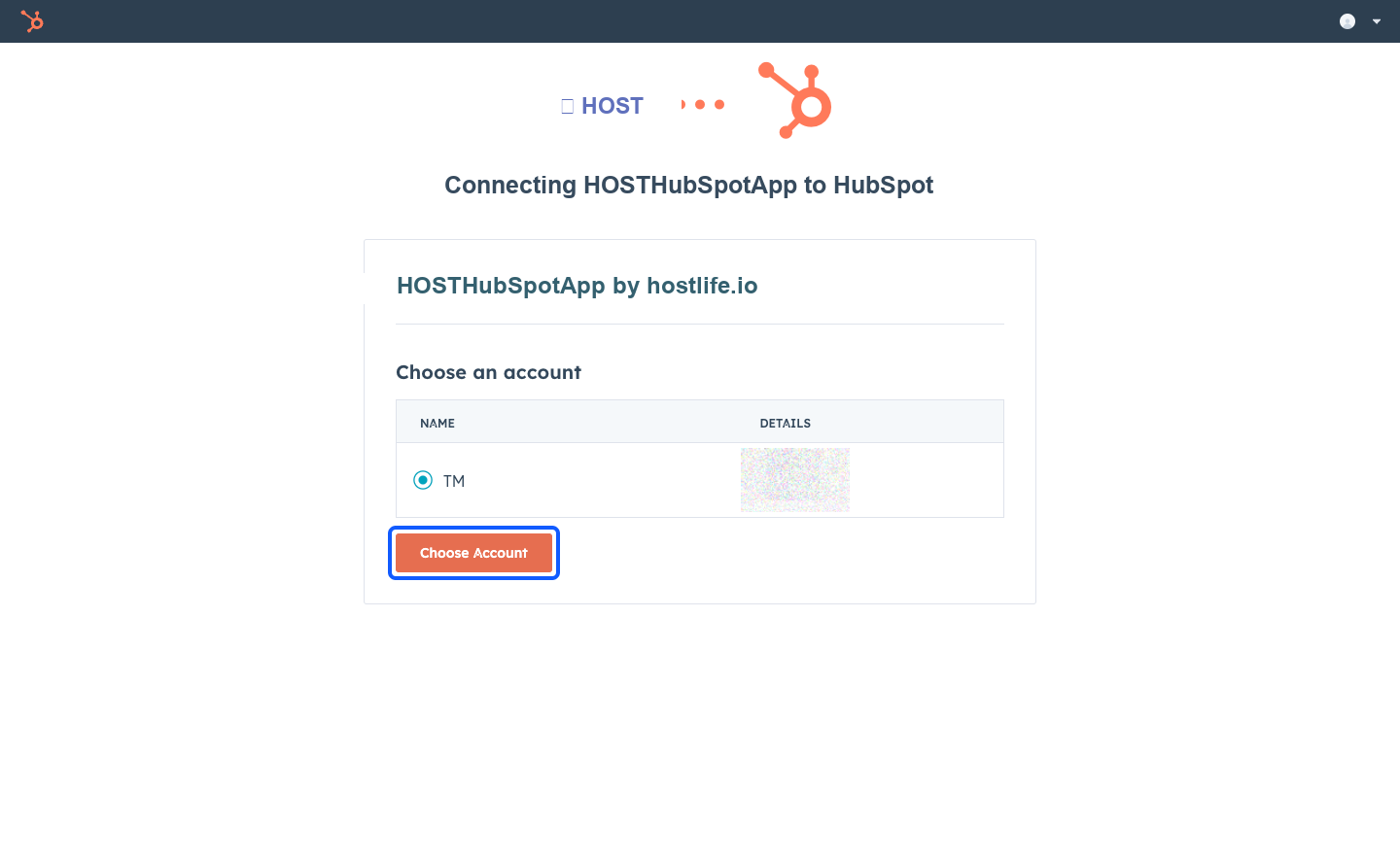
11: Click the “Choose Account” button
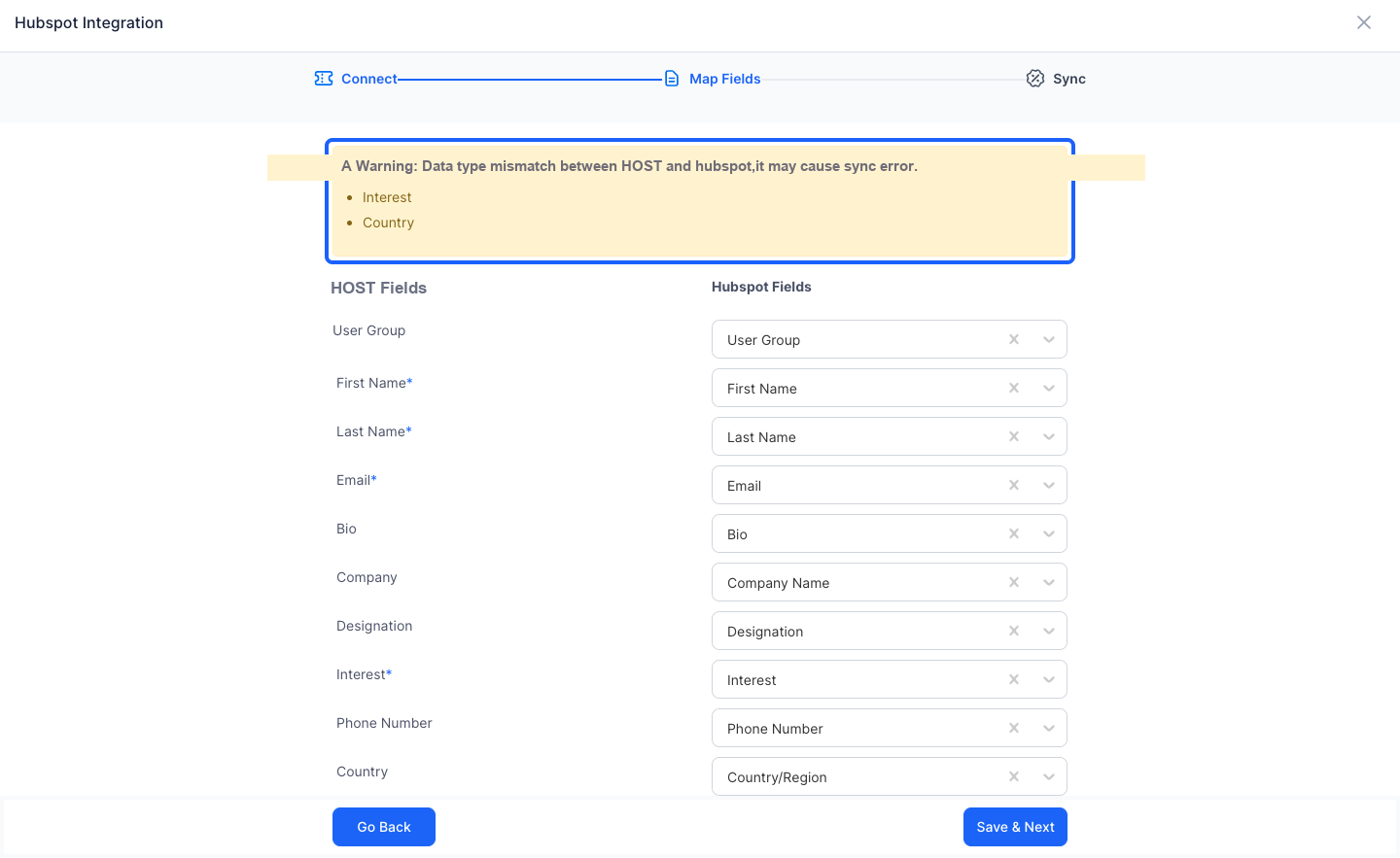
12: Map the Fields from HOST to Hubspot
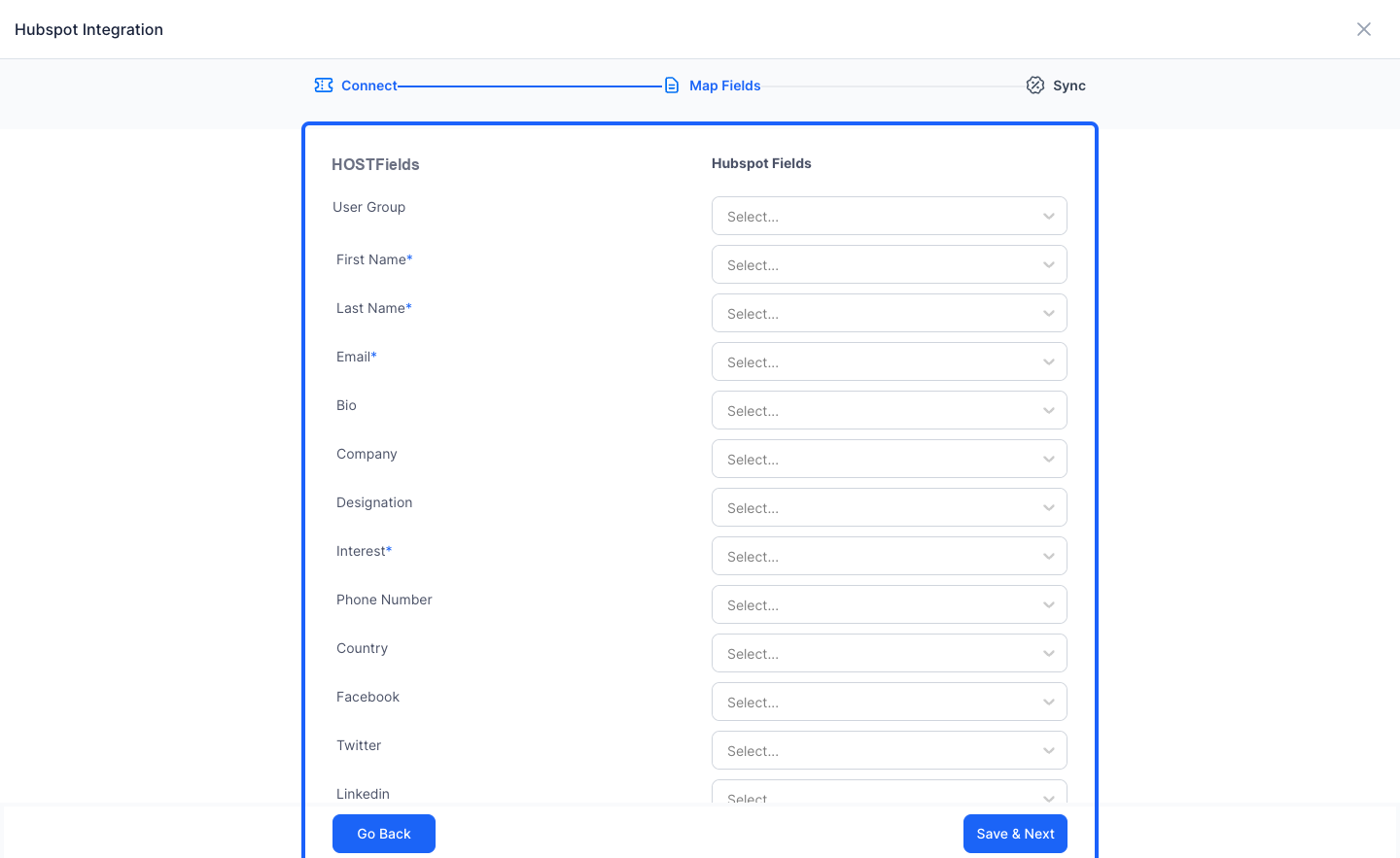
13: Each field will correspond to the fields from the registration form
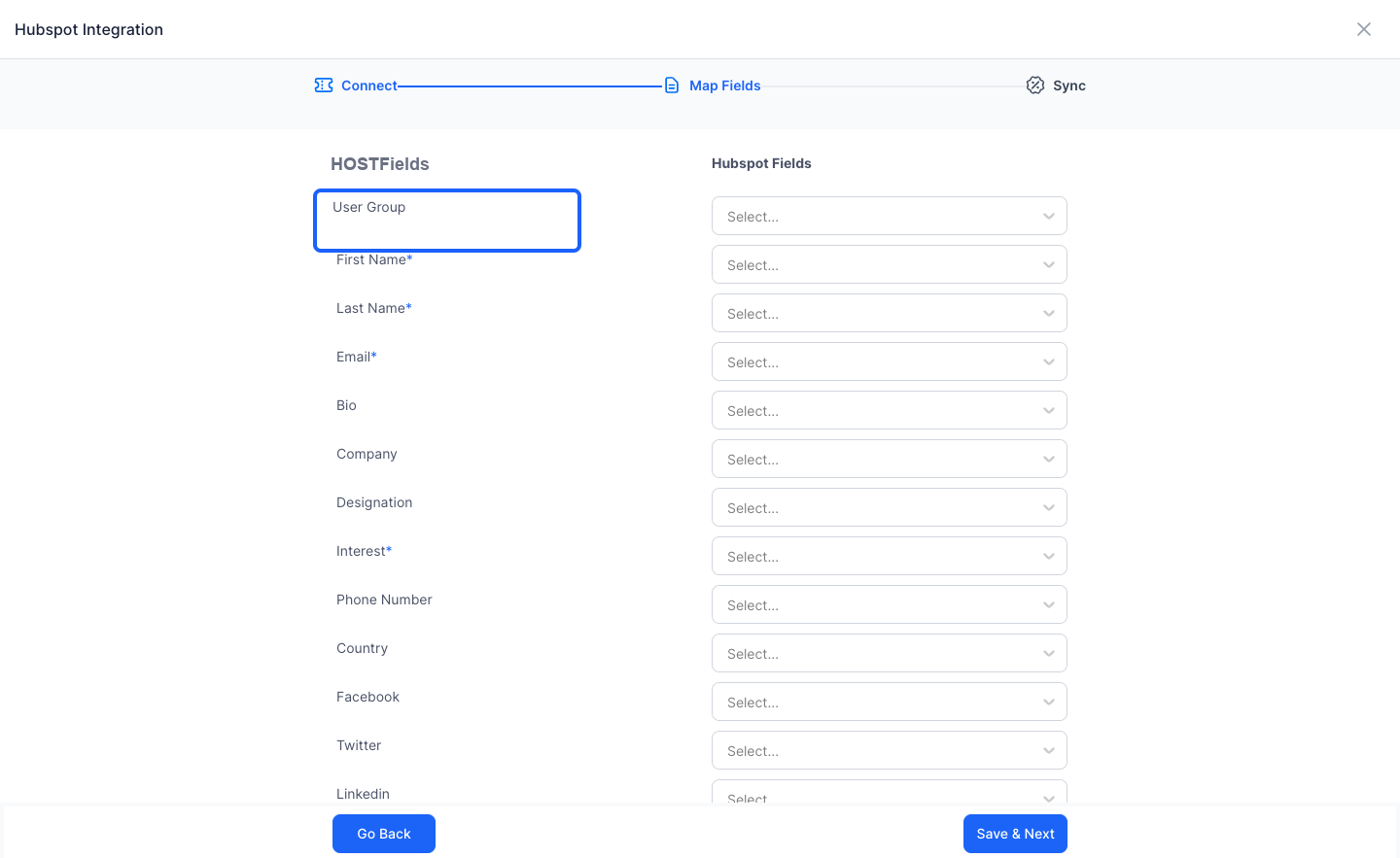
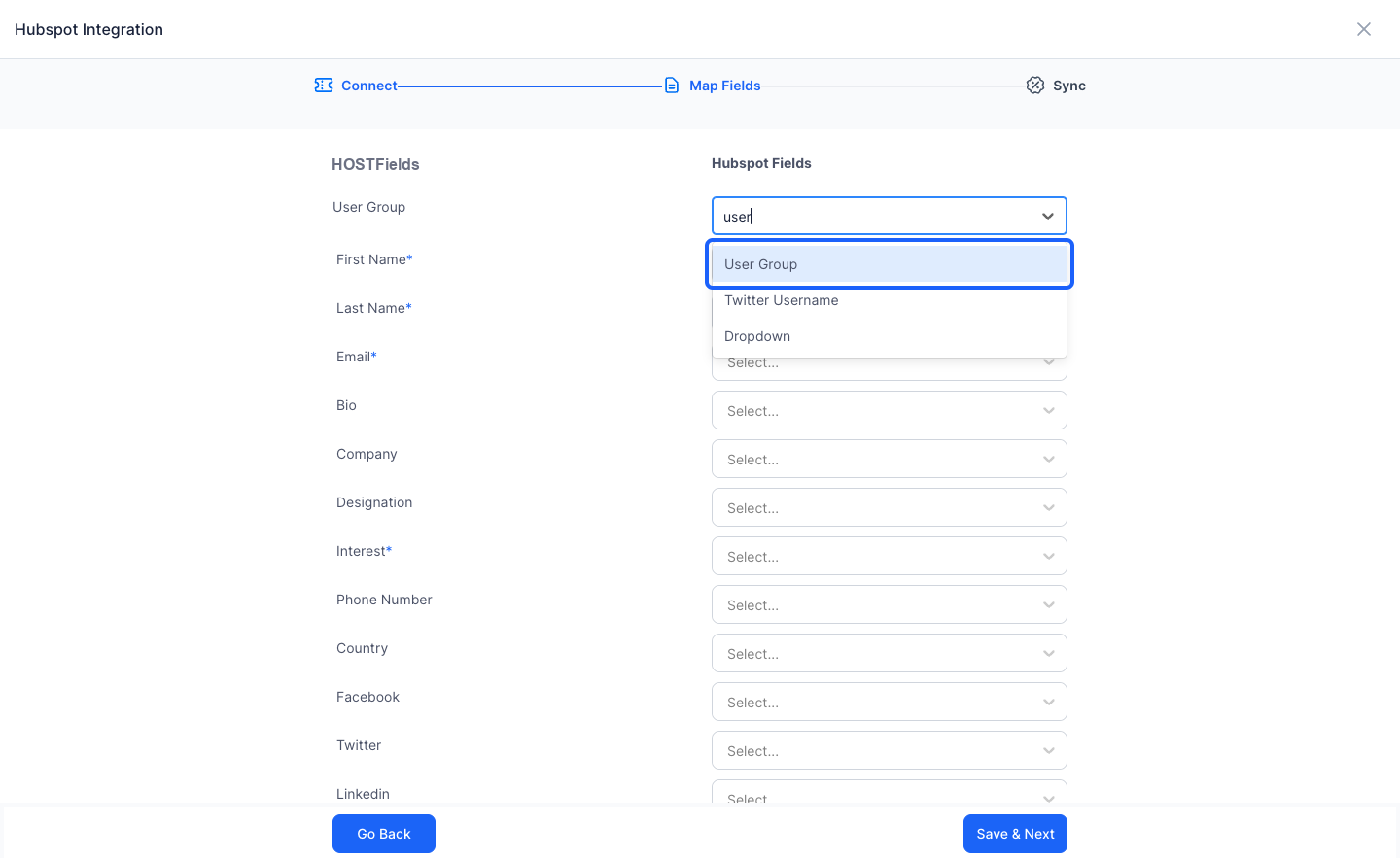
14: Search the field from Hubspot to which you want to map the registration form field
15: Map all the fields you want to sync
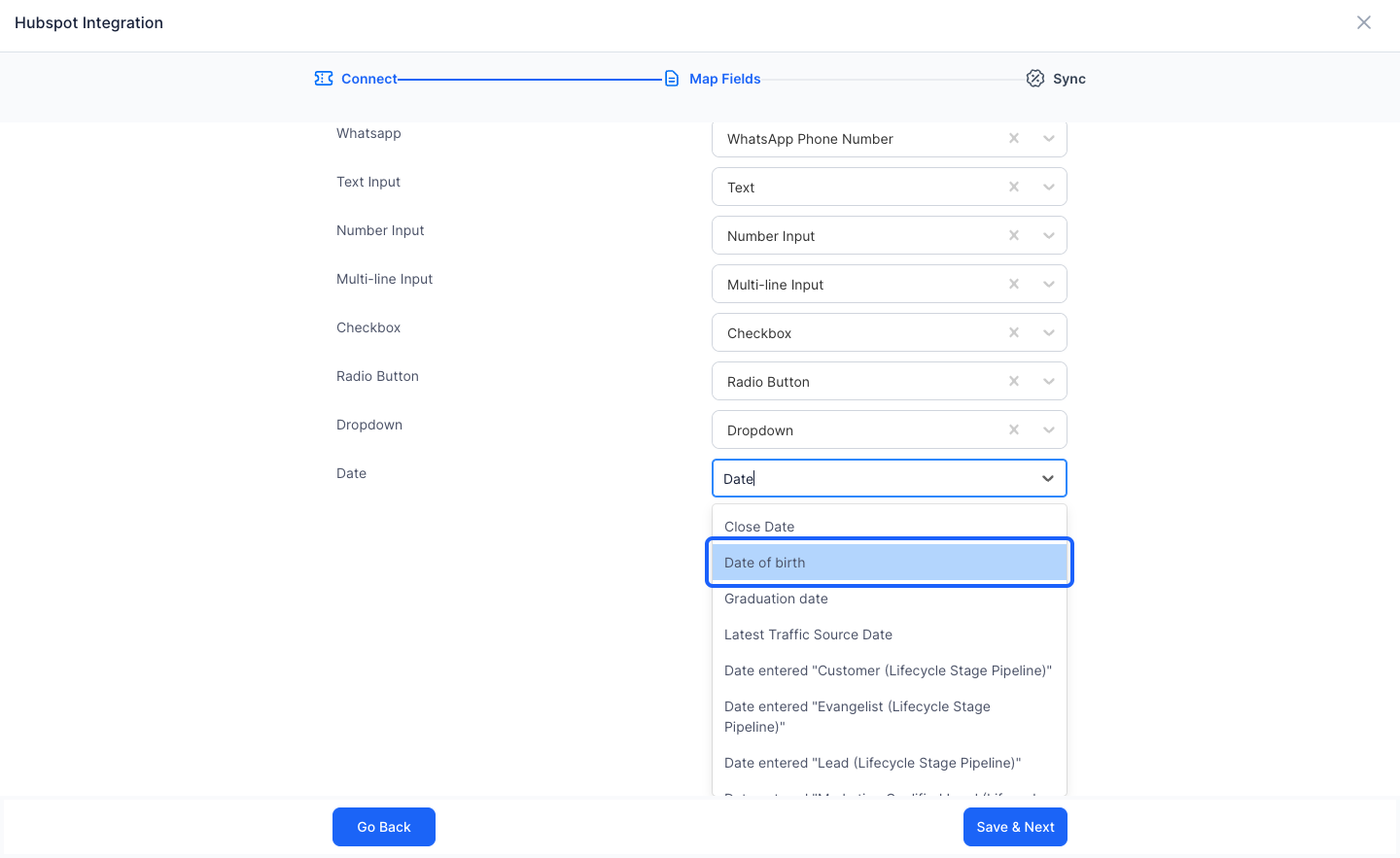
16: Review the warnings as mismatching data types can lead to errors in sync
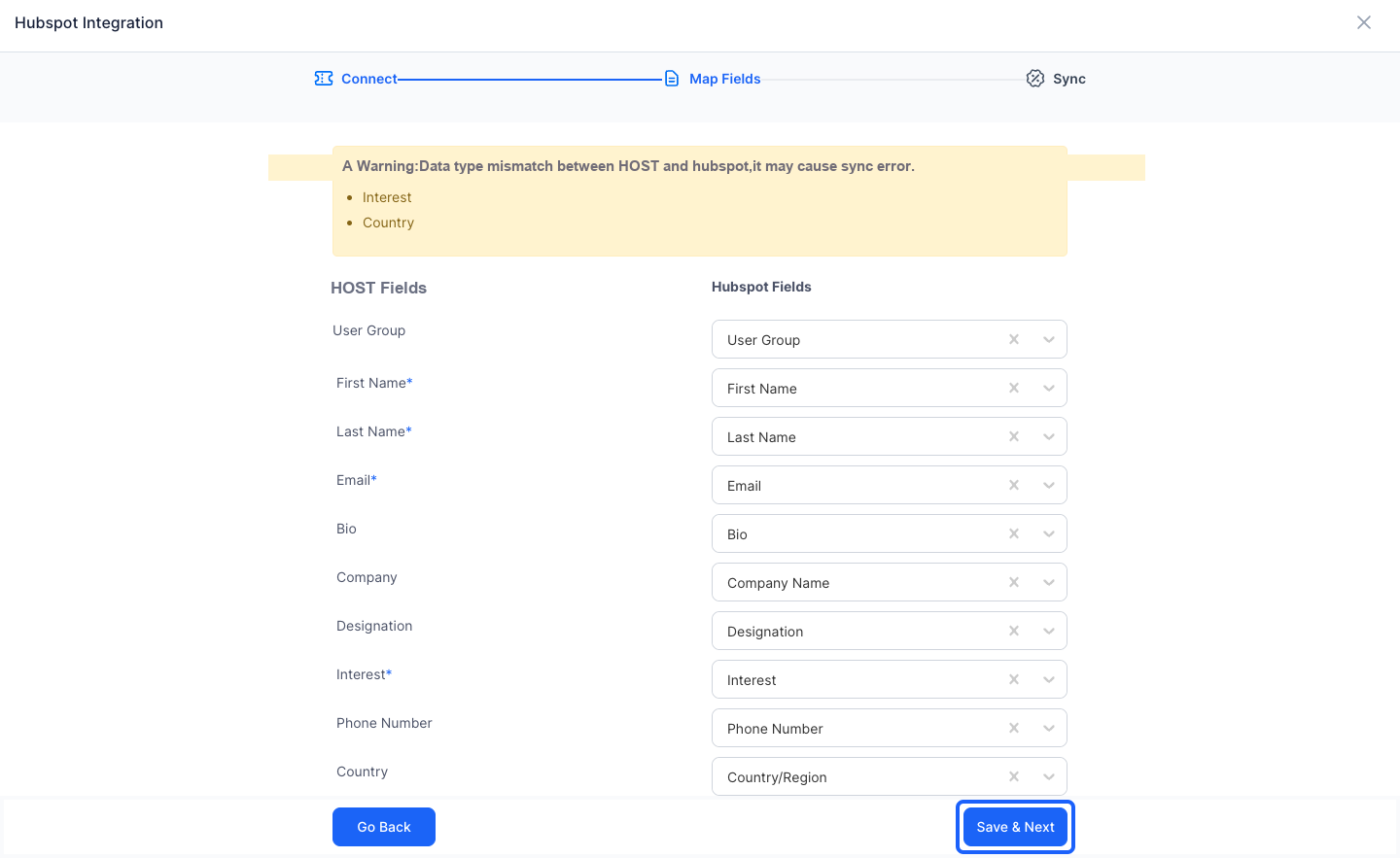
17: Once all the mapping is done, click on Save & Next
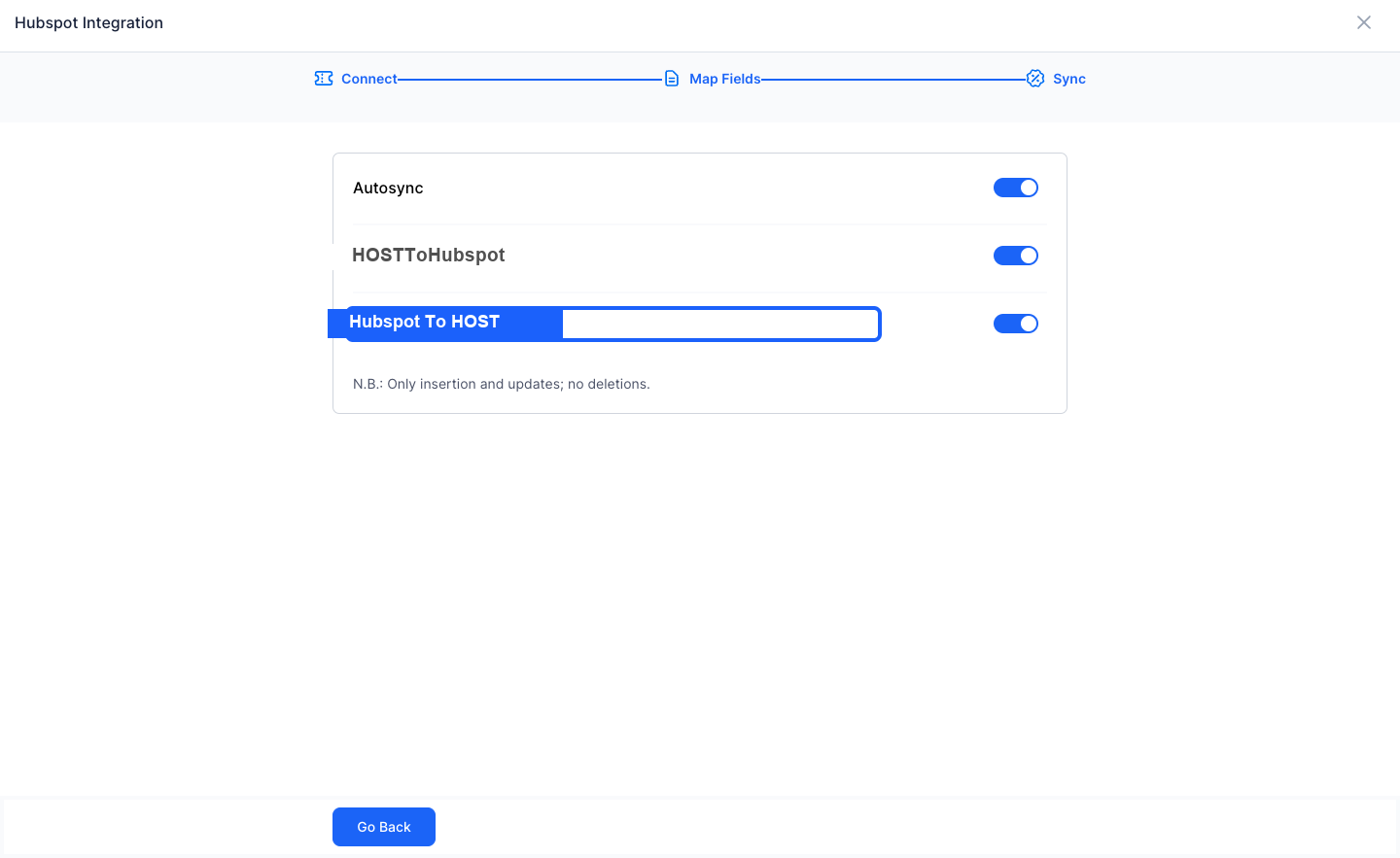
18: Set up the syncing rules
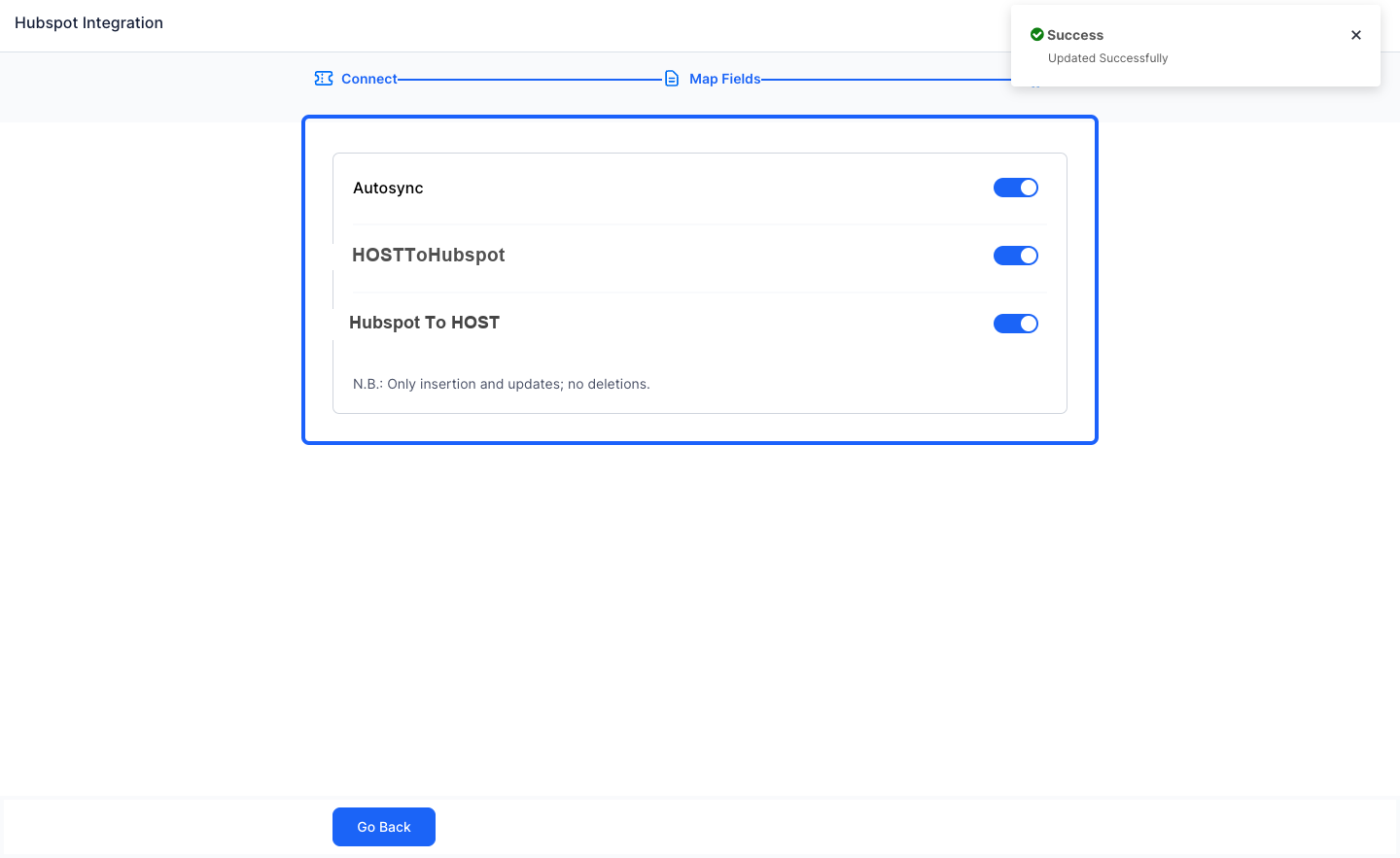
19: Keeping Autosync on will sync the data at a set interval
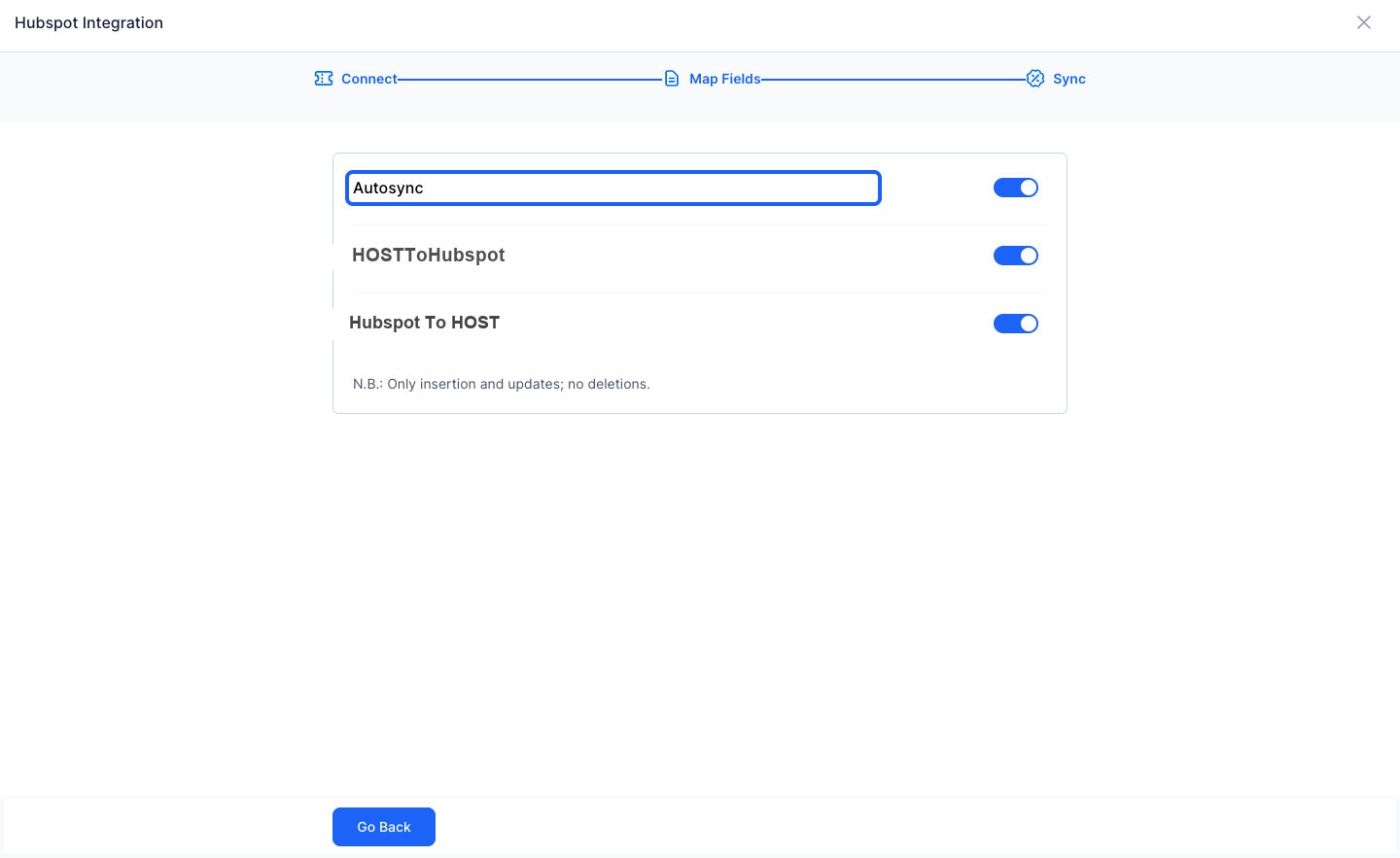
20: HOST to Hubspot on will send the data from HOST to Hubspot
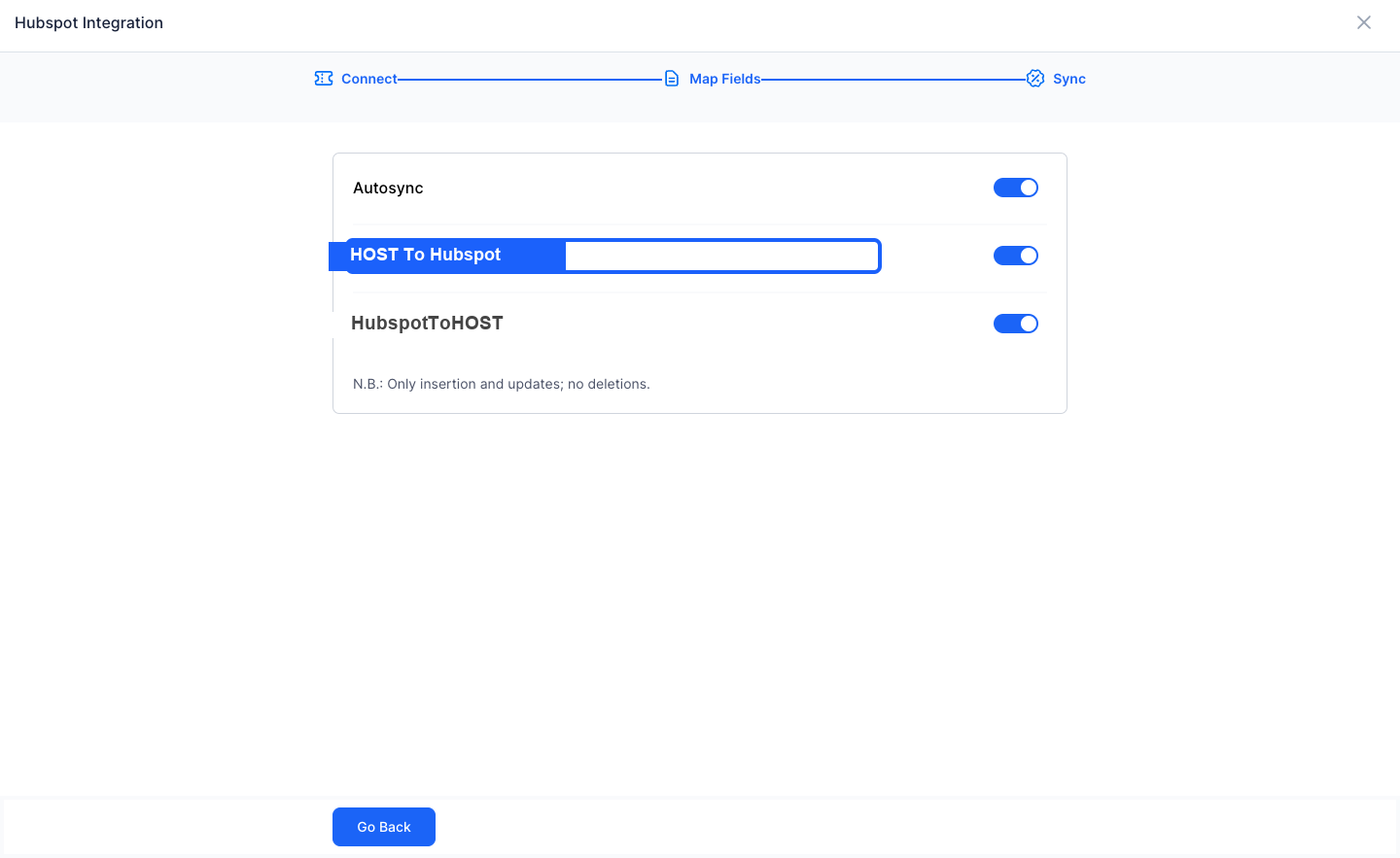
21: HOST to Hubspot on will import the data from Hubspot to HOST
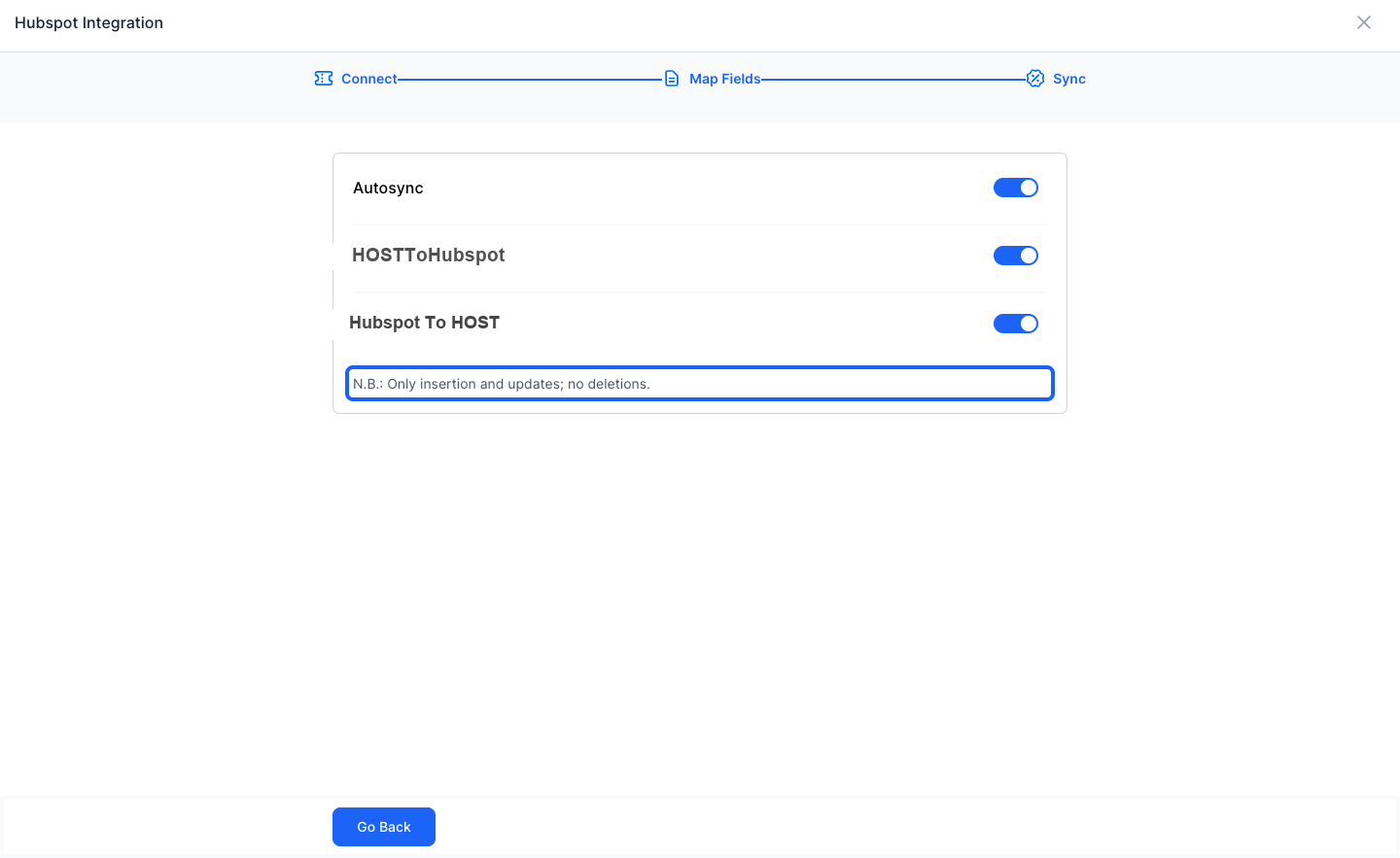
22: Note: The sync will only insert and update. It will not delete any data
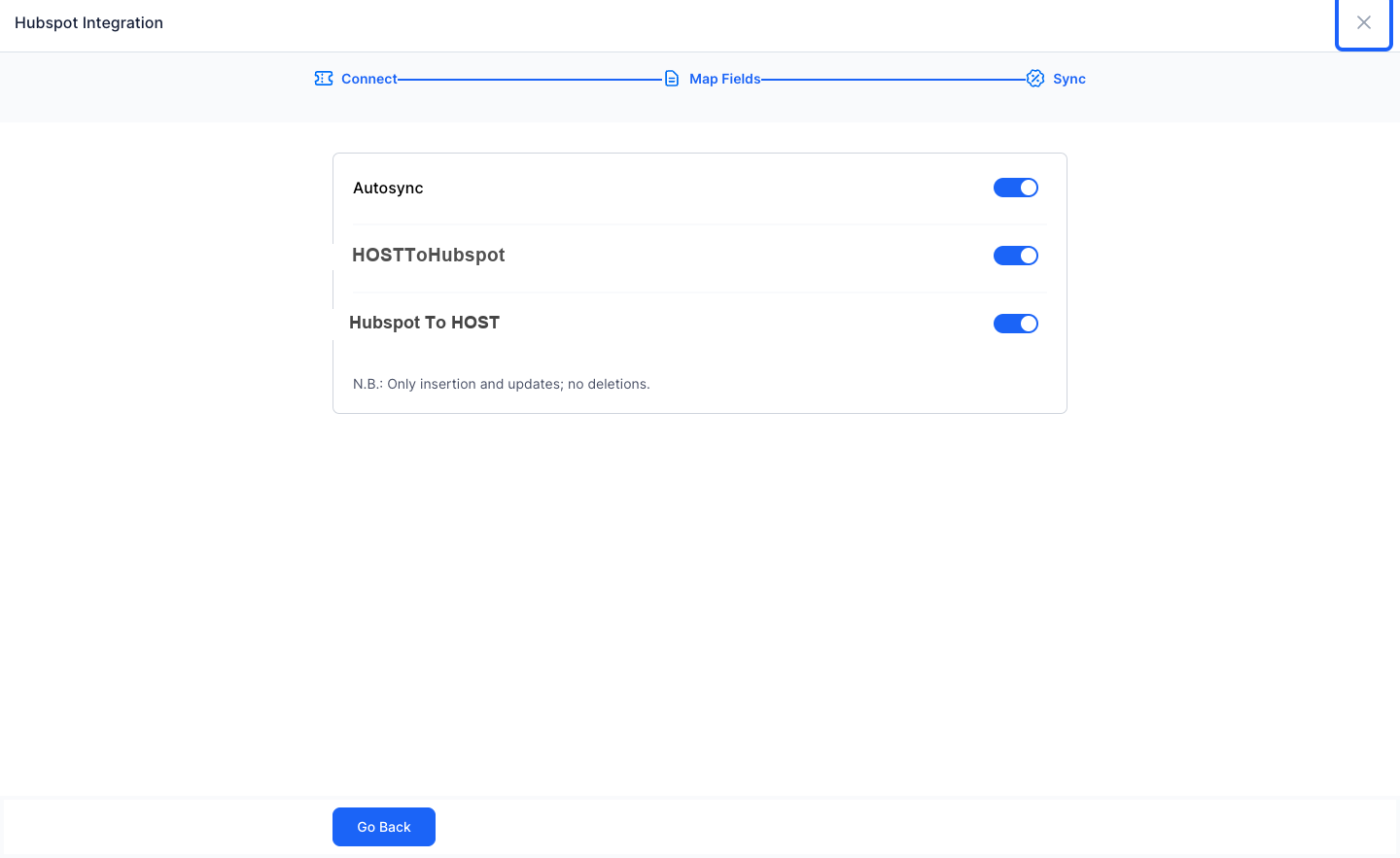
23: Click the “close” button once done.
24: Here are the tips for a successful integration