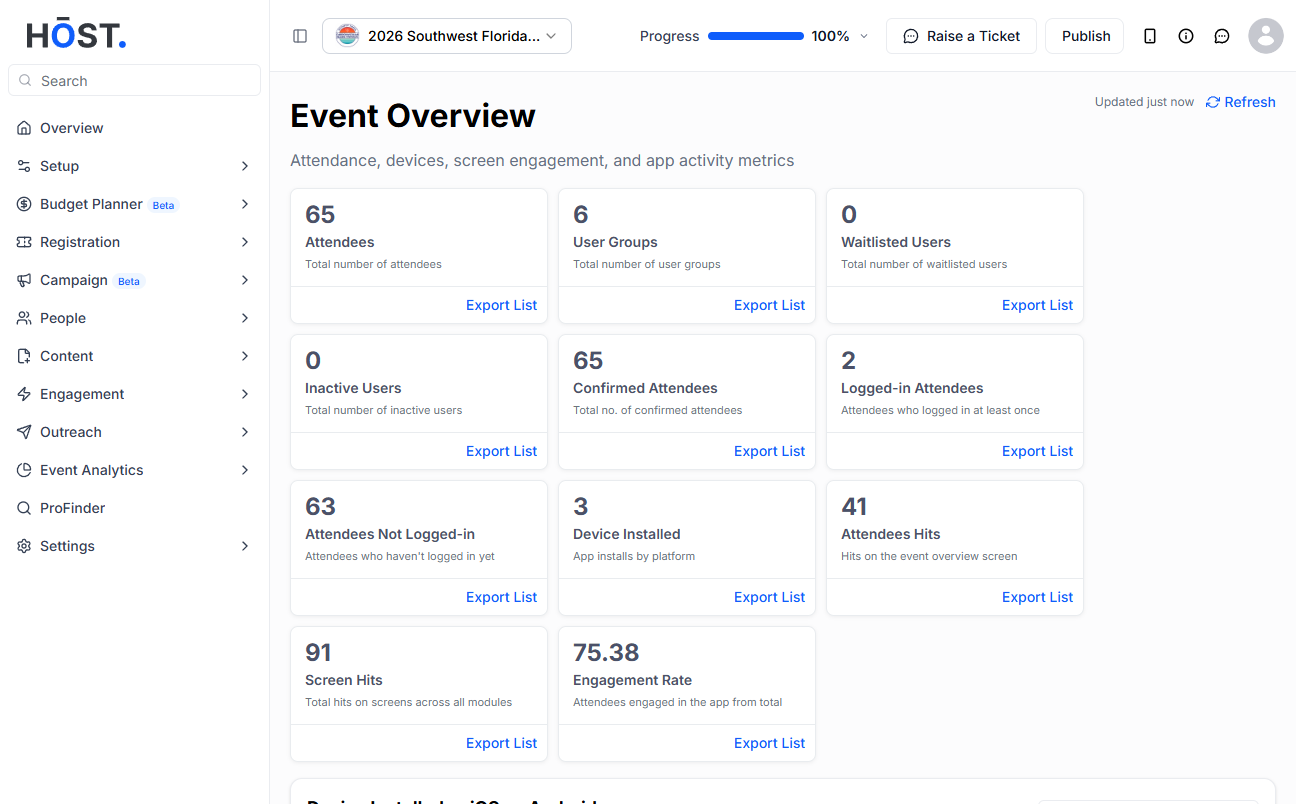
Analytics data is crucial for events, providing insights for improvement, efficiency, and decision-making. HOST offers the option to view data by date, which can be changed from the calendar given in the analytics for targeted analysis and strategic planning.
Access the HOST Admin Panel at https://app.hostlife.io/login and navigate to Analytics>Analytics Dashboard, where you'll find insights presented in various cards with counts, along with a chart view illustrating the activity of users over the selected date range.
Click on the calendar located at the top right side of the admin panel. Select the desired date range to view changes, and the results will display accordingly.
🔔 There is also an option to export the data directly from the analytic dashboard, located next to the calendar.