In case you have a lot of attendees for the event, bulk import can help simplify the process. Let us check how to add all attendees at once.
1: Go to People > Manage Attendees and click the “Import” button to open the Import Users wizard. (You can also add attendees one at a time.)
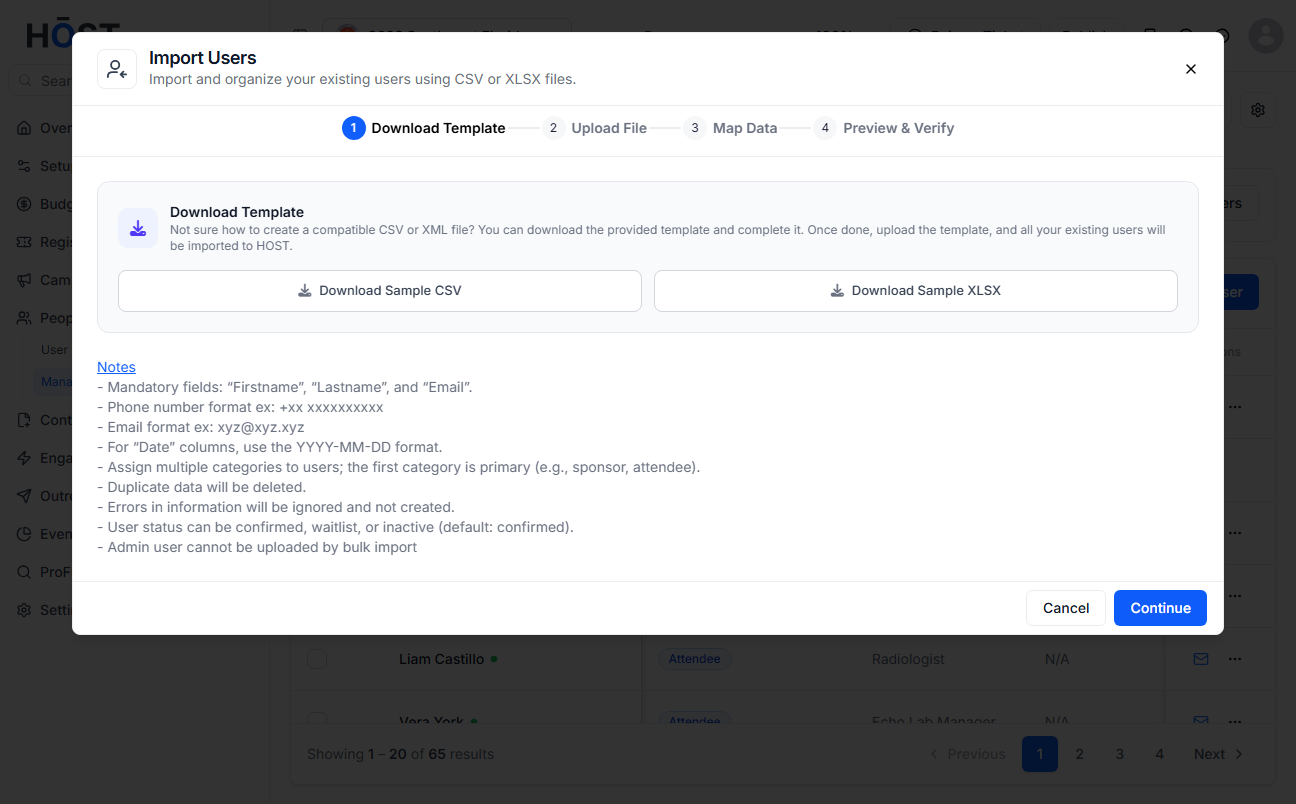
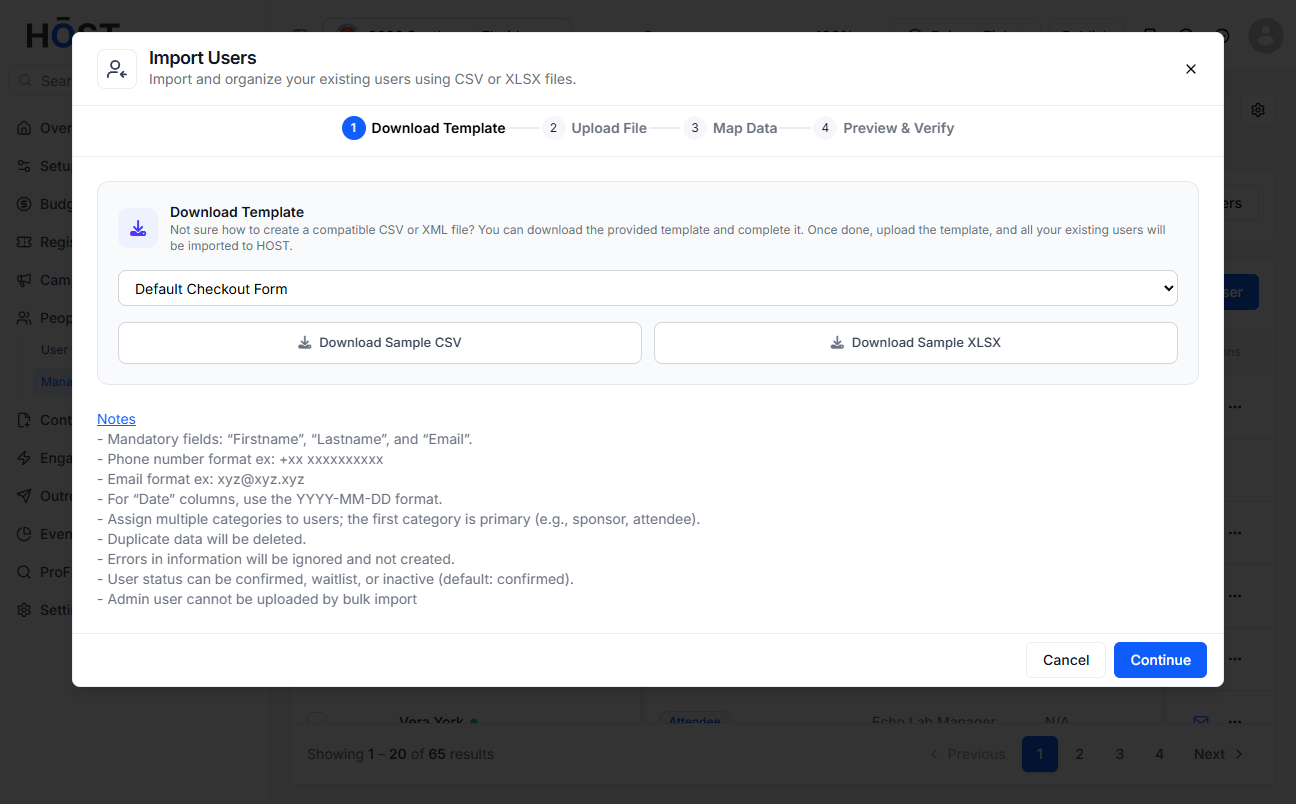
2: In the Download Template step, download the Sample CSV or XLSX and fill it in. Firstname, Lastname and Email are mandatory; duplicate data is removed and rows with errors are skipped.
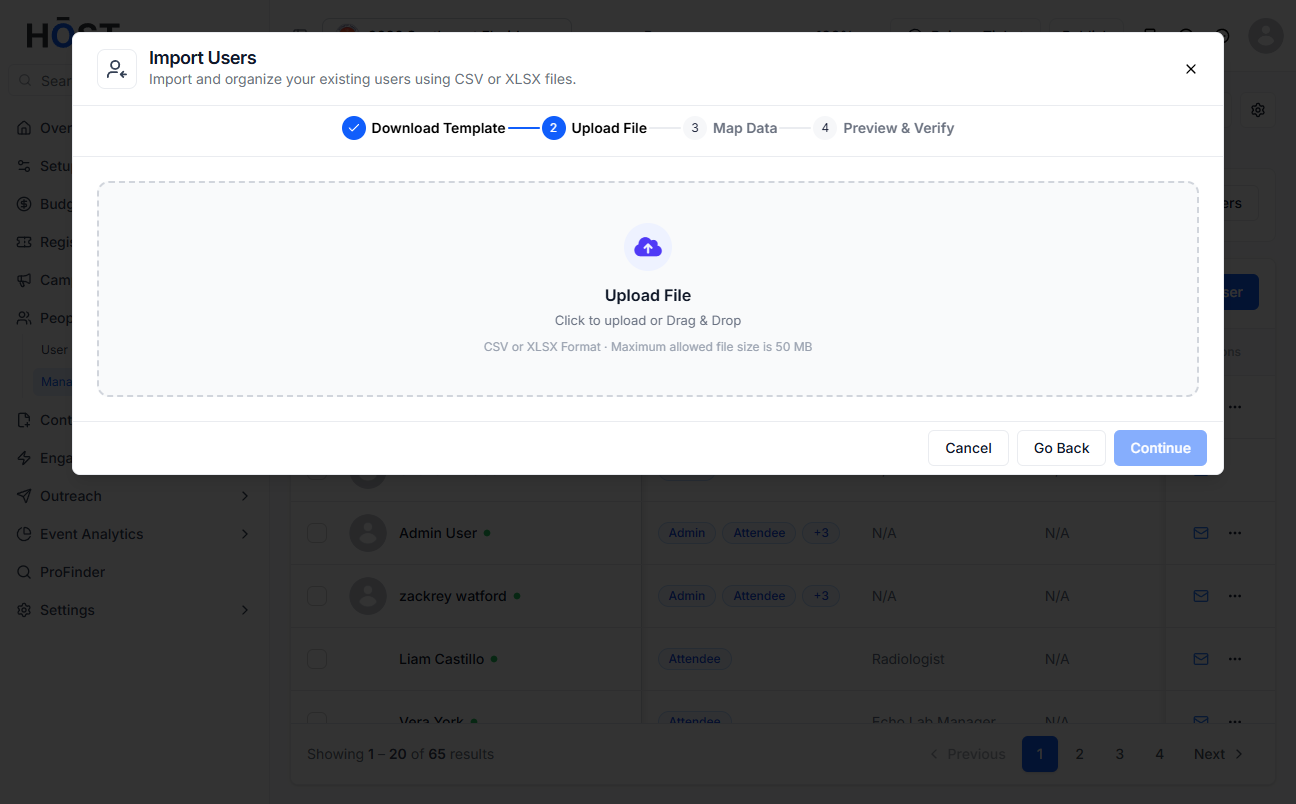
3: In the Upload File step, drag and drop or browse to upload your completed file.
4: Map your file's columns to HOST's fields in the Map Data step, then review everything in Preview & Verify and click “Import” to add the attendees.

