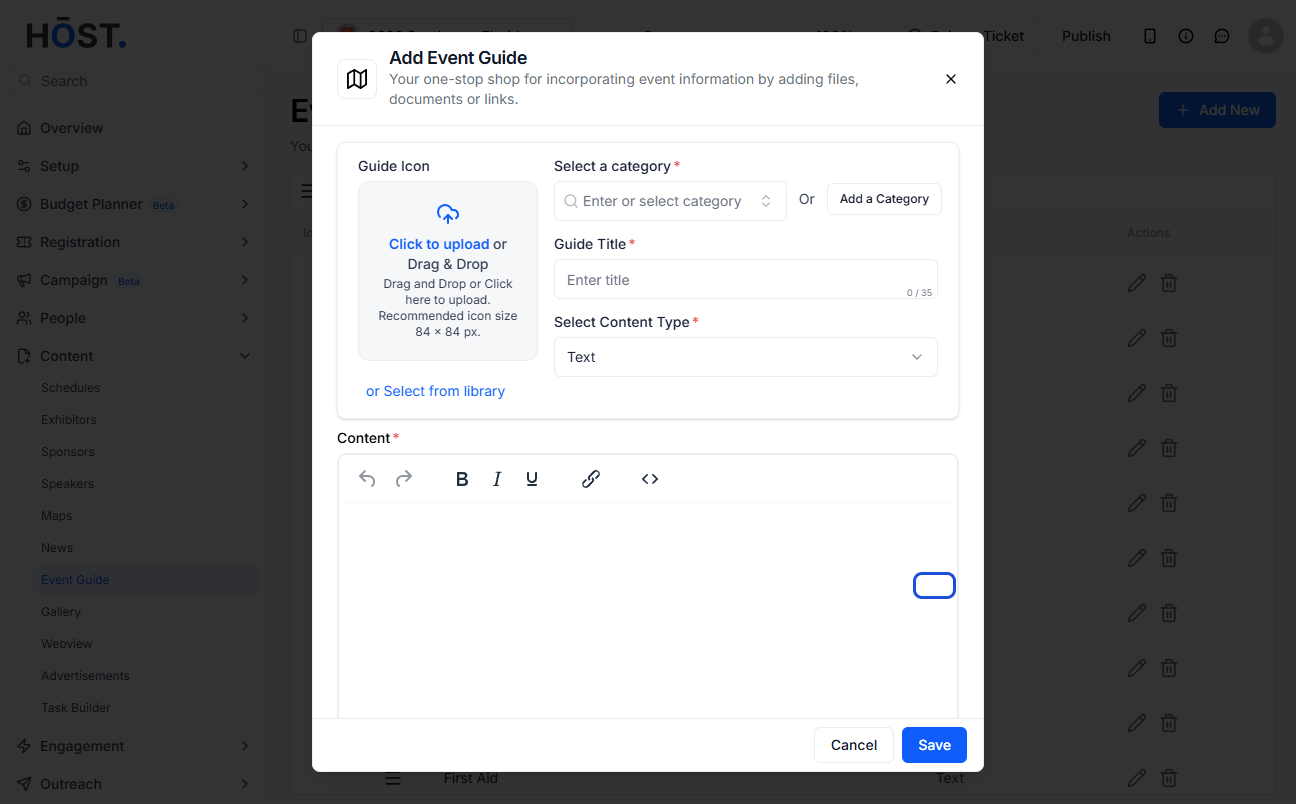
Event guides provide attendees with key information such as schedules, venue maps, or FAQs in one accessible place. Follow the steps below to add event guides to your event.
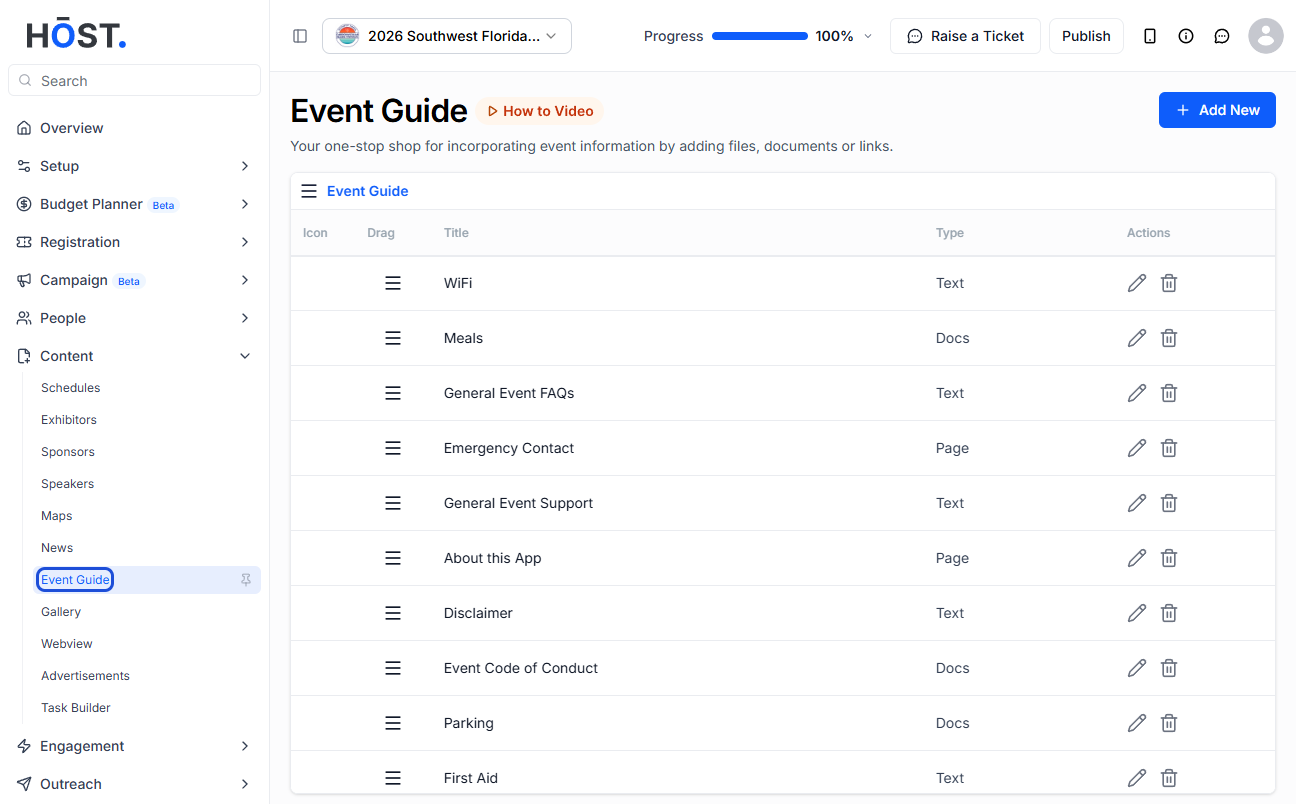
1: Access the HOST Admin Panel and go to Content> Event Guide
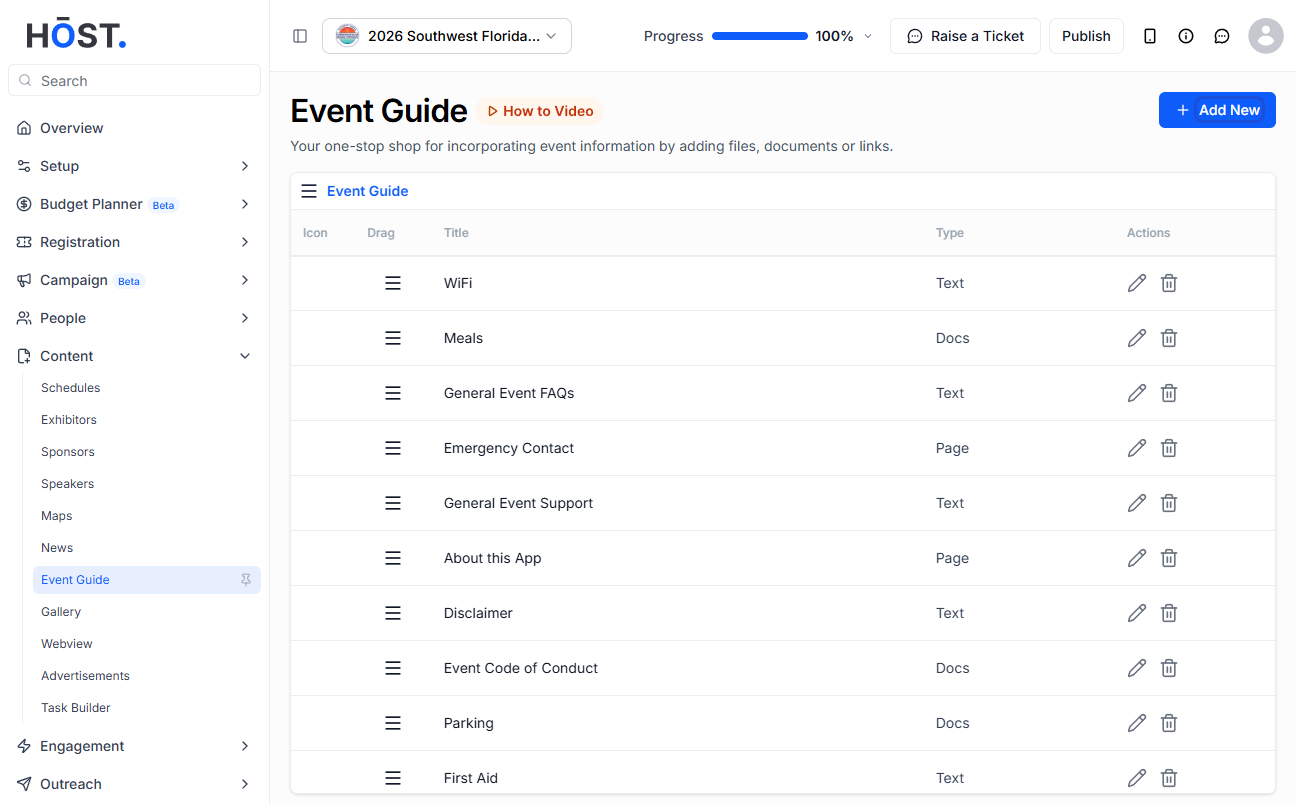
2: Click the “Add New” button to add a new event guide
3: You can either select an existing category from the dropdown
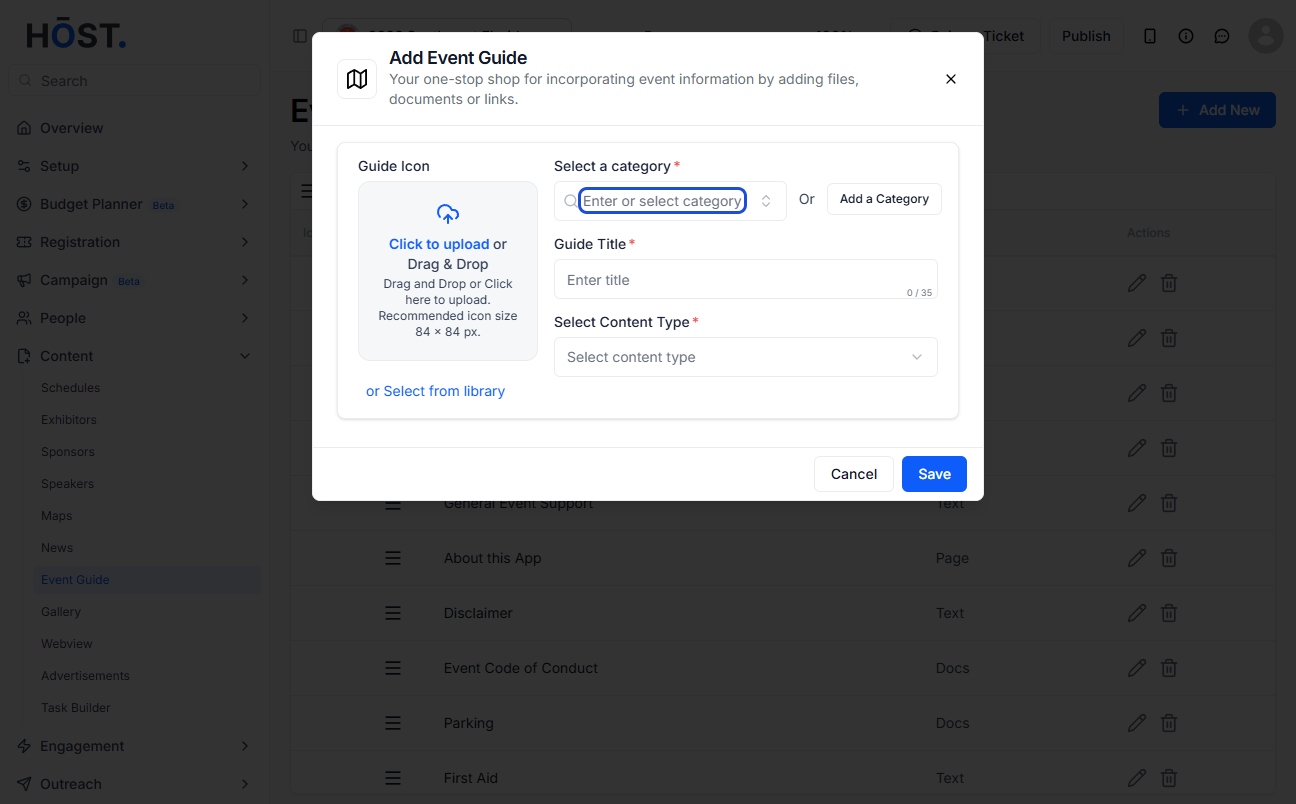
4: Or type the name of a new guide and select that
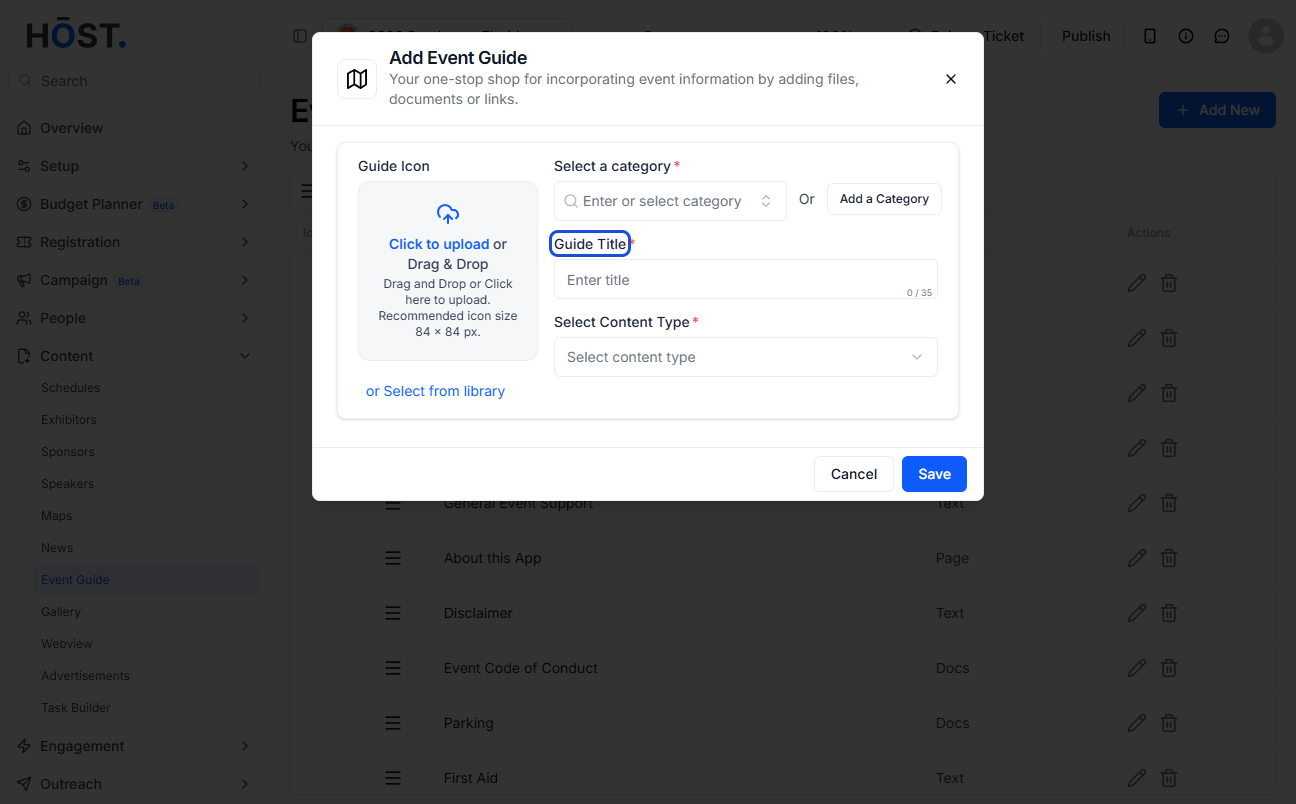
5: Enter the event guide title
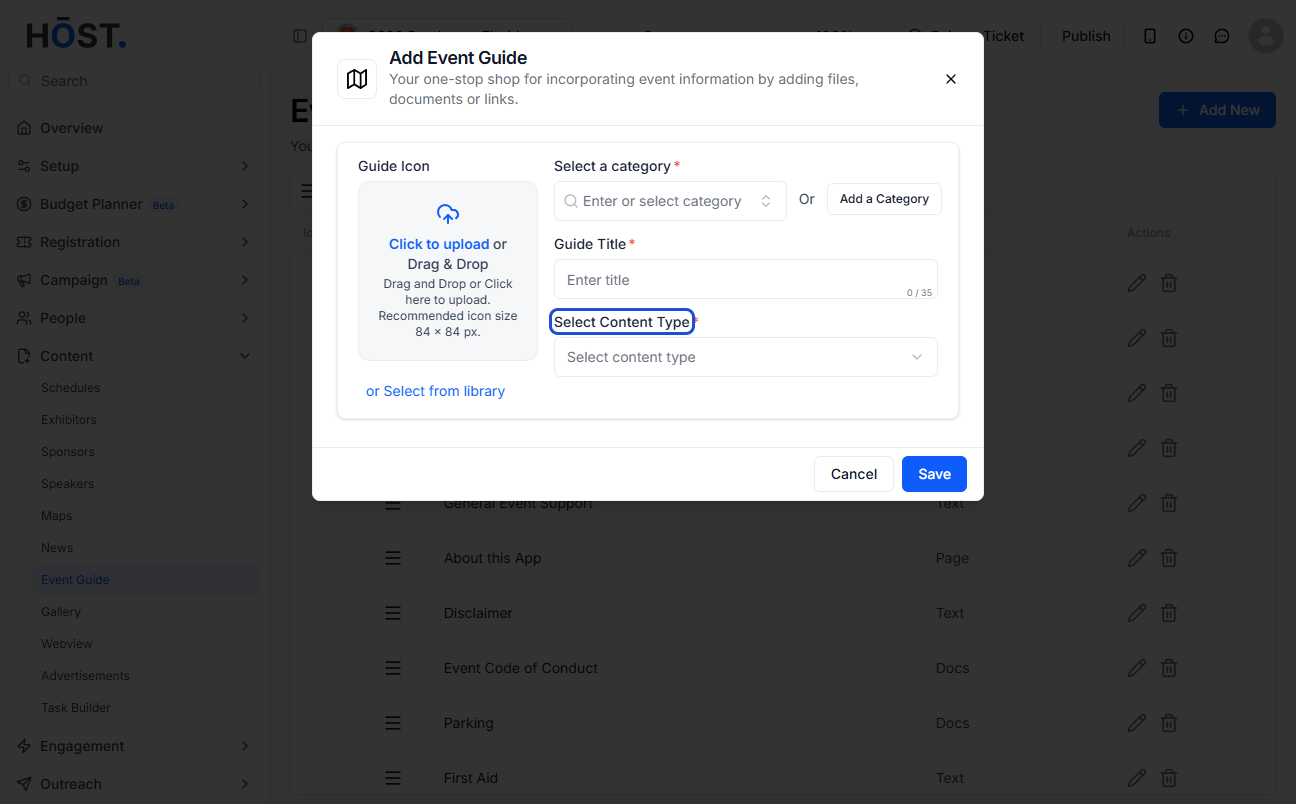
6: Select the content type from the dropdown
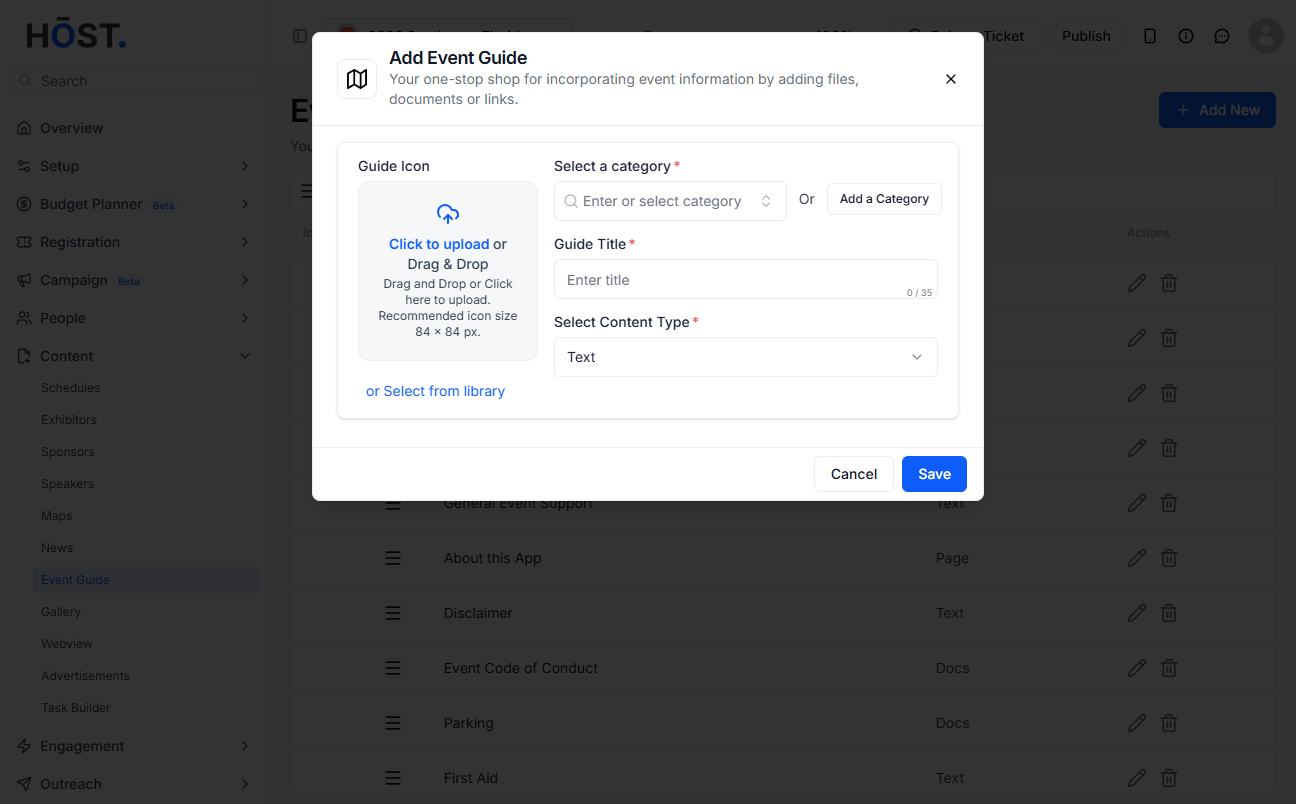
7: Add content relevant to the type of content selected
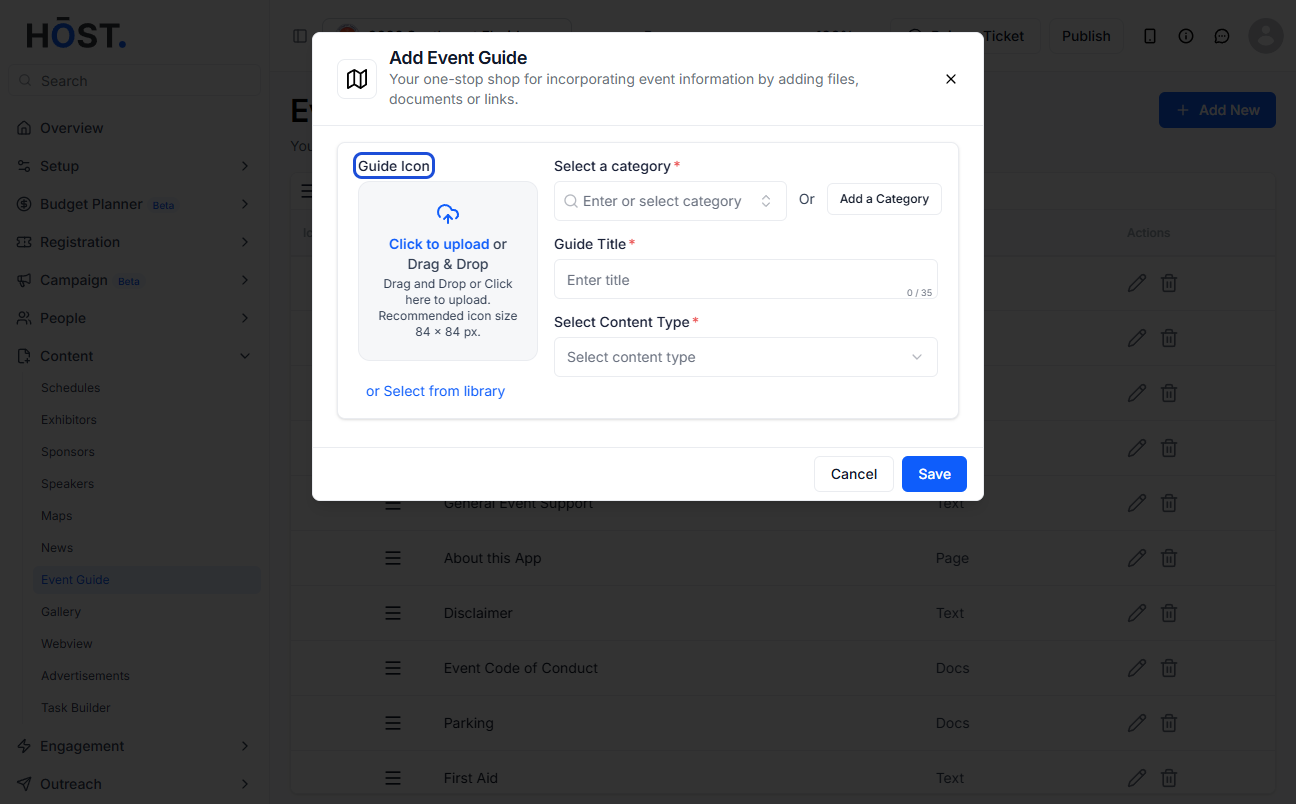
8: You can also add a guide icon if needed
9: You can hold and drag the titles to rearrange them
10: You can also hold and drag the guide categories to rearrange them
11: Click the “Save” button to create the new guide