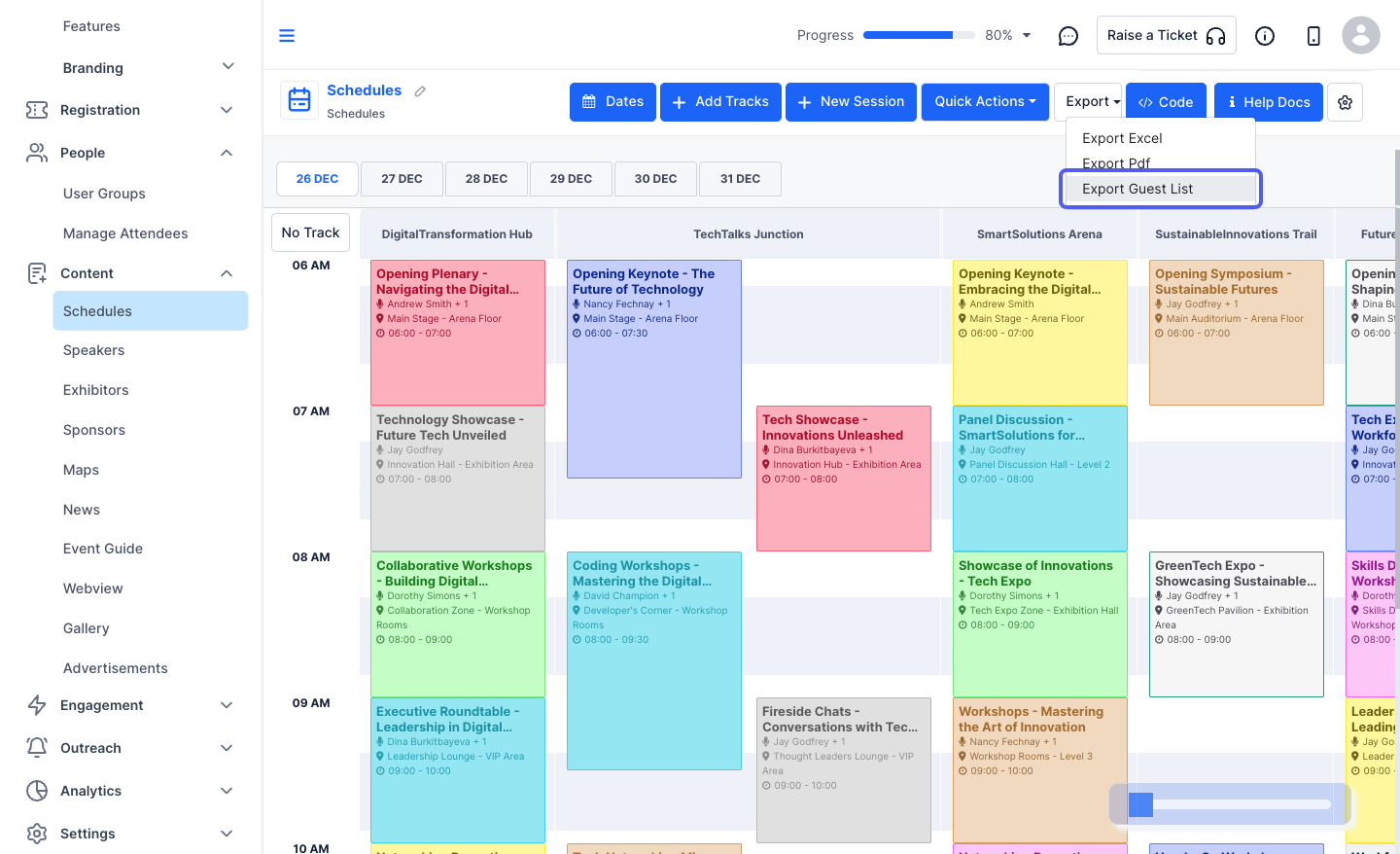
Exporting session details helps you download and store all session-related information for external review, backup, or reporting purposes. Follow the steps below to export session details
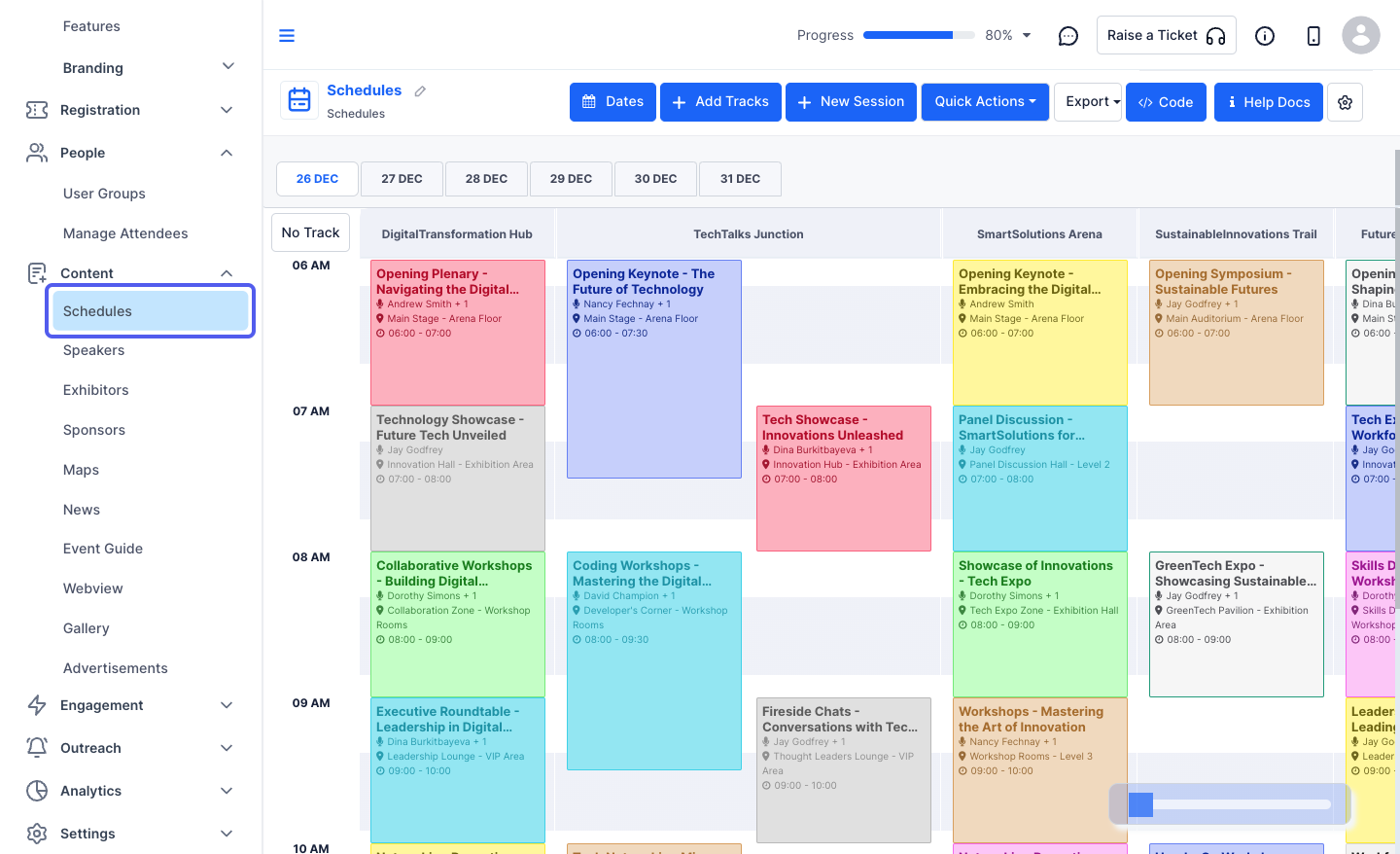
1: Access the HOST Admin Panel and navigate to Content > Schedules
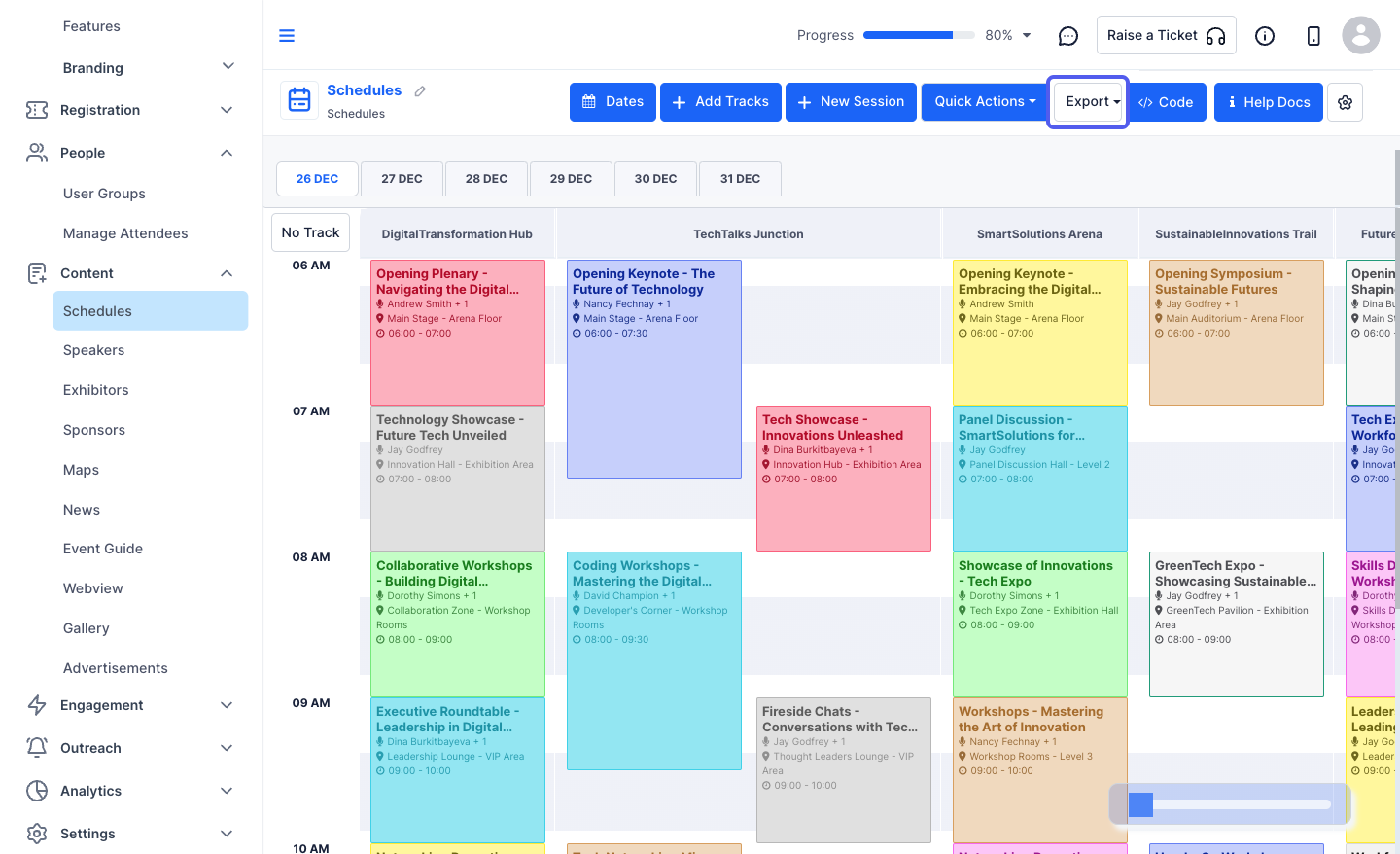
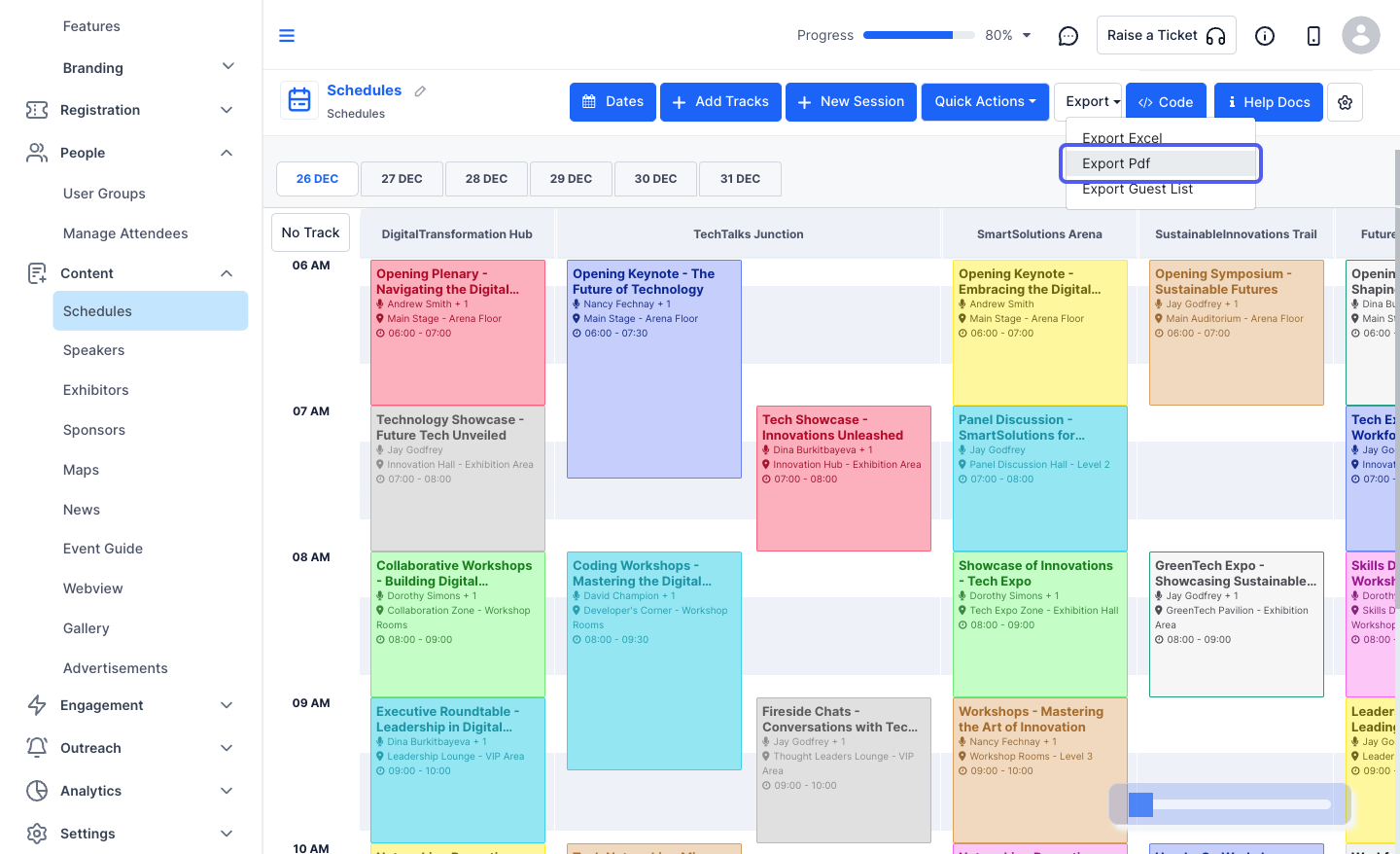
2: Click on the "Export" button
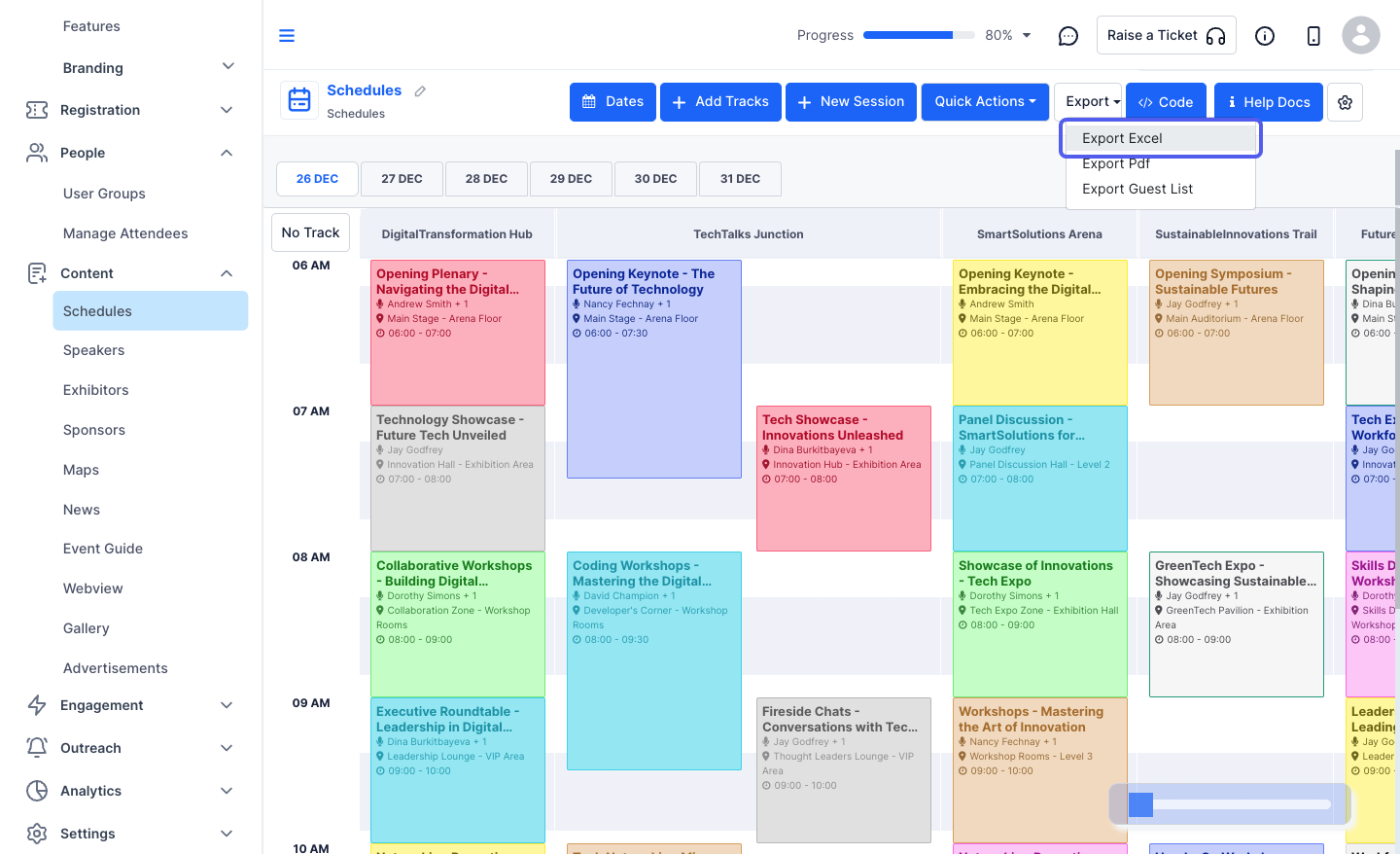
You can export the schedule in Excel, PDF along with the Guest list
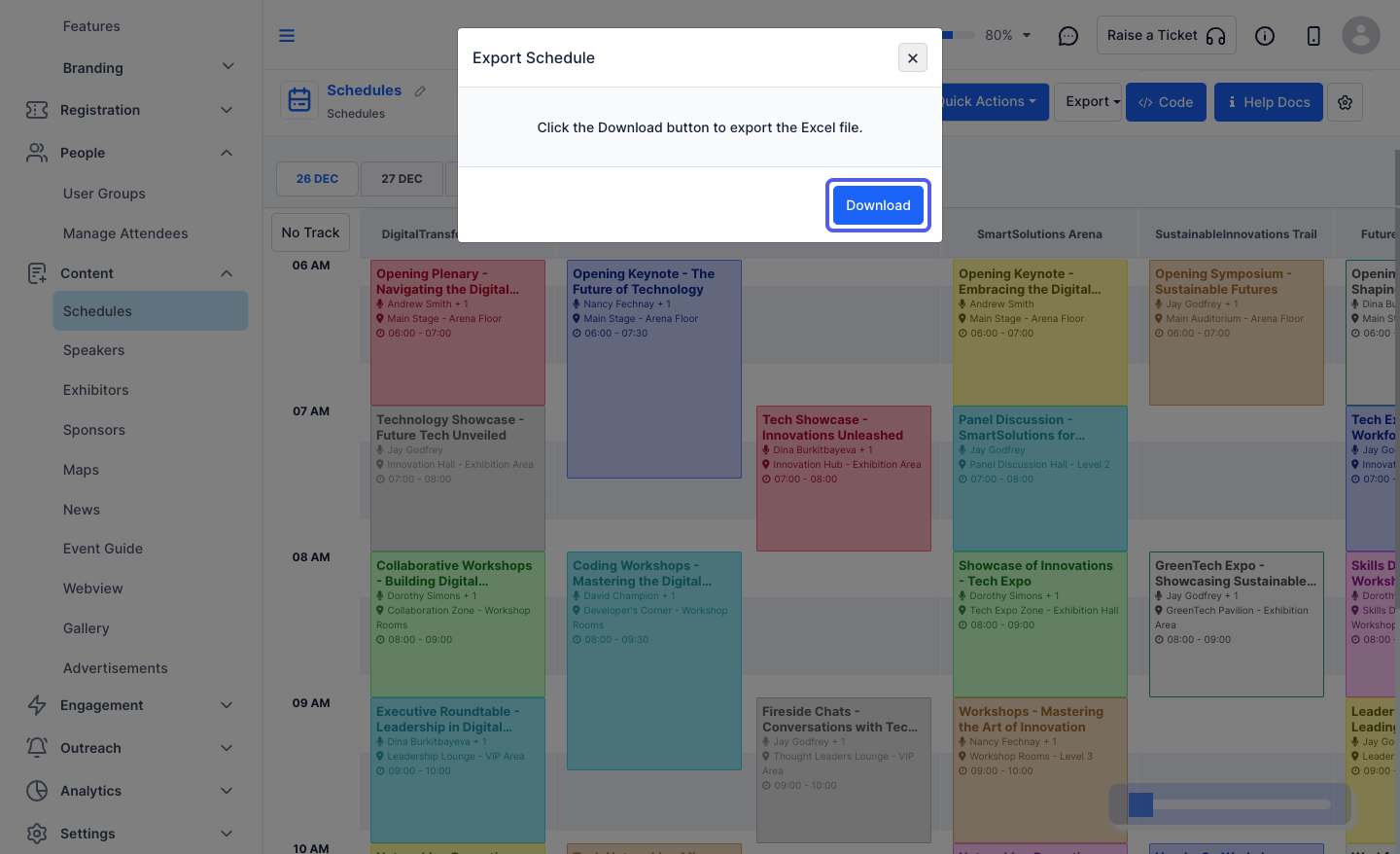
3: Click on the “Export Excel” button
4: Click on the “Download” button to download the schedule
5: Click on the “Export Pdf” button
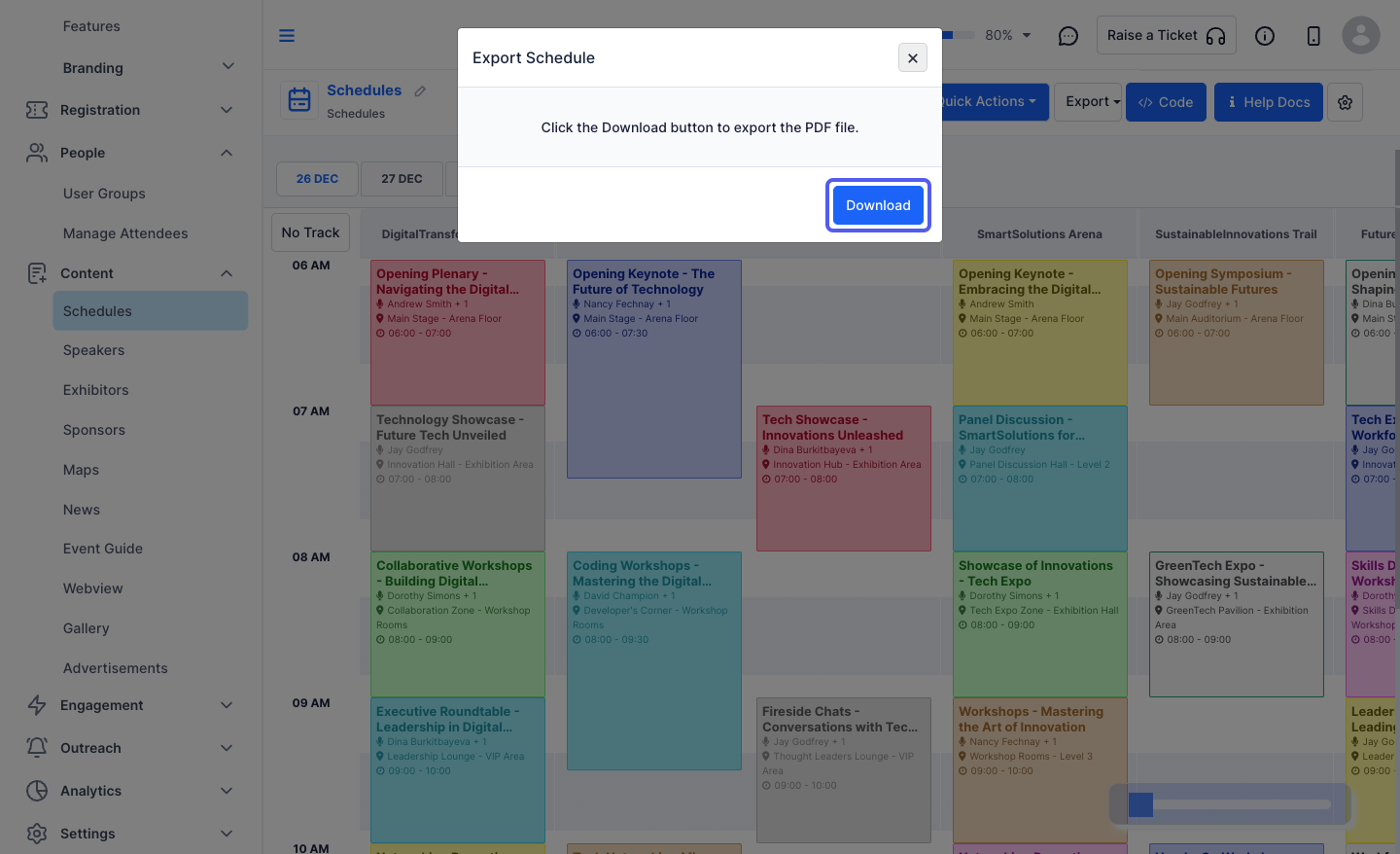
6: Click on the “Download” button to download the schedule pdf
7: Click on the “Export Guest List” button to download the users who have RSVPed to the sessions