Creating meeting rooms or spaces helps in organizing structured interactions within your event. Follow the steps below to create and manage meeting rooms or spaces in the HOST platform.
1: Login to HOST Admin panel and go to Engagement > Networking > Meetings
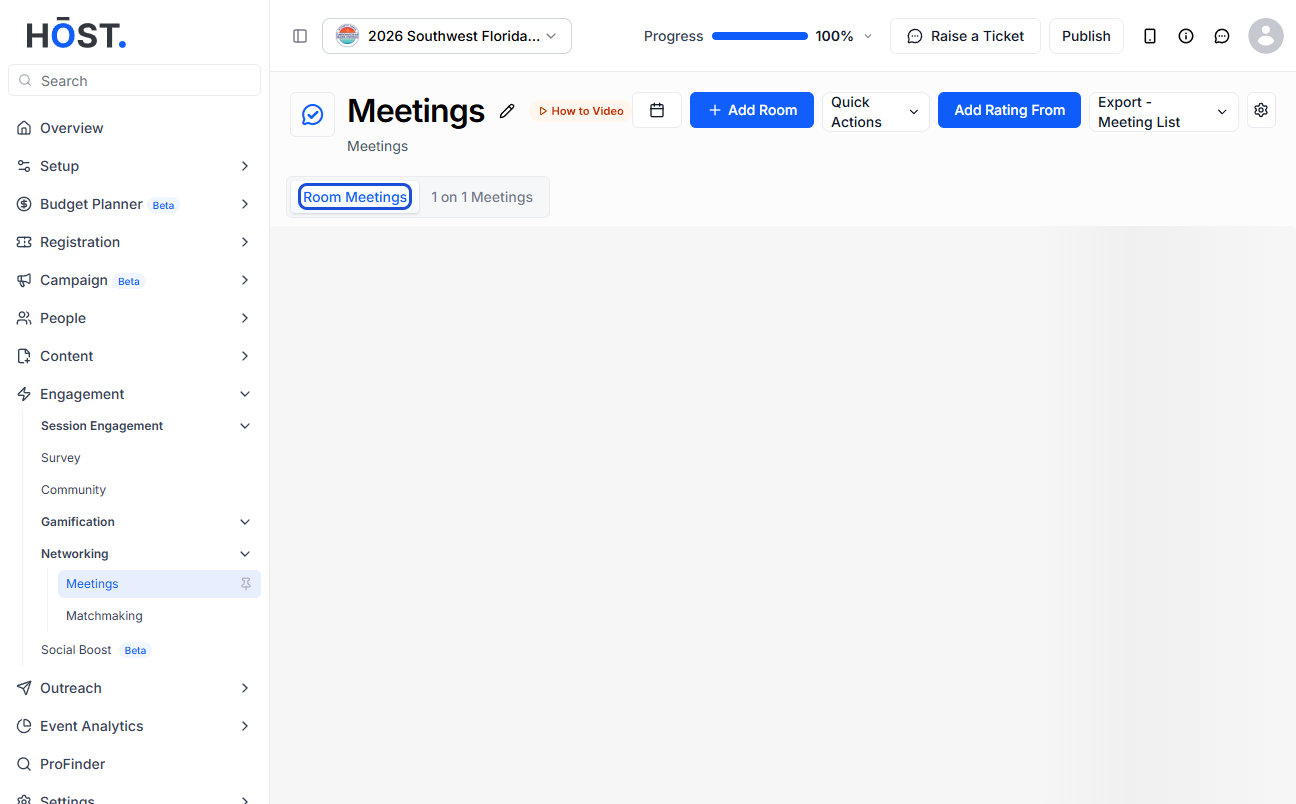
2: Click on "Room Meetings" to create Room Meetings
3: Click the “Add Room” button to add a new room
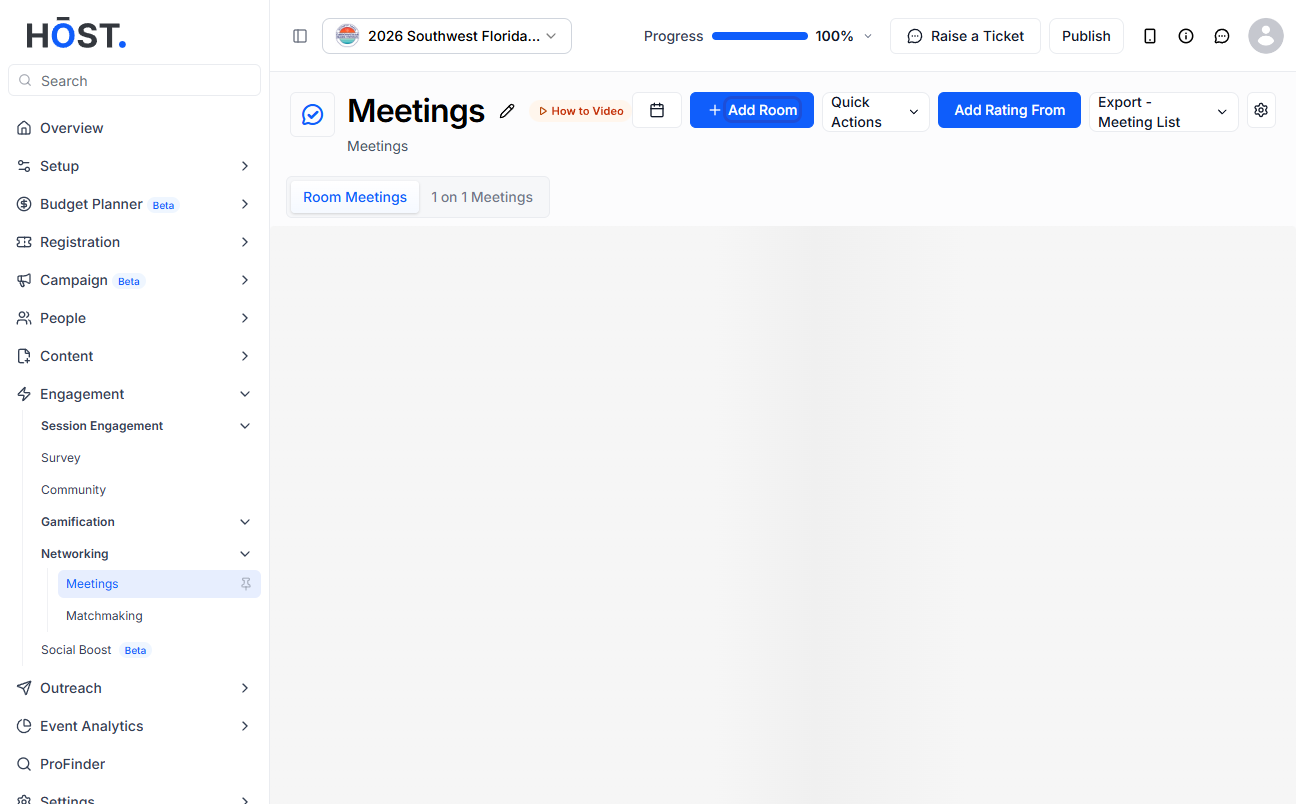
4: Enter the Room / Table Name
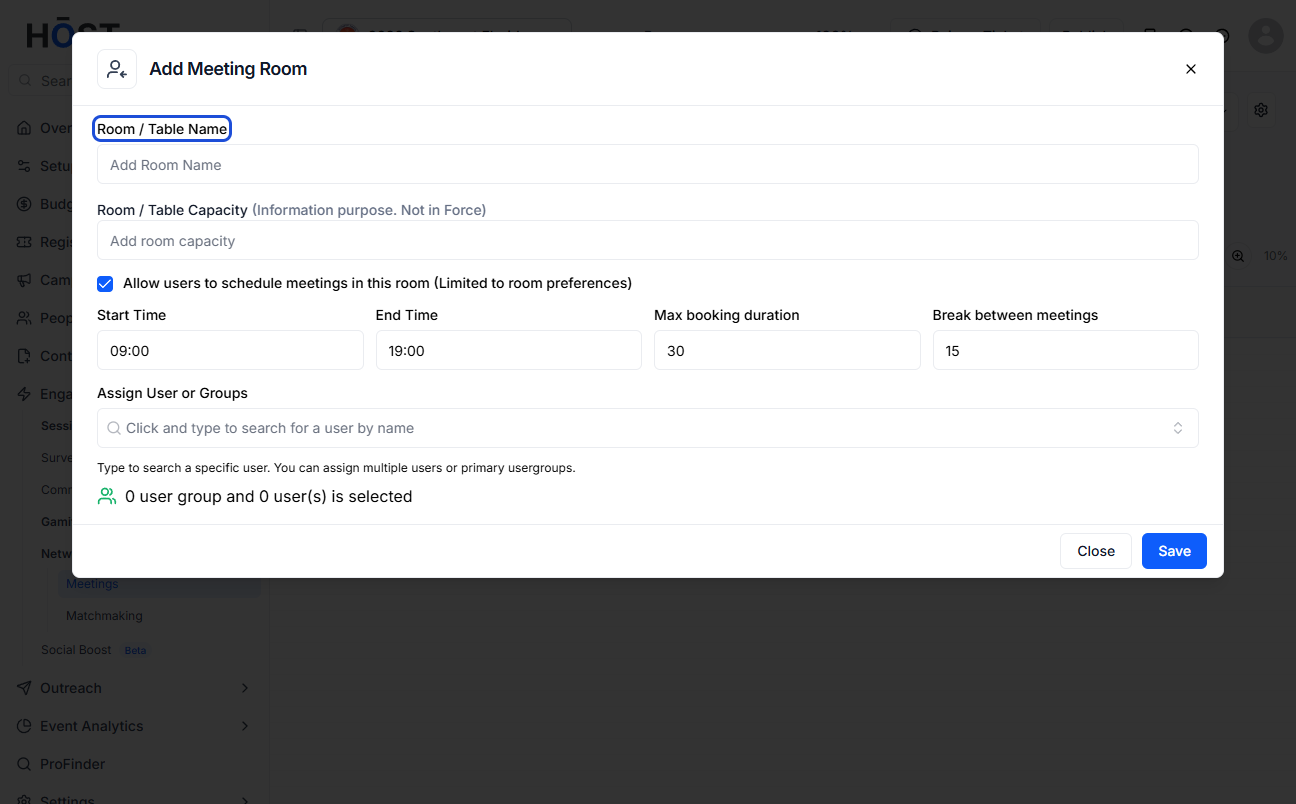
5: Enter the Room / Table Capacity
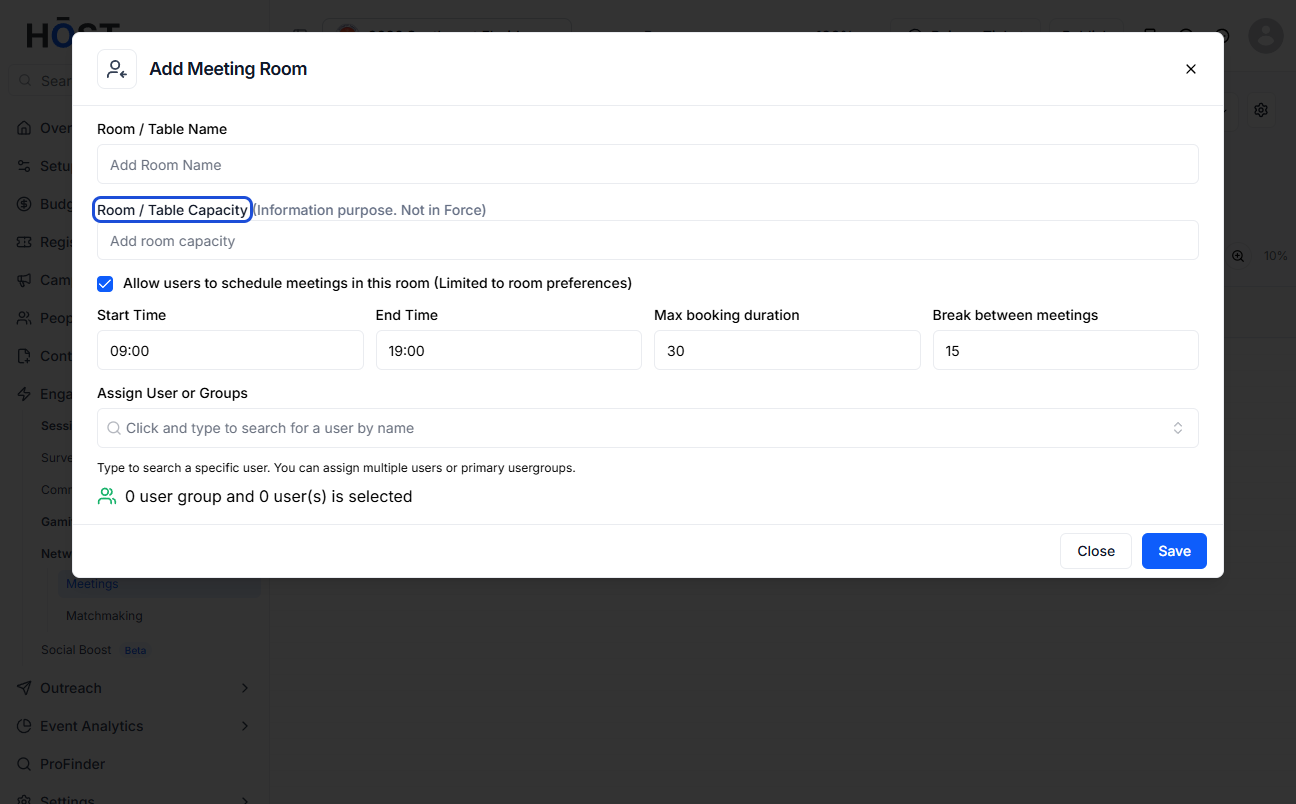
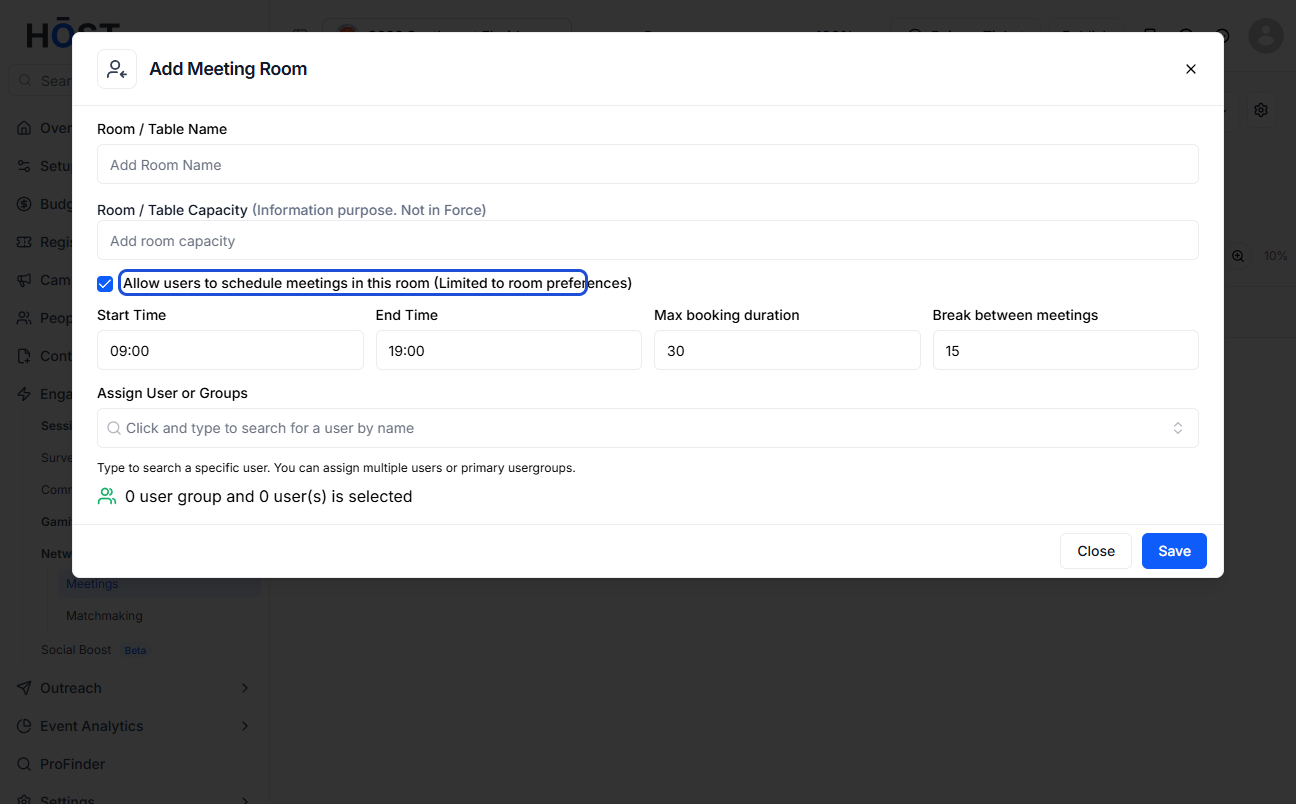
6: If you don't want users to schedule meetings in this room then keep this unchecked
7: Click the “Save” button to create the room
8: Keep this checked to allow users to schedule meetings in this room
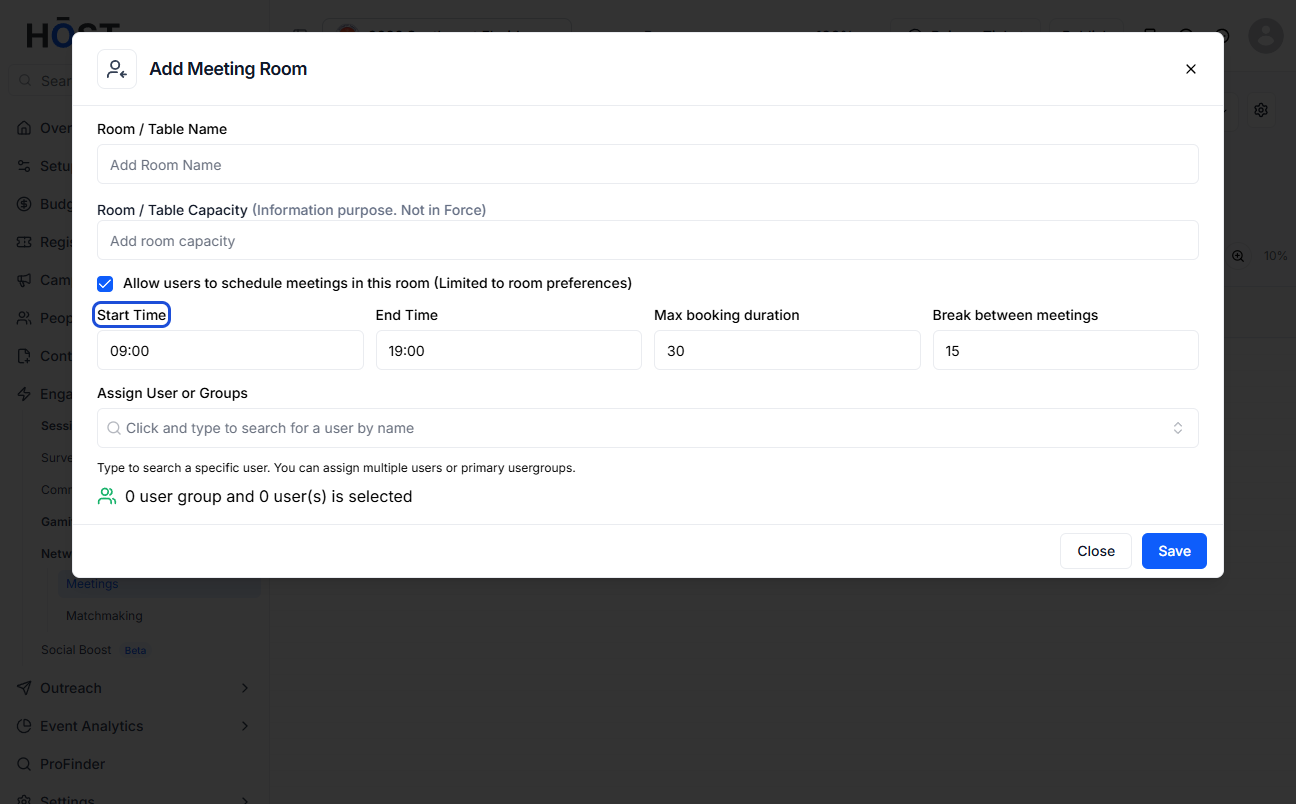
9: Enter the Start Time
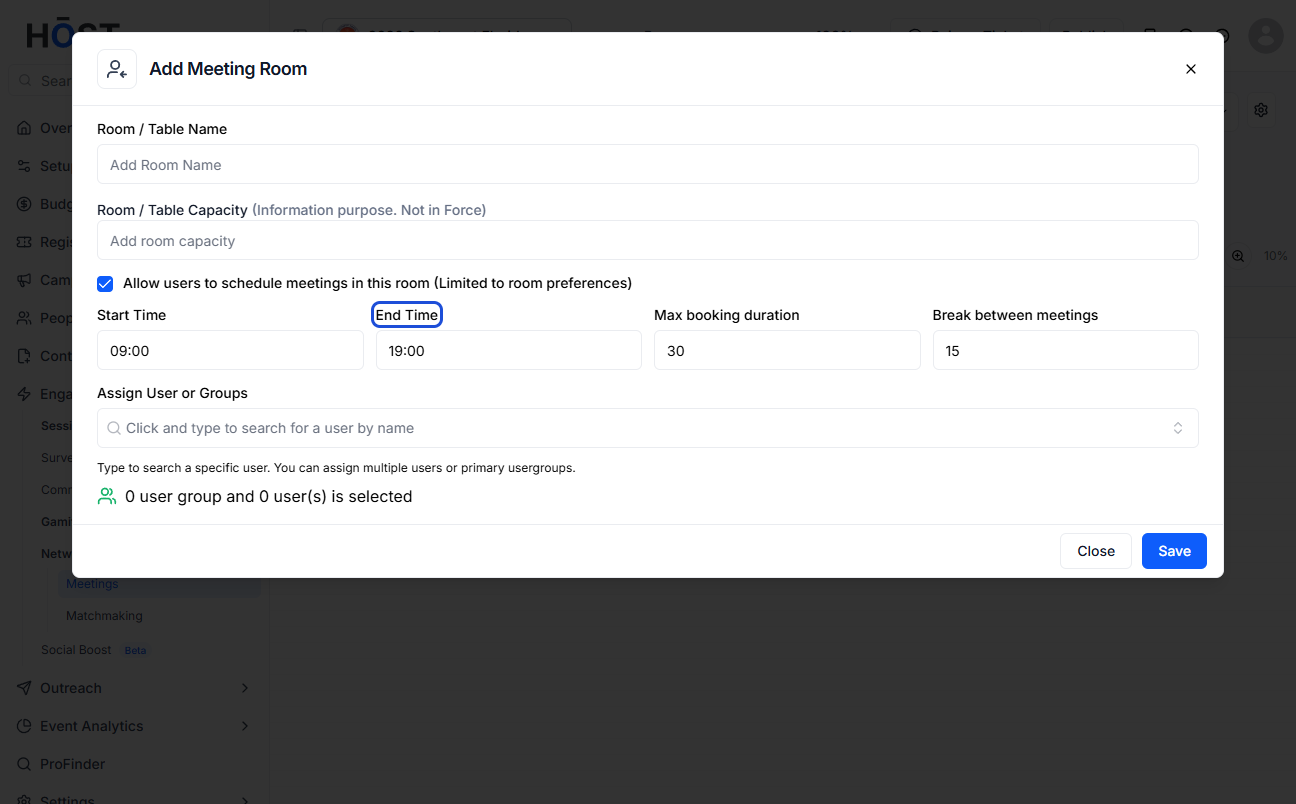
10: Enter the End Time
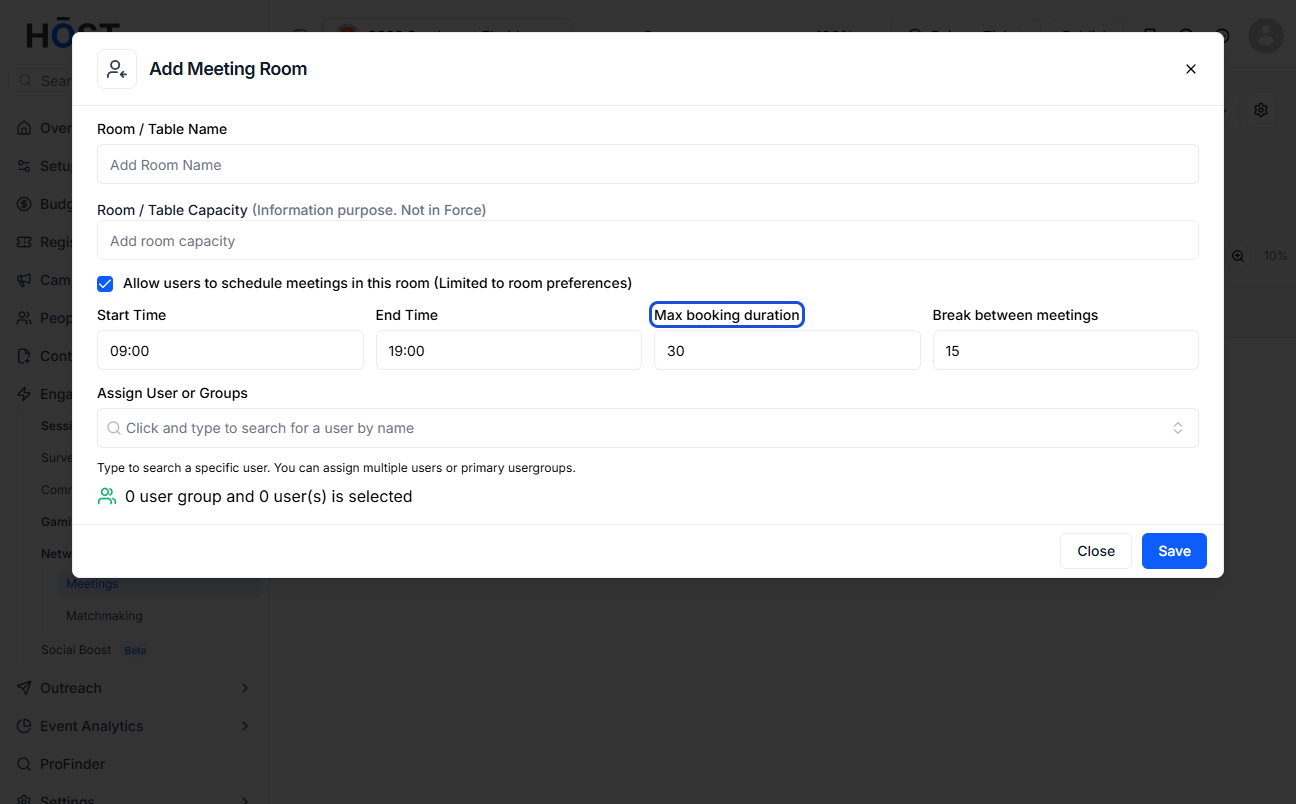
11: Enter the Maximum Booking Duration
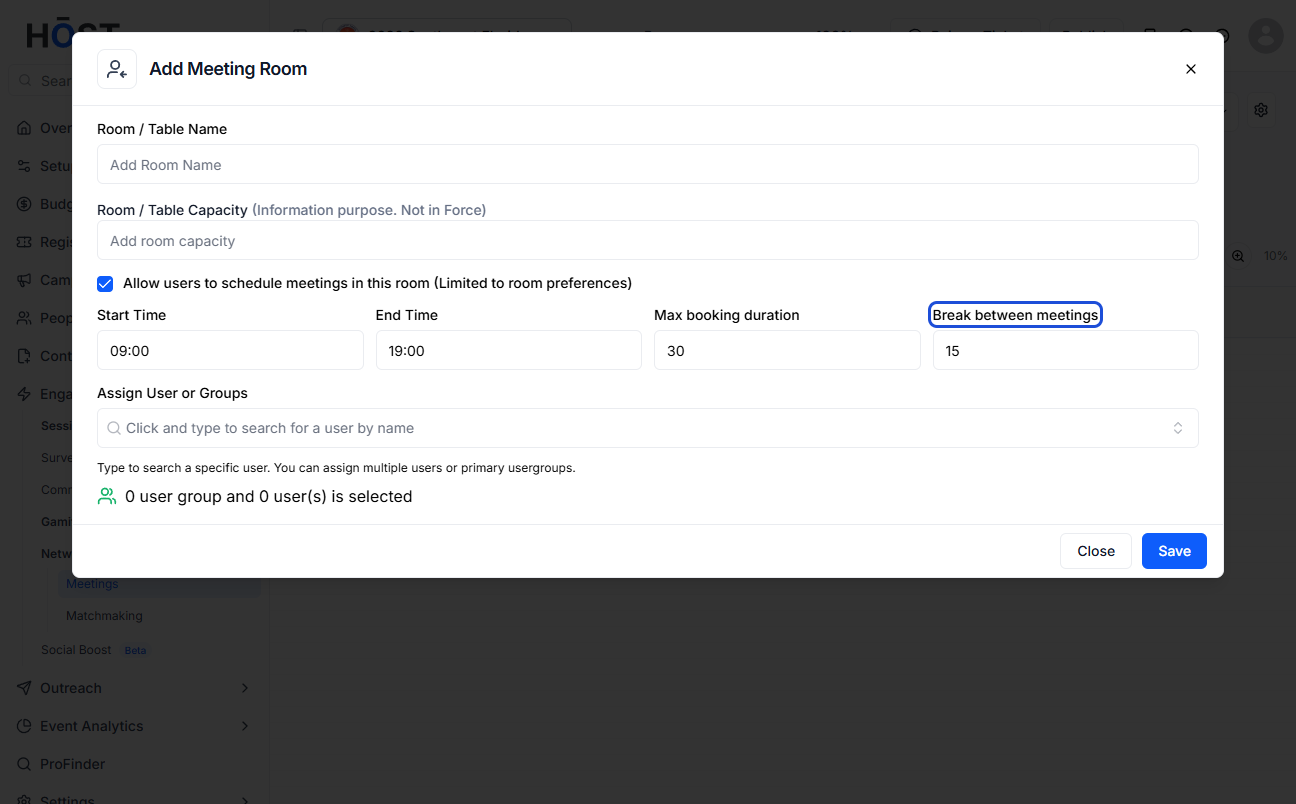
12: Enter the duration of break between the meetings
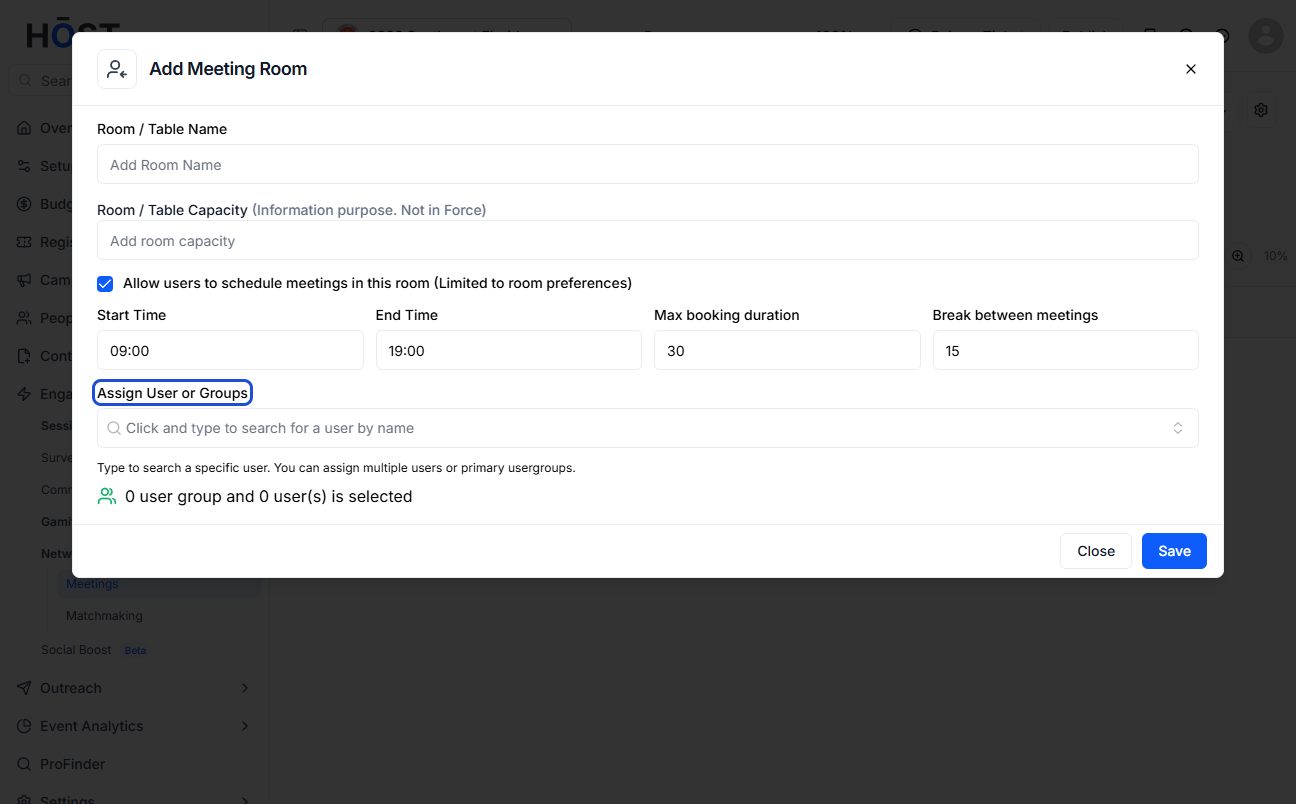
13: Select one or more Users or Groups from the dropdown to assign to the Room
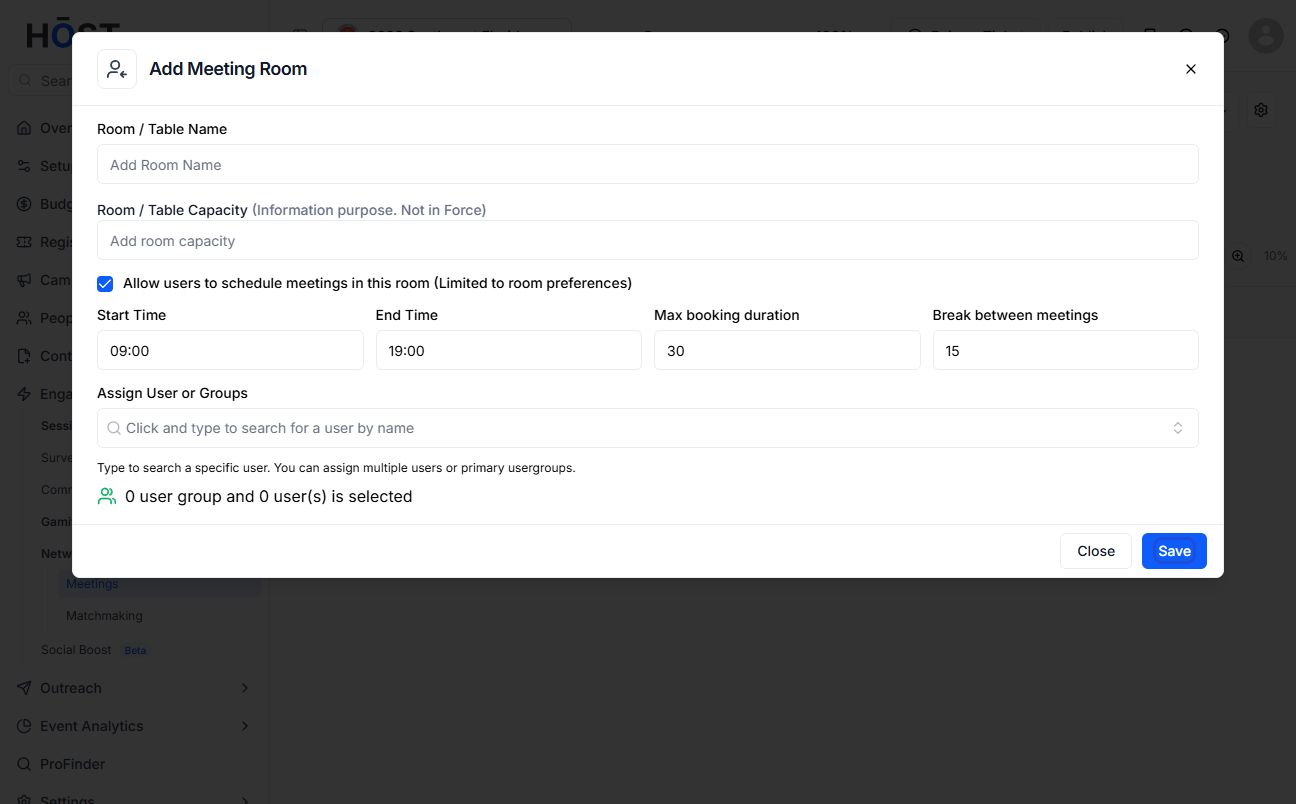
14: Click the “Save” button to create the room

