
HOST now offers support for multiple languages, enhancing accessibility and user experience. This feature operates in two ways: Firstly, it allows you to include as many languages as necessary for the app interface. Secondly, you have the flexibility to customize text within the app interface itself. This means you can modify any word or phrase, such as replacing 'Alert' with 'Warning'.
To change any text on an app or portal, please follow the steps below:
Step 1: Please log in with the given credentials to the admin panel.
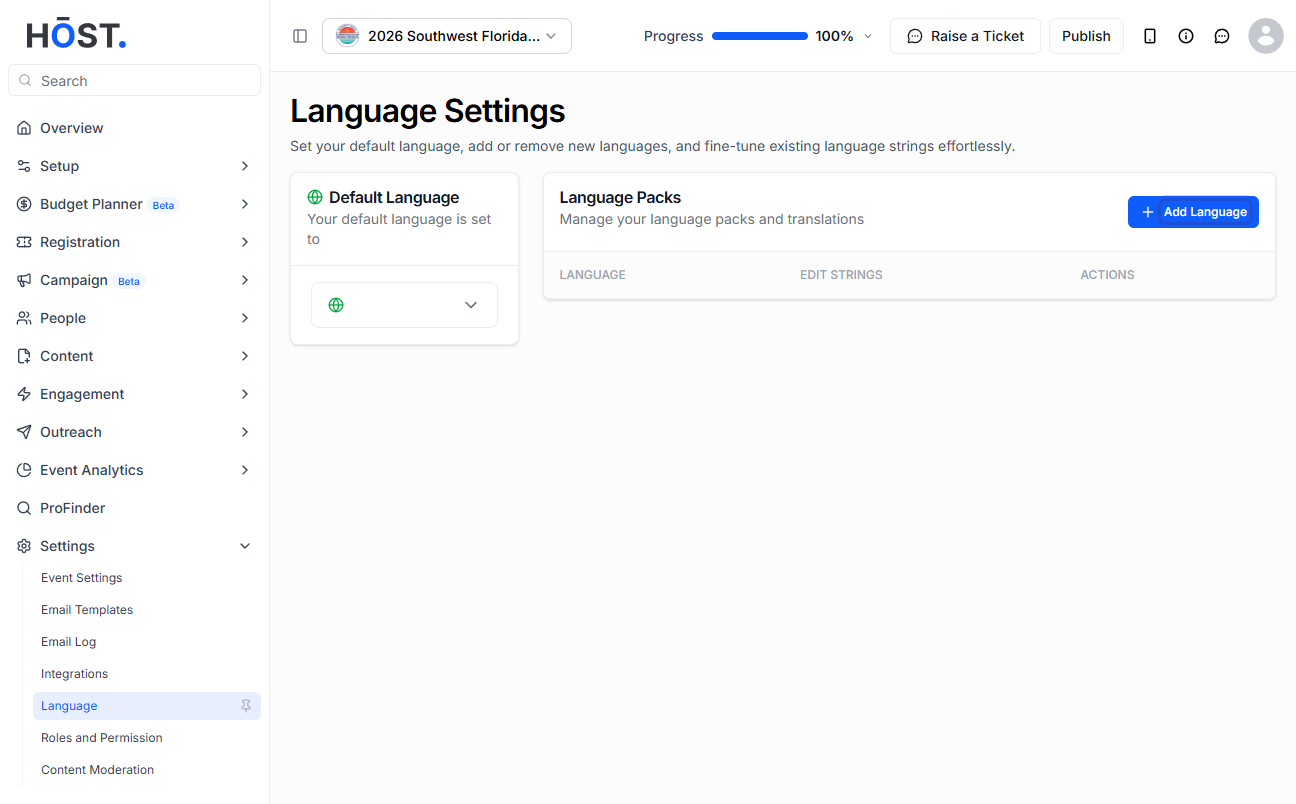
Step 2: From the side menu, click on "Settings" and then select "Language".
Step 3: Once you are in the language section, you will see an option to 'search'. Please search for the text you want to change.
Step 4: When the text appears, you can then replace it with your own text and save the changes.
Note: The changes will reflect only in the app interface and not in the content.
