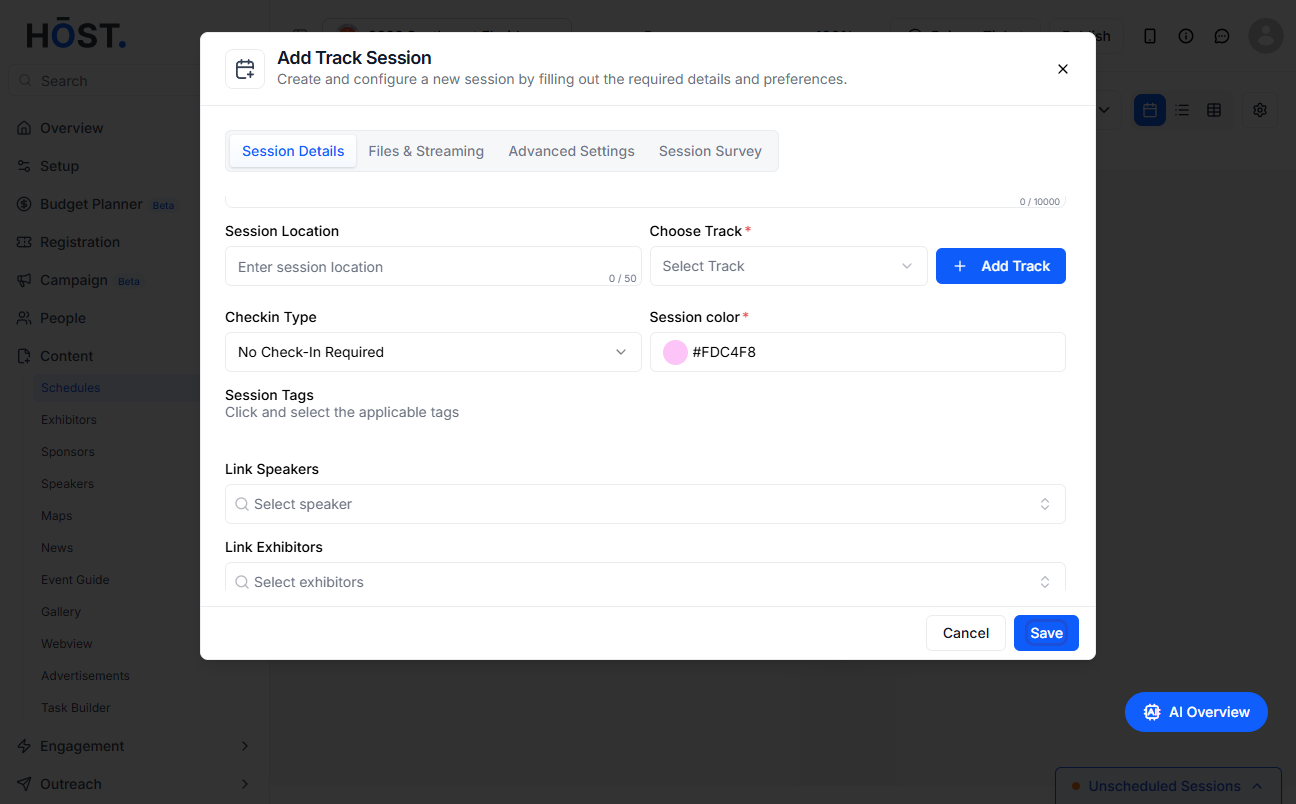
Adding session files allows organizers to attach relevant documents (like PDFs, presentations, or reference materials) to individual sessions for attendee access. Follow the steps below to add session files
1: Access the HOST Admin Panel and go to Content> Schedules
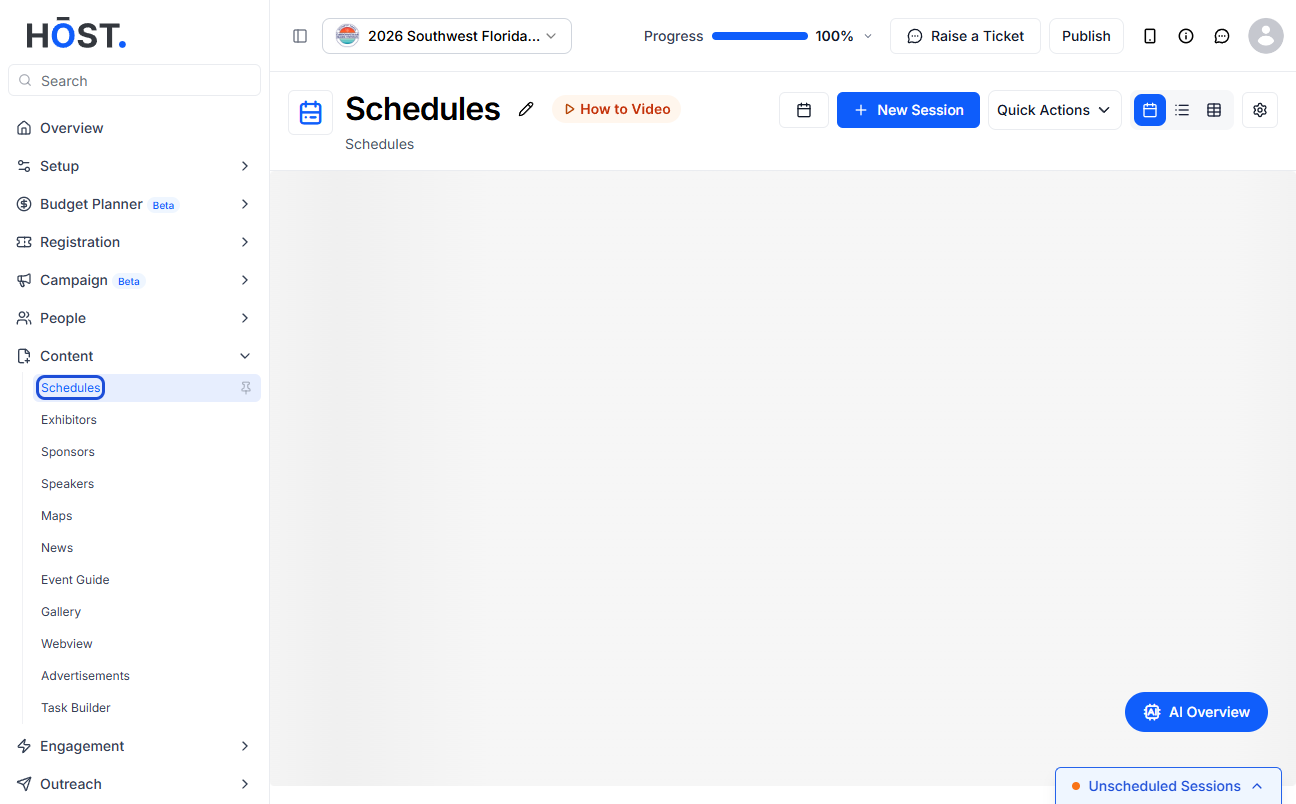
2: Click the “New Session” button to add session files to a new session
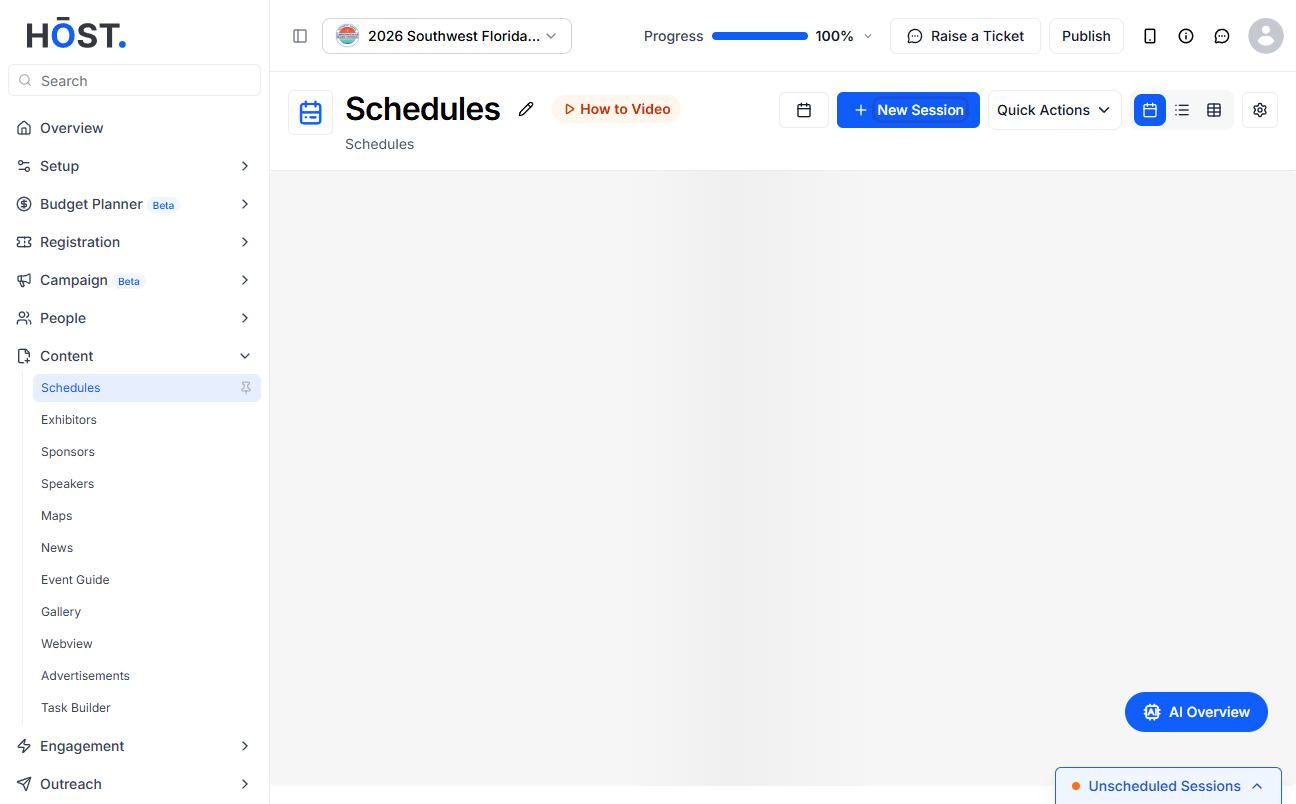
3: To add session files to an existing session, click on the session and select the "edit" icon
4: Go to Files & Sharing
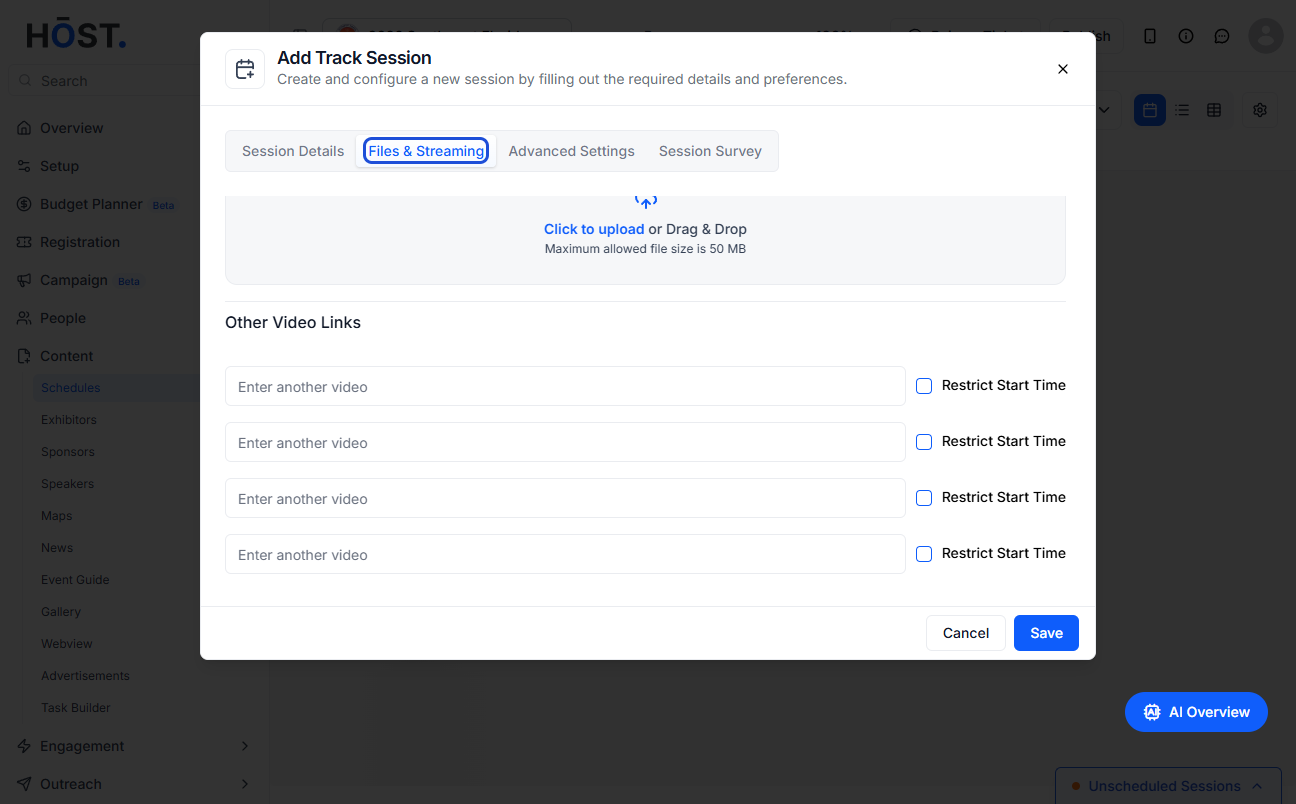
5: Scroll down to "Upload Session Files"
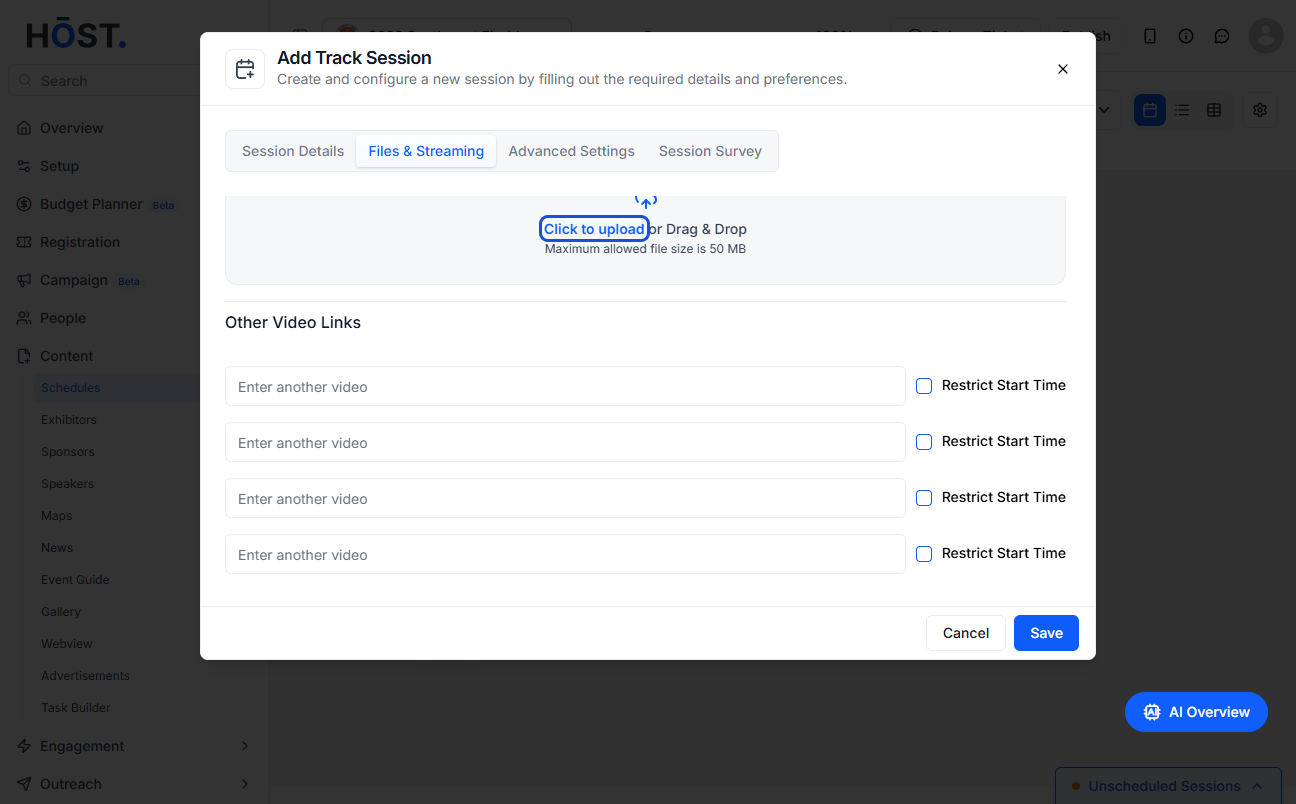
6: Click here to add files
Note: You can add maximum 5 files
7: The uploaded files will be displayed here
8: Click the “delete” icon to delete an uploaded file
9: Click the “Save” button