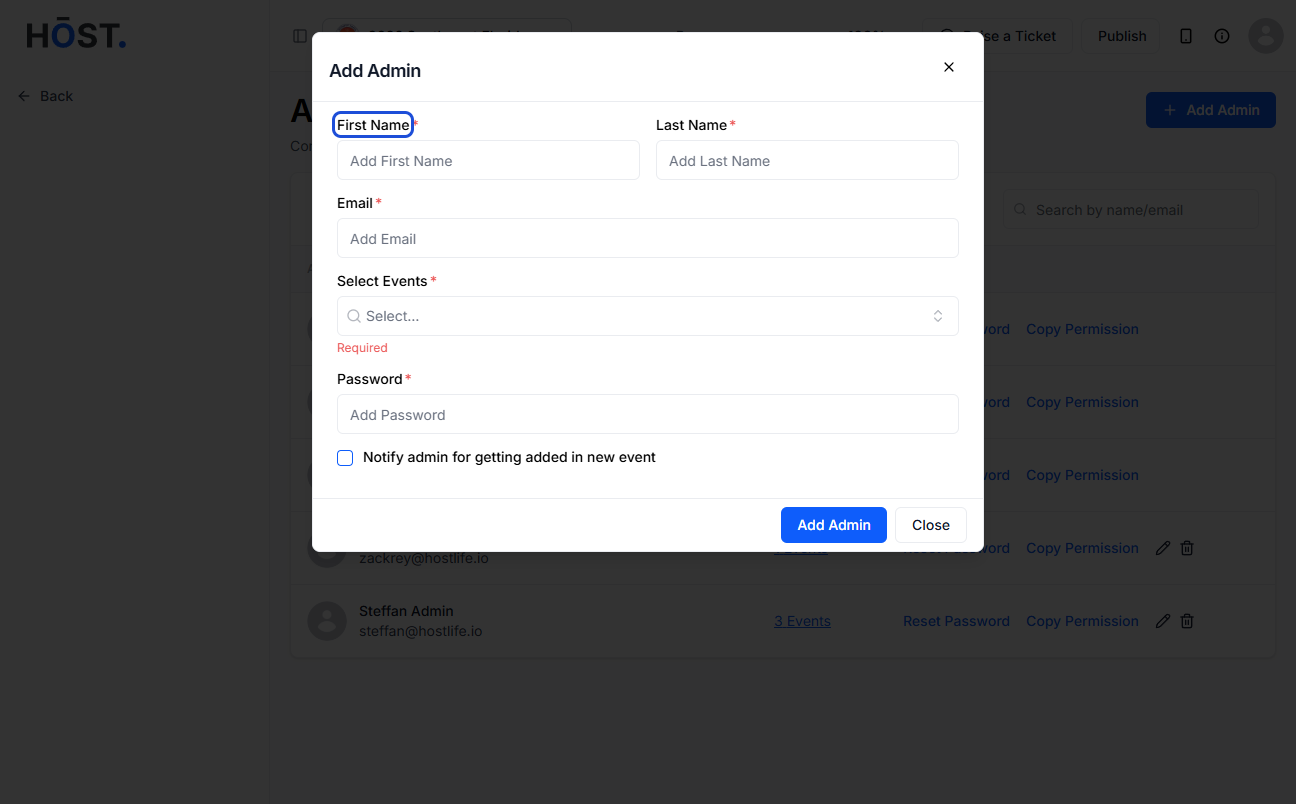
Now you can easily designate an admin on the Admin Panel. HOST assists you in adding up a new admin and empower them to contribute to your event's success.
Among the existing users, click "Edit" for those you wish to make admins. Alternatively, you can create a new user by clicking on "Add User"
Once the "Edit User" page opens, fill in the required details. Under "User's Primary Group," select "Admin” from the dropdown to designate the user as admin.
4. You can create a password for Admin Panel Access, which they will use to log in.